
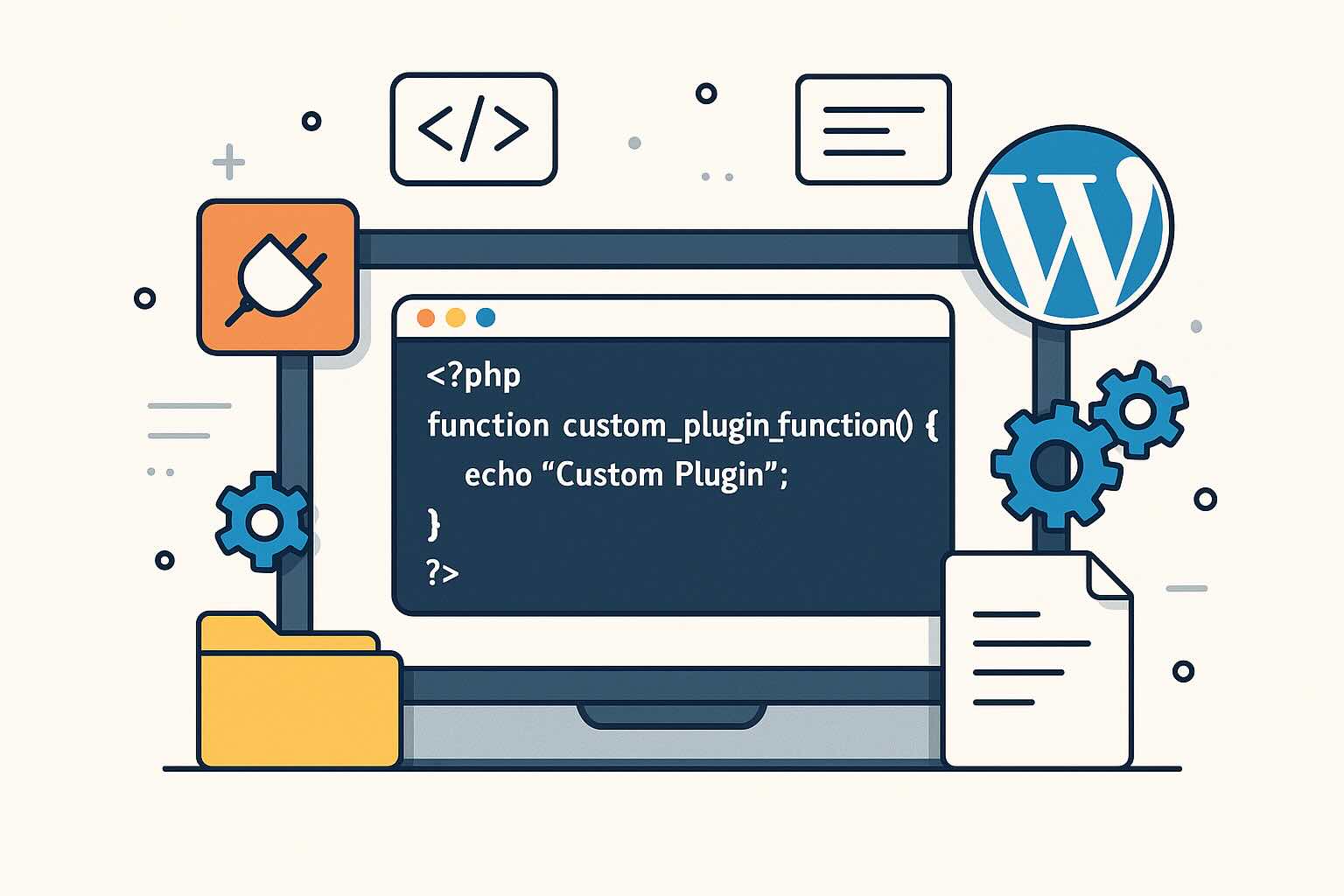
As WordPress continues to dominate the web, the demand for custom functionality grows ever stronger. Plugins are the foundation of WordPress extensibility, letting you add bespoke features to your site without touching core code. In this article, I’ll guide you through the essentials of building your own WordPress plugin — no experience necessary.
Why Build a Custom Plugin?
WordPress plugins give you the power to tailor your site to your exact needs. Whether it’s integrating with a third-party service, adding specialized admin features, or customizing the public interface, plugins keep your modifications separate from themes and core, making updates safe and streamlined.
Step 1: Setting Up the Plugin Folder and File
Navigate to your site’s /wp-content/plugins/ directory. Create a new folder with your plugin’s name, such as my-custom-plugin. Inside, create a main file: my-custom-plugin.php. This file needs a plugin header so WordPress can recognize it:
<?php
/*
Plugin Name: My Custom Plugin
Description: Adds custom functionality to your WordPress site.
Version: 1.0
Author: Presley
*/
Save this, and head to the Plugins admin page. You’ll see your plugin ready to activate.
Step 2: Adding a Simple Action
Let’s add a simple feature by hooking into WordPress’s initialization process:
add_action('init', function() {
    // Example: Register a custom post type
    register_post_type('book', [
        'public' => true,
        'label'  => 'Books'
    ]);
});
This code registers a new post type called “Books” on your site — a staple for many custom sites.
Step 3: Using Filters for Customization
Plugins are powerful because of filters. Here’s how you could alter the post title before it displays:
add_filter('the_title', function($title) {
    if (is_singular('book')) {
        return '📚 ' . $title;
    }
    return $title;
});
Step 4: Best Practices
- Prefix everything! Use unique prefixes for functions/classes to prevent naming collisions.
- Add a readme file. Document what your plugin does and how to use it.
- Keep it modular. If your plugin grows, split it into separate files and include only what’s needed.
Conclusion
Developing WordPress plugins opens a world of possibilities for customizing the platform to suit every need. Start simple, learn the hooks system, and iterate—before long you’ll be rolling out features you once thought only professional plugin shops could deliver.
Leave a Reply