

The center of gravity has shifted. In 2026, the “best” coding tool isn’t about flashier autocomplete — it’s about which operating model fits the way you actually ship software. Tools are converging on agentic workflows, multi‑file edits, and repository awareness, so the only ranking that matters is the one aligned to your stack, editor, and review discipline. Even industry roundups now argue that comparing autocomplete in isolation is obsolete as agents spread across IDEs, terminals, and cloud pipelines.[1]
The three operating models (plus a stealth fourth)
- Plugins inside your editor: Add AI to your existing IDE. Example: GitHub Copilot for VS Code — newly on AI‑credit billing and $10 Pro pricing, which undercuts most standalone options.[2]
- Standalone AI‑first IDEs: Cursor and Kiro replace your editor for deeper repo integration and multi‑file refactors. Cursor is the consensus daily driver for many, with strong repository awareness and agentic features.[2][1][4]
- Terminal‑first agents: Claude Code leans into long‑context planning, multi‑step debugging, and shell‑native iteration that plays nicely with any editor. It’s particularly good on large repos and complex refactors.[2][1][4]
- Cloud‑native assistants (the stealth fourth): Services like Google Antigravity and Copilot Workspace work alongside CI/CD to fix failing tests, triage review comments, and manage dependencies — a complement to whatever you run locally.[4]
Pricing and availability matter too. At the popular $20/month tier, Cursor, Claude Code, and Kiro Pro cluster together, while Copilot Pro undercuts them at $10/month via usage‑based credits. Google ended individual Gemini Code Assist plans, and Amazon Q Developer closed signups and is slated to sunset in April 2027 — expect migrations and policy updates in enterprise stacks.[2]
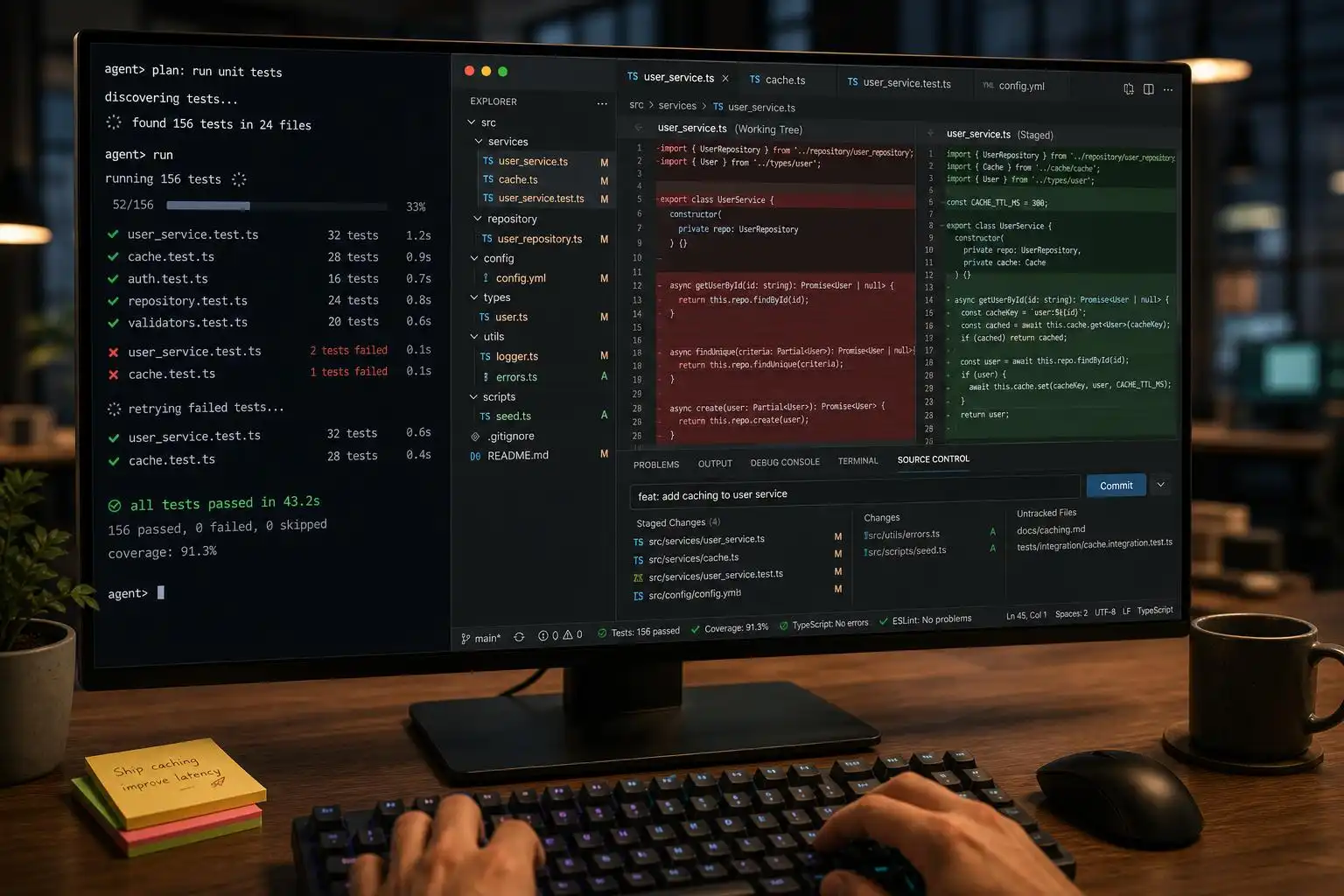
Which agent fits which job in 2026?
When you map tools to real work, the picture sharpens:
- Cursor: best overall for an AI‑first editor that “just knows” your repo; solid default for many devs.[1]
- GitHub Copilot: best if you live in VS Code and GitHub PRs; now with AI‑credit billing that’s easier to expense for teams.[1][2]
- Claude Code: best for large repos, multi‑step debugging, and architecture‑level changes from the terminal.[1]
- OpenAI Codex: strongest for autonomous and multi‑agent tasking; also a top pick for Python/data science flows.[1][4]
- Cloud and OSS alternates: Antigravity for Google Cloud/Firebase shops, Cline as a flexible open‑source agent, and GLM Code for self‑hosted setups. Kimi Code K26 is the rising benchmark leader worth piloting in greenfield work.[1][4]
If you want a simple starting point, independent roundups converge on: start with Cursor or Copilot unless your workflow screams “terminal‑first.”[1]
Autonomy is here — tighten your review gates
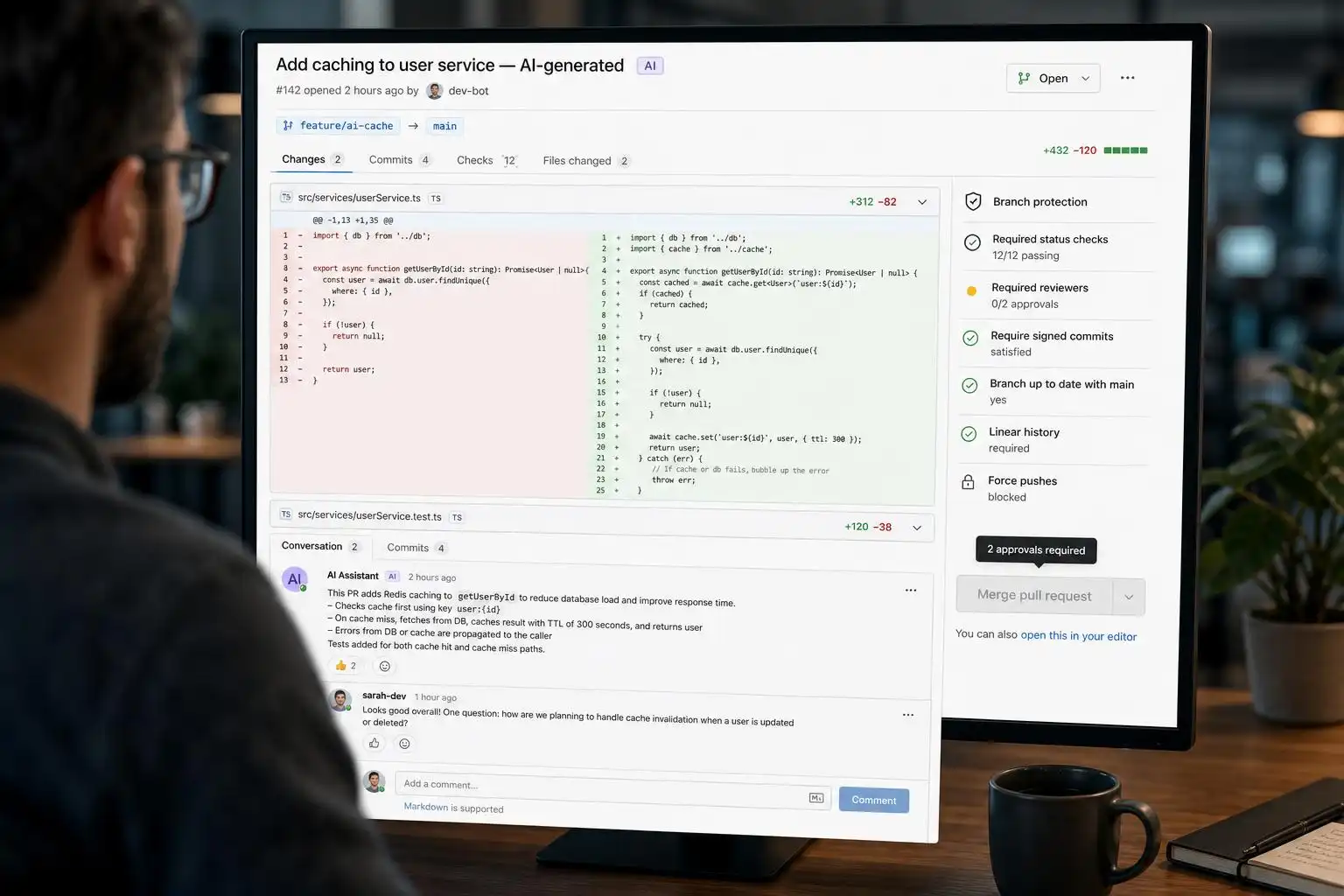
The more autonomous your agent, the more disciplined your review process must be. Modern agents can touch dozens of files in a single pass. Use branches, PRs, tests, diffs, CI, static analysis, dependency scanning, permission controls, and reproducible environments — not as red tape, but as the operating system for safe delegation.[1] That advice lands especially hard in 2026 because adoption is up, but trust is down: more devs use AI assistants daily, fewer say they trust the output without scrutiny.[5]
Here’s a minimal PR gate I ship on agent‑touched branches:
# .github/workflows/agent-pr-gate.yml
name: Agent PR Gate
on:
  pull_request:
    types: [opened, synchronize, reopened]
jobs:
  test_and_scan:
    runs-on: ubuntu-latest
    steps:
      - uses: actions/checkout@v4
        with:
          fetch-depth: 0
      - uses: actions/setup-node@v4
        with: { node-version: '20' }
      - name: Install
        run: npm ci
      - name: Lint
        run: npm run lint --max-warnings=0
      - name: Unit tests
        run: npm test -- --ci --reporters=default --coverage
      - name: Type check
        run: npm run typecheck
      - name: SCA / license scan
        run: npx osv-scanner -r . || true
      - name: Require clean diff
        run: |
          git diff --name-only origin/${{ github.base_ref }}... | tee changed.txt
          # block generated lockfile churn
          ! grep -E '(package-lock.json|yarn.lock|pnpm-lock.yaml)$' changed.txt
Pair this with branch protection and limits on what the agent can write. If your agent can run shell commands, use a dedicated, ephemeral environment with scoped credentials and zero persistent secrets.
Claude Code’s August hardening pass is meaningful
Anthropic shipped a string of updates that matter for day‑to‑day safety: feedback drafting, cost‑optimization tooling, stronger plugin and session safeguards, smarter cloud/agent behavior, better permission prompts, improved auto‑compaction, and a raft of resume/history fixes. These reduce footguns in long sessions and make remote MCP connections more resilient — exactly where terminal‑first agents can go off the rails without guardrails.[3]
A practical tip: when you resume a long‑running agent session to continue a feature, prefer nudging it with context (“we reverted X; focus on Y”) and re‑assert constraints (“touch only src/**; don’t change lockfiles”) to keep compaction and permission prompts working in your favor.[3]
Cursor’s growth explains the default pick
Cursor’s adoption and enterprise revenue mix spiked into 2026 — passing $2B ARR and crossing the million‑DAU mark earlier in its trajectory, with enterprises now the majority of revenue. That momentum, plus an AI‑first IDE experience, explains why many roundups place it at or near the top for general use.[5][1]
Meanwhile, Copilot’s billing shift to AI credits makes it the cheapest on‑ramp for GitHub‑native teams, while Google and AWS plan changes create uncertainty for some enterprise roadmaps. Budget and procurement simplicity are now just as real as context windows and refactor quality when you choose a default.[2]
A simple, agent‑friendly workflow you can adopt today
Use the same muscle memory you use for teammates — but be explicit with constraints.
# 1) Isolate work
git switch -c feat/agentic-refactor

# 2) Tell the agent the envelope and tests to honor
#   - Scope: src/**/*.ts only
#   - Non-goals: no dependency upgrades, no lockfile changes
#   - Definition of done: tests pass, types clean, lint clean

# 3) Let the agent propose a plan and a diff
# (run inside your chosen tool; review plan before execute)

# 4) Validate locally
npm run lint && npm run typecheck && npm test

# 5) Open a PR for human review + CI
git push -u origin HEAD
If you’re mixing models, keep a lightweight AGENTS.md that spells out project norms (branch naming, commands to run before proposing changes, and which files are off‑limits). Route autonomous tasks (test repair, dependency bumps) to cloud assistants when possible, and use terminal‑first agents for multi‑step refactors where you need shell control.[4]
Key takeaways
- Choose by operating model (plugin, AI‑IDE, terminal, cloud), not by demo sizzle.[2][4]
- Cursor and Copilot are the easiest defaults; Claude Code shines on big, complex repos.[1]
- Autonomy demands stricter review: branches, PR gates, tests, and scans are non‑negotiable.[1]
- Watch pricing and product churn: Copilot’s credits, Gemini/Codeless plan changes, and Q’s sunset affect roadmaps.[2]
- Pilot rising options (Kimi, GLM Code, cloud assistants) where they map cleanly to your workflow.[4]
References
- Best AI Coding Tools for Developers in 2026 — https://www.business-magazine.org/best-ai-coding-tools-developers
- Best AI Coding Tools Compared (September 2026) — https://aiweekly.co/learning-ai/generative-ai/best-ai-coding-tools-compared
- Claude Code Updates by Anthropic – August 2026 — https://releasebot.io/updates/anthropic/claude-code
- Best AI Coding Tools 2026 | Cursor vs Claude Code vs Codex — https://www.buildfastwithai.com/blogs/collection/ai-coding-tools
- AI Coding Assistant Statistics 2026: Adoption & Trust — https://uvik.net/blog/ai-coding-assistant-statistics


Leave a Reply
You must be logged in to post a comment.