
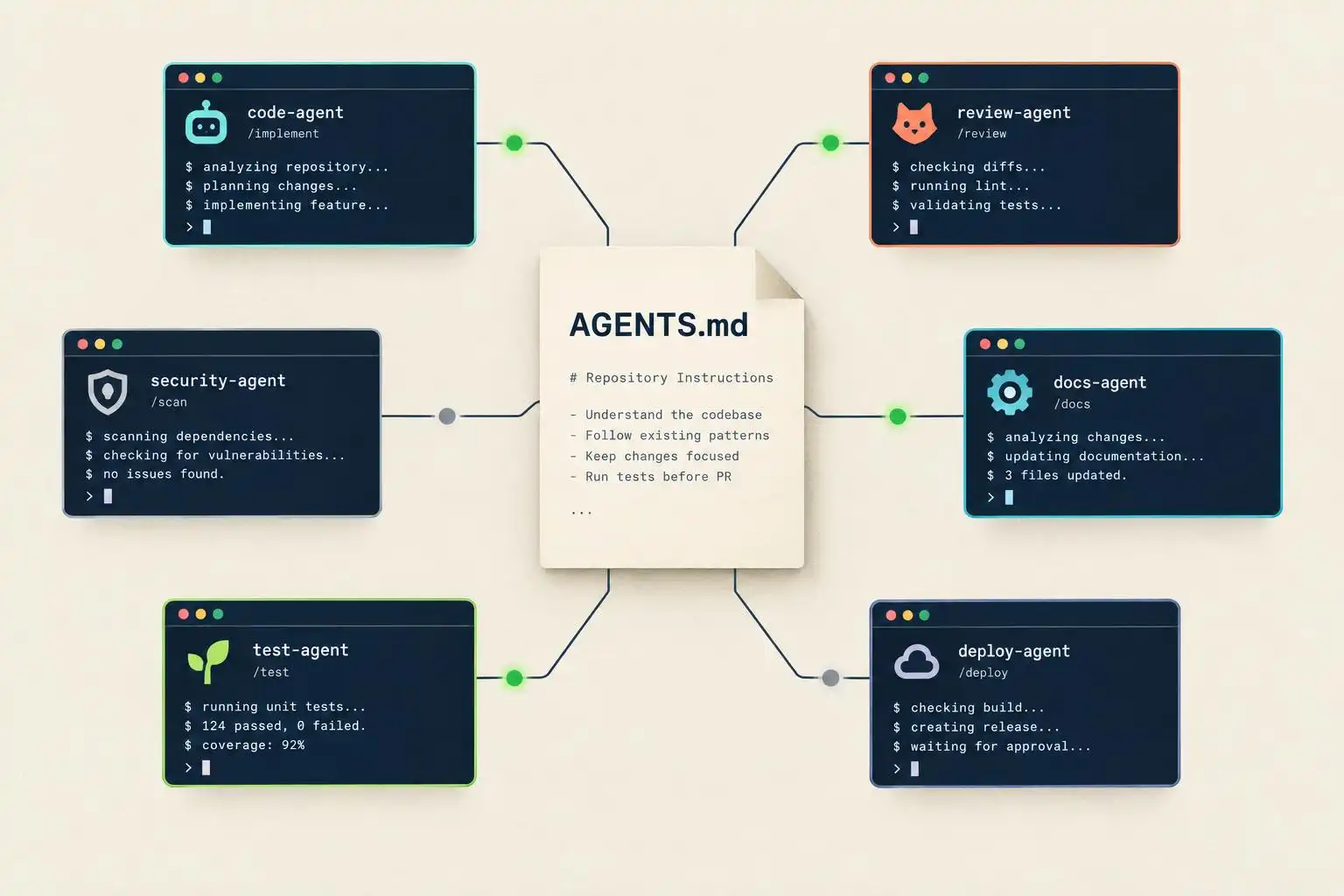

A team can agree on one set of coding rules and still get different behavior from every agent it uses. The hard part is no longer writing an AGENTS.md file. It is establishing which tools load it, which instructions take precedence, and whether anyone notices when a rule is ignored.
That matters as agent usage spreads across tools. A survey shared by First Page Sage puts Claude Code at 29.4% of respondents’ primary AI coding tools, followed by GitHub Copilot at 22.7%, Cursor at 13.1%, and Codex at 11.8%. Those are reported preferences from one survey, not a measure of how often developers switch tools within a project. But they make the interoperability problem concrete: a repository may be opened by several agents even if each developer names only one primary tool.[1]
Share the rules, but distinguish sharing from loading
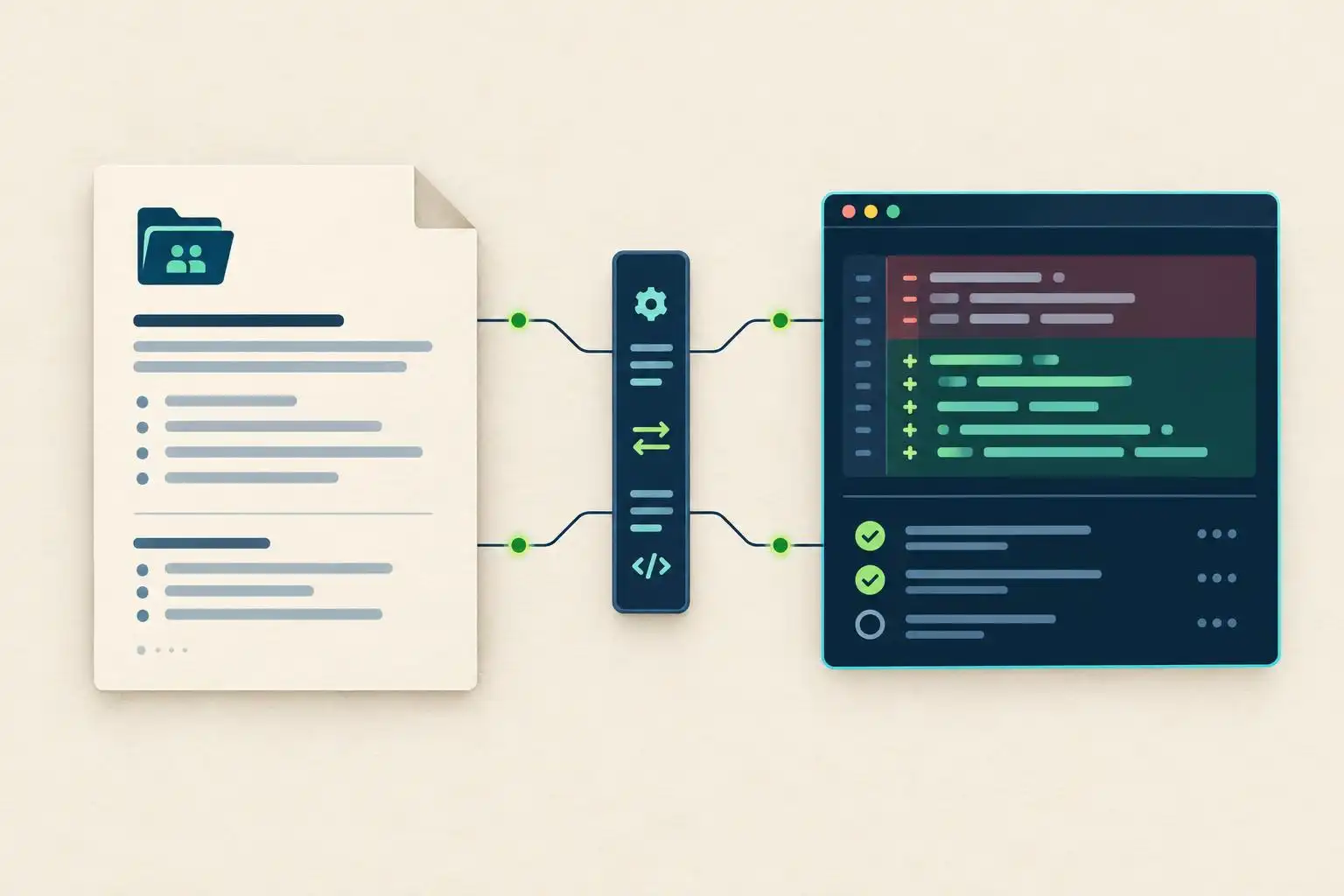
The awesome-agents-md project offers a practical pattern: maintain shared instructions in one file and connect individual agents through their supported configuration paths. Its setup table also exposes the catch. Some tools use an import line, while others call for copying the contents into a tool-specific file. Those are different maintenance arrangements. A copied rule can drift the day the original changes.[2]
NVIDIA RTX Remix documents another approach: a shared instruction set in .agents/ for its supported coding agents, including Claude Code, Cursor, Copilot, Gemini CLI, and Codex. That is a useful example of a project treating agent guidance as part of its development workflow. It does not mean every tool automatically discovers any directory named .agents/; the project’s integration is what makes the shared material available.[3]
For most teams, I would start with a small, reviewable repository file. Put durable facts there: where the application lives, how to run its checks, which boundaries an agent must not cross, and what evidence a completed change needs. Keep temporary task instructions in the task itself.
# AGENTS.md

## Working agreement
- Keep changes within the requested feature or fix.
- Do not edit generated files by hand.
- Ask before changing dependencies or database migrations.
- Report the checks you ran and any checks you could not run.

## Verification
- Install dependencies: npm ci
- Lint: npm run lint
- Test: npm test
Those commands are examples, not universal defaults. Replace them with commands that work in your repository, and verify them in CI. An agent instruction that points to a nonexistent test script is worse than an incomplete one: it gives the next agent a plausible-looking excuse to skip verification.
Test the loading path, not just the file contents
A committed AGENTS.md is not proof that every agent read it. Check each supported tool’s documented discovery rules and any tool-specific imports or settings. For example, the awesome-agents-md guide shows a Gemini CLI setting that explicitly names both GEMINI.md and AGENTS.md as context files:[2]
{
  "contextFileName": ["GEMINI.md", "AGENTS.md"]
}
Then run a small acceptance test in a disposable branch. Ask the agent to make a harmless change that would ordinarily invite it to touch a generated file or add a dependency. Observe whether it flags the relevant rule before making edits, and inspect the diff afterward. Repeat after changing the shared instructions; that second run catches stale copies as well as missing imports.
Do not treat a successful run as a security guarantee. Instructions are context for a model, not an access-control boundary. Repository permissions, approval gates, and CI checks still have to enforce consequential restrictions. The test answers a narrower question: did this particular agent, in this particular setup, appear to receive and follow the project guidance?
Keep global preferences out of project policy
Global instructions are attractive because they follow a developer between repositories. They are also a poor place for project-specific commands or assumptions. The awesome-agents-md guide describes both global installation paths and a per-project option that copies AGENTS.md into the repository root. Its warning about placing on-demand modules in Claude Code’s .claude/rules/ is a reminder that location can change when instructions load—and how much context they consume.[2]
My split is simple: use global configuration for personal preferences, such as response style; use committed repository instructions for commands and architectural constraints the team can review; use the task prompt for the immediate objective. If a tool needs an adapter file, keep that adapter thin and document how it stays synchronized with the shared source.
The goal is not to make every agent produce identical code. It is to make the team’s non-negotiable workflow visible, testable, and difficult to lose during a tool switch.
Key takeaways
- A shared instruction file helps only when each agent actually loads the current version.
- Test instruction discovery with a small task and inspect the resulting diff.
- Commit project rules; reserve global settings for personal preferences.
- Treat agent guidance as context, not as a substitute for permissions and CI.
References
- First Page Sage developer tool survey, shared on Instagram — https://www.instagram.com/p/DeuyGpVCBYN
- khasky/awesome-agents-md — https://github.com/khasky/awesome-agents-md
- NVIDIA RTX Remix: AI-Assisted Development — https://docs.omniverse.nvidia.com/kit/docs/rtx_remix/latest/docs_dev/tools/ai-agents.html


Leave a Reply
You must be logged in to post a comment.