
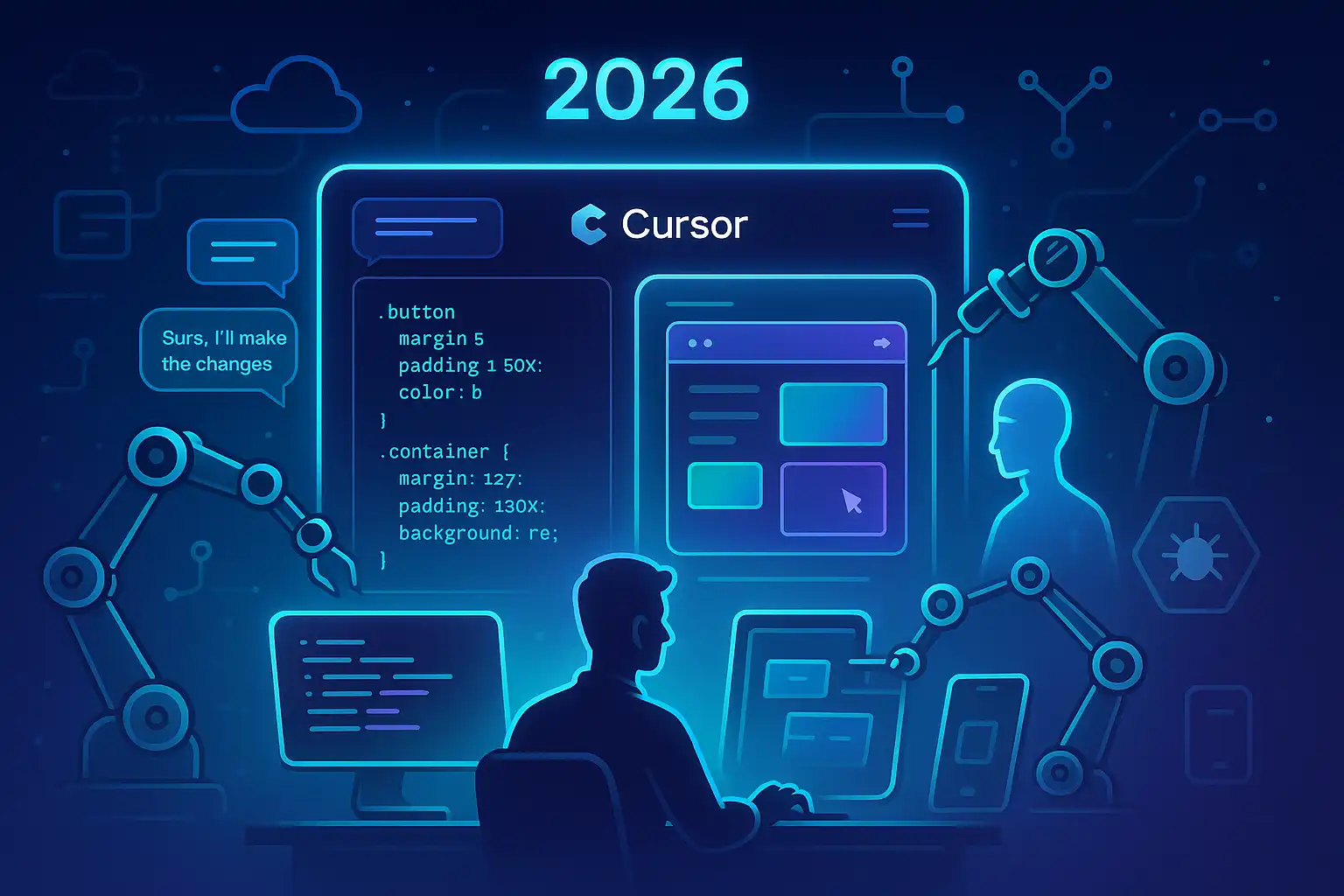
Cursor is the first editor I’ve used that consistently feels like a teammate instead of a tool. Between rapid inline suggestions, an embedded chat that actually understands my codebase, and agents that can run tasks in the background, it helps me move from “idea” to “shipped” with fewer context switches.
What’s new and why it matters

- Visual Editor for designers and devs: Cursor’s new Visual Editor lets you tweak the look and feel of web apps with fine-grained controls or natural language, then writes the code to match. It’s aimed at bridging design and implementation, and it’s backed by serious traction: Cursor reports surpassing $1B in annual recurring revenue and a $2.3B round at nearly a $30B valuation, with customers like Nvidia, Salesforce, and PwC [2].
- Debug mode that instruments your code: Describe a bug and Cursor adds targeted logging to validate the hypothesis before proposing a fix—reducing the “spray and pray” diff explosion many AI tools cause. This shipped in 2.2 and is designed for precise, testable changes [3].
- PR help, memory, and multi-surface agents: BugBot reviews pull requests, flags issues, and assists with project-level debugging. Memory keeps long-running context across sessions. Cursor Agents extend support beyond the editor to web and mobile, so you can review diffs or queue tasks when you’re away from your main rig. Cursor’s roadmap has focused on pair programming, TDD workflows, and GitHub integration [1].
- Cloud and enterprise scale: Cloud Agents let you run many agents without keeping your laptop online, and Cursor is now used by tens of thousands of enterprises. Cursor’s team reports that after making its agent the default, companies merged 39% more PRs in a study, and that semantic search improved agent accuracy by 12.5% [5].
Where Cursor fits in the dev toolkit
- Flow for small-to-medium tasks: Cursor is often the baseline AI coding tool devs compare others to. Its strength is flow—responsive autocomplete, low-friction refactors, and quick bug fixes or tests that don’t derail your mental model [4].
- Deep reasoning trade-off: If you’re pushing heavy architectural changes or gnarly debugging, many developers still reach for Claude-based setups for top-tier reasoning. I tend to use Cursor for the 80% of daily work and escalate to a reasoning-first model for the 20% that’s truly thorny [4].
My day-to-day with Cursor
- Feature work and refactors
- I start with a plain-English spec in the embedded chat and let Cursor propose a plan. Semantic search boosts its ability to locate relevant modules and patterns before it edits [5].
- For UI tweaks, Visual Editor is handy for quickly aligning padding, size, or color tokens—then I have Cursor surface the code changes as a patch for review [2].
- Test-first loops
- Cursor’s workflow nudges me toward writing tests or having the agent draft them first—a nice fit for incremental TDD. The roadmap has emphasized TDD support, which shows in the quality of generated tests and the way it threads context across files [1].
- Debugging without the diff dump
- I describe the failure, enable debug mode, and let Cursor instrument the code with focused logs to prove or disprove the suspected cause. It then proposes a small, targeted fix and invites me to re-run the scenario [3].
- Git and PR hygiene
- BugBot reviews my PRs for regressions, unsafe patterns, and missing tests. On teams that adopted Cursor’s default agent, a study observed a 39% increase in merged PRs, which tracks with my experience: fewer nitpicks and better prepared diffs [1] [5].
- Work anywhere
- I’ll kick off an agent task from my phone—triaging a PR, summarizing a diff, or queuing a refactor—thanks to Cursor Agents on web and mobile. For longer jobs, Cloud Agents handle the heavy lifting without tethering to my laptop [1] [5].
Limitations to watch
- Moving fast means UI churn and occasional bugs. The team has acknowledged feedback and says they’re working to stabilize changes, but it’s fair to expect some rough edges in a rapidly evolving toolchain [3].
- Model fit matters. Cursor’s edge is speed and integration; for deep reasoning, I sometimes pair it with a Claude-based assistant for hard architectural calls [4].
Setup checklist I recommend
- Enable Memory for long sessions, but be intentional: reset or trim memory when switching projects or touching sensitive code [1].
- Turn on BugBot for your main repos and calibrate rules to your team’s definition of “blocker” [1].
- Use Cloud Agents for CI-adjacent chores like test regeneration or docs syncing—offload the busywork [5].
- Keep prompt templates per repo: “Add a test,” “Refactor for readability,” “Explain this module,” and “Draft a migration plan.”
- Align with design: Pilot Visual Editor with one component library first, then scale to the whole design system once token mapping feels solid [2].
Prompts that work well for me
- “Read the last 20 commits and propose a cohesive changelog with breaking changes called out. Generate PR titles that match Conventional Commits.”
- “Instrument the suspected bottleneck in X with lightweight timers; propose two alternative implementations and benchmark scaffolding.” [3]
- “Given this Figma-like spec: increase card density by 15% without hurting readability. Show the code diff and list any token changes.” [2]
The bottom line
Cursor has evolved from “autocomplete but smarter” into an AI-first development environment: Visual Editor for design-to-code, debug mode for surgical fixes, BugBot for PRs, Memory and Agents that follow you across devices, and Cloud Agents for scale [1] [2] [3] [5]. It’s also one of the few AI tools that developers routinely describe as “staying out of the way” while still making them faster—a pragmatic win for everyday shipping [4].
References
- Cursor AI: The Ultimate Guide to the AI-First Code Editor – igmGuru: https://www.igmguru.com/blog/cursor-ai-code-editor
- Cursor Launches an AI Coding Tool For Designers – WIRED: https://www.wired.com/story/cursor-launches-pro-design-tools-figma/
- Cursor AI editor gets visual designer – but bugs and ever-changing UI irk developers – DevClass: https://devclass.com/2025/12/16/cursor-ai-editor-gets-visual-designer-but-bugs-and-ever-changing-ui-irk-developers/
- Best AI Coding Agents for 2026: Real-World Developer Reviews – Faros AI: https://www.faros.ai/blog/best-ai-coding-agents-2026
- Blog – Cursor: https://cursor.com/blog

Leave a Reply to Fact-Check (via Claude claude-sonnet-4-5-20250929) Cancel reply