
If you’ve tried to pick “one AI coding assistant to rule them all,” 2026 has been humbling. The tools keep converging in features while diverging in strengths. The winning move isn’t picking a single assistant — it’s composing the right stack for your workflow: inline coding in the IDE, an agent that can work across your repo, and a tight review loop that keeps quality high [1].
The 2026 landscape: no single winner
GitHub Copilot still leads day‑to‑day IDE adoption, especially inside VS Code where real‑time suggestions and native GitHub integrations are table stakes [5]. Cursor has matured into a credible AI‑first IDE with deep context and multi‑file editing primitives. And Claude Code has turned the “assistant” into a terminal‑native collaborator that can plan, edit, run, and iterate across an entire codebase [1] [3] [4].
Adoption signals reflect that shift: in the 2025 Stack Overflow survey data summarized by Scrimba, Claude Code usage surged to 40.8% among developers using AI agents, behind ChatGPT, GitHub Copilot, and Google Gemini — a launch‑to‑mainstream trajectory measured in months, not years [3].
Where each tool actually shines
- GitHub Copilot: best everyday IDE partner with seamless VS Code usage and strong PR/issue integrations; a natural fit for teams whose source of truth is GitHub [5] [3].
- Cursor: deeper AI‑native editing, multi‑file composition (e.g., Composer), and background agents for bigger changes — without leaving a VS Code‑style environment [3].
- Claude Code: terminal‑native, long‑context reasoning, and project‑level autonomy for refactors that span the codebase, CI failure debugging, and tasks where planning matters more than autocomplete [3] [5] [4].
- Cloud‑native paths: if you build on AWS, Amazon Q Developer’s tight cloud integration is a practical advantage; Google‑centric teams may find Gemini’s fit more natural [5].
Under the hood, tiered capability models help frame expectations. Many tools span autocomplete, in‑IDE assistance, and fully agentic modes. Claude Code in particular operates at the “autonomous agent” tier: you supply a goal and it plans, writes, runs tests, and iterates; its sub‑agent architecture (Router, Coder, Reviewer, Tester) is why it performs well on large‑scale migrations compared to single‑pass tools [4].
Pricing in 2026: plan for usage, not just seats
Seat and usage models now coexist. A few call‑outs if you’re budgeting:
- GitHub Copilot is moving to usage‑based billing on June 1, 2026, with plans that include monthly credit pools (e.g., Pro $10 with $10 credits; Pro+ $39 with $39 credits; Business and Enterprise tiers similar, with promo credits through August 2026). Heavy users should model consumption before the transition [3].
- Claude Code is bundled with Claude Pro/Max ($20–$200/mo), with Anthropic’s API available for teams that want explicit cost visibility [3].
- Broad market pricing snapshots put Copilot, Cursor, Tabnine, JetBrains AI, Amazon Q Developer, Gemini Code Assist, Replit, and others across a range of free/limited tiers to paid individual/enterprise options — but the most reliable pattern is that the “agentic” features tend to draw from usage pools even when basic suggestions remain included [1] [3].
A practical, composable workflow
Here’s the stack I recommend for most teams and why it works.
- Write and iterate in the IDE
- Use Copilot or Cursor for inline completions and micro‑refactors while you’re in the flow. Copilot remains the path of least resistance inside VS Code and GitHub‑centric repos; Cursor is ideal when you want deeper, multi‑file aware edits without context juggling [5] [3].
- Offload big, repo‑wide work to a terminal agent
- Use Claude Code when the task spans the codebase: migrations, API version bumps, flaky test hunts, or CI failure triage. Its planner/reviewer/tester sub‑agents reduce the chance you miss edge cases across hundreds of files [4].
- Keep the review loop where your team lives
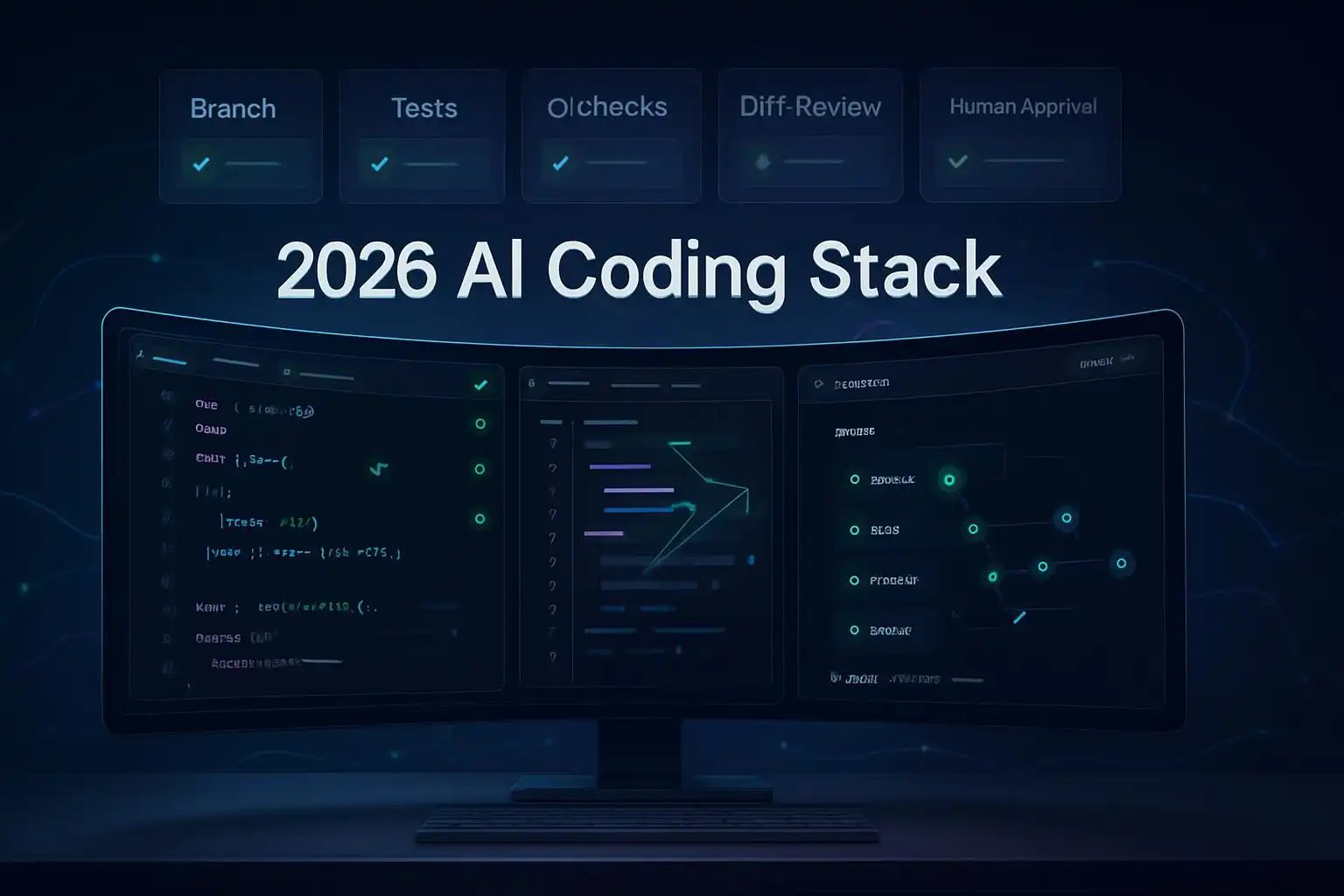
- Let the agent propose changes on a feature branch, then use GitHub PRs for discussion and verification. Copilot’s PR integration can help explain diffs or propose test updates inline, while you keep human sign‑off in the loop [5] [3].
Terminal workflow you can copy
I run large changes as isolated branches with scripted checks. Any agent can work behind this guardrail — Claude Code, Cursor background agents, or even local models.
#!/usr/bin/env bash
set -euo pipefail

branch="agent/task-$(date +%Y%m%d-%H%M%S)"

# 1) Create a safe workspace
git checkout -b "$branch"

# 2) Snapshot current health
pnpm install --frozen-lockfile || npm ci || yarn install
npm test --silent || true  # allow failing baseline snapshot

# 3) Hand the task to your agent of choice (placeholder commands)
# For a terminal agent, point it at a task file with goals and constraints.
# e.g., `claude-code run --task task.md` or `cursor-agent --plan task.md`
# (Use the actual command for your tool.)

# 4) Verify and iterate locally
npm run build
npm test

# 5) Open a PR for human review
gh pr create --fill --head "$branch" --base main --draft
Create a lightweight task file that agents can consume:
# task.md
Goal: Migrate src/**/*.js to TypeScript with strict null checks.
Constraints:
- No runtime behavior changes.
- Preserve public API signatures via .d.ts shims where needed.
- Update Jest config and ts-jest setup.
Checks:
- Build passes, tests are green.
- No any in exported types.
Mixing cloud and local models from the terminal
If you want a terminal UX that can route to multiple providers (hosted and local), projects like oh‑my‑pi aggregate dozens of backends — Anthropic (Claude), OpenAI (ChatGPT/Codex lineage), GitHub Copilot, Gemini Code Assist, and local/self‑hosted runners like Ollama, LM Studio, llama.cpp, and vLLM [2]. That lets you prototype with a local model for cheap drafts, then escalate tricky refactors to a premium model.
For local experiments, you can also call a local model directly with Ollama and keep the same branch/test/PR rhythm:
# Example: draft a migration plan locally, then refine with a hosted agent later
ollama run codellama:latest << 'EOF'
You are a senior TypeScript migration engineer.
Given this repository structure (summarized below), propose a step-by-step plan to migrate to TS with strictNullChecks.
Focus on risk mitigation and test strategy.
EOF
Example: a multi‑file TypeScript migration with Claude Code
When the task is a repo‑wide migration, Claude Code’s agent architecture helps:
- Router plans the approach (module order, type boundary shims), 2) Coder drafts changes, 3) Reviewer catches unsafe conversions, 4) Tester updates and runs the suite. This multi‑step loop is exactly where terminal‑native agents tend to outperform one‑shot IDE edits [4]. Scrimba’s comparison also flags Claude Code’s “project‑level autonomy,” which maps well to migrations and CI‑level debugging [3].
Tie it back into your PR workflow for human oversight, and lean on Copilot or Cursor afterward for local polish passes inside the IDE.
Budgeting tip: model your burn before the switch
If your team relies on GitHub Copilot, the June 2026 move to usage‑based credits means you should measure typical agent workloads now. Keep inline completions for free‑flow coding, reserve premium models for complex refactors, and record token/credit consumption during a representative sprint to avoid surprises [3]. For teams using Anthropic, remember that Claude Code access comes via Pro/Max bundles or pay‑per‑token API — which can be easier to attribute to specific initiatives [3].
Key takeaways
- Combine tools: IDE completions (Copilot/Cursor) + terminal agent (Claude Code) + PR reviews beats any single assistant [1] [3] [4] [5].
- Use terminal guardrails (branch, tests, PR) so agents can act boldly without risking main — and so humans stay in the loop.
- Budget for usage: model Copilot credit burn ahead of June 2026; use premium context/models only where they pay off [3].
- Claude Code’s sub‑agents excel at repo‑wide refactors; Cursor shines for AI‑native edits; Copilot owns the VS Code everyday flow [4] [5] [3].
References
- Top 10 AI Coding Assistants of 2026 — Analytics Vidhya: https://www.analyticsvidhya.com/blog/2026/03/ai-coding-assistants/
- GitHub — oh‑my‑pi: AI Coding agent for the terminal: https://github.com/can1357/oh-my-pi
- Best AI Coding Assistants 2026: Cursor vs Copilot vs Claude Code — Scrimba: https://scrimba.com/articles/best-ai-coding-assistants-2026/
- 11 Best AI Coding Assistants in 2026: From Autocomplete to Agents — Simular.ai: https://www.simular.ai/alternatives/best-ai-coding-assistants
- 8 Best AI Coding Assistants I Recommend for 2026 — G2 Learning Hub: https://learn.g2.com/best-ai-coding-assistants

Leave a Reply to Fact-Check (via OpenAI gpt-5.5) Cancel reply