
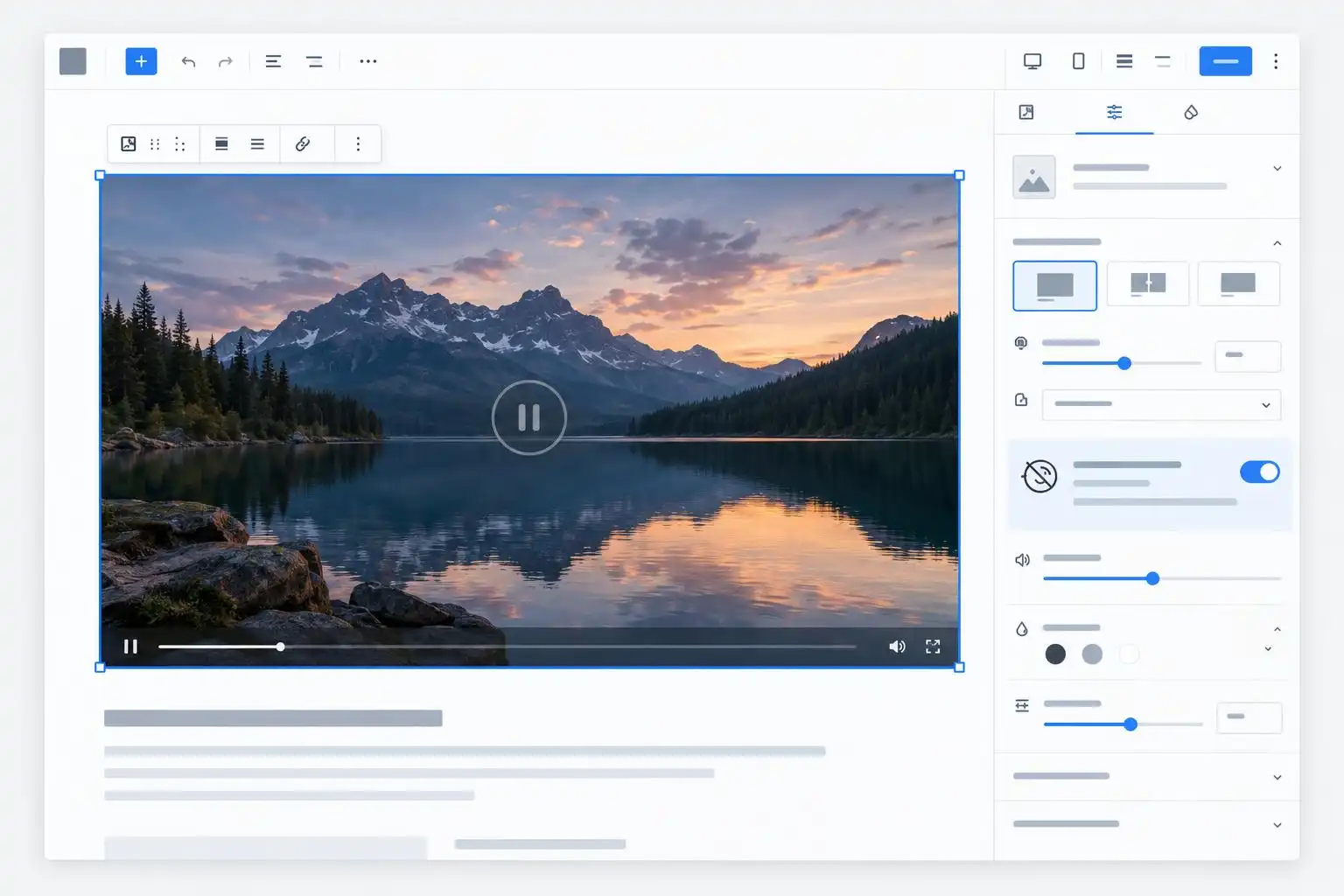

Gutenberg 24.2, released October 14, 2026, changes how video behaves when a user prefers reduced motion. Cover blocks no longer autoplay embedded background videos under that preference, while Video and Cover blocks also stop autoplaying in the editor. The release includes a Site Editor fix for custom block categories and a positioning fix for a Global Styles popover.[5]
For developers, the reduced-motion change is the one to test first. It affects an interaction that is easy to miss when reviewing a page on your own machine: what happens before a visitor or editor chooses to play a video.
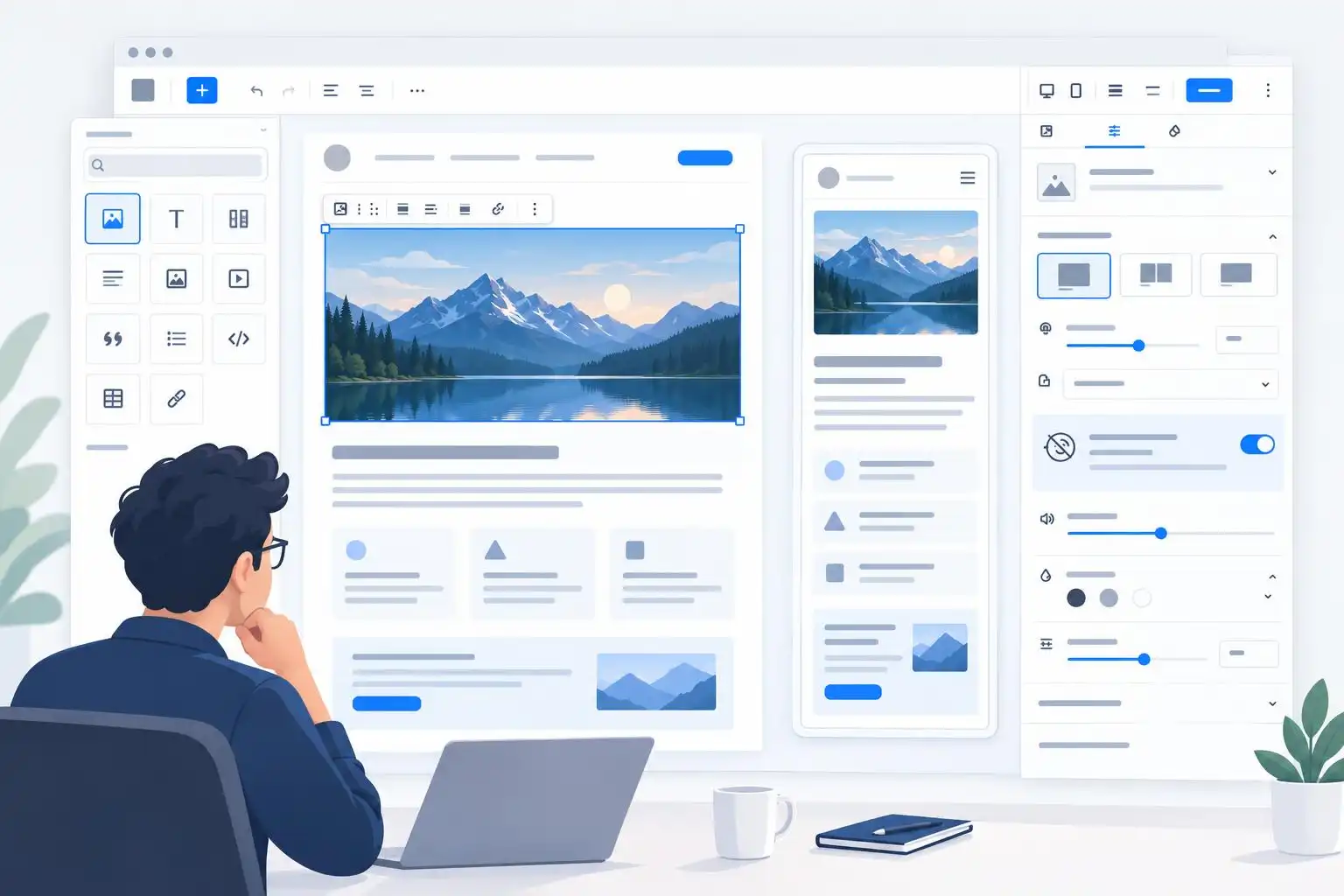
Test the published page and the editor separately
The release notes describe two related changes, not one blanket rule for every video on a WordPress site. The Cover block change concerns embedded background videos when reduced motion is preferred. The Video and Cover change concerns autoplay in the editor.[5] That distinction matters when a staging test passes in the editor but a theme or plugin adds its own video behavior on the published page.
I would test a page containing both blocks with reduced motion enabled at the operating-system level, then repeat the test without that preference. Check the editor and the published page in each state. If a theme adds JavaScript autoplay, a third-party player, or a custom Cover variation, test those separately; Gutenberg cannot be assumed to control their behavior.
Also check what remains visible when a background video does not start. A Cover block still needs a useful image and readable text. Stopping motion is a better experience only if the page retains its meaning without the moving background.
Check custom categories in the Site Editor
Gutenberg 24.2 passes custom block categories to the blocks store in the extensible Site Editor.[5] If your plugin registers blocks under a custom category, open the inserter in both the post editor and Site Editor. Confirm that the category and its blocks appear where your users expect them.
That is a more useful compatibility check than merely confirming that the blocks render on the front end. Editors need to be able to find a block before they can use it, particularly when working on templates rather than posts.
The release also fixes a Global Styles popover position in the Styles screen.[5] For teams maintaining block themes, it is worth reopening the Styles controls at narrow and wide viewport sizes. A control can be technically available yet awkward to use if its popover lands in the wrong place.
Bring recent Styles fixes into the same review
Gutenberg 24.1, released September 30, restored Global Styles access on the front page and fixed the retention of responsive styles in block-style variation partials.[3] Those fixes and 24.2’s popover adjustment make this a sensible moment to review a block theme’s styling workflow end to end, rather than treating each release note as an isolated checkbox.
On a staging site, switch between the front page and a template, edit a style variation, and verify the result at different viewport widths. If your theme supplies variation files or responsive styles, include one of each in the test. Save the change, reload the editor, and check the published page. That catches persistence and rendering problems a quick glance at the Styles panel will not.
Use the 7.2 beta cycle for a focused regression pass
WordPress 7.2’s beta cycle is underway, with the final release scheduled for December 8, 2026. The WordPress project asks contributors to test beta and release-candidate builds before then.[6] Do that on staging or in Playground, not on a production site.
For a site using video-heavy layouts or custom blocks, I would keep the regression pass short and repeatable:
- Compare Video and Cover behavior with reduced motion on and off.
- Try custom block categories in both editors.
- Open Global Styles from the front page and inspect style variations at multiple widths.
- Record the WordPress, Gutenberg, theme, and browser versions with any bug report.
Gutenberg 24.2 is not just a set of small interface refinements. Its changes touch what visitors experience, what editors see while composing, and how reliably developers can expose blocks in the Site Editor. Testing those paths together will tell you much more than an update screen reporting that the plugin installed successfully.
References
- What’s new in Gutenberg 24.1? (30 September) — https://make.wordpress.org/core/2026/09/30/whats-new-in-gutenberg-24-1-30-september
- What’s new in Gutenberg 24.2? (14 October) — https://make.wordpress.org/core/2026/10/14/whats-new-in-gutenberg-24-2-14-october
- Planet — WordPress.org — https://planet.wordpress.org


Leave a Reply
You must be logged in to post a comment.