
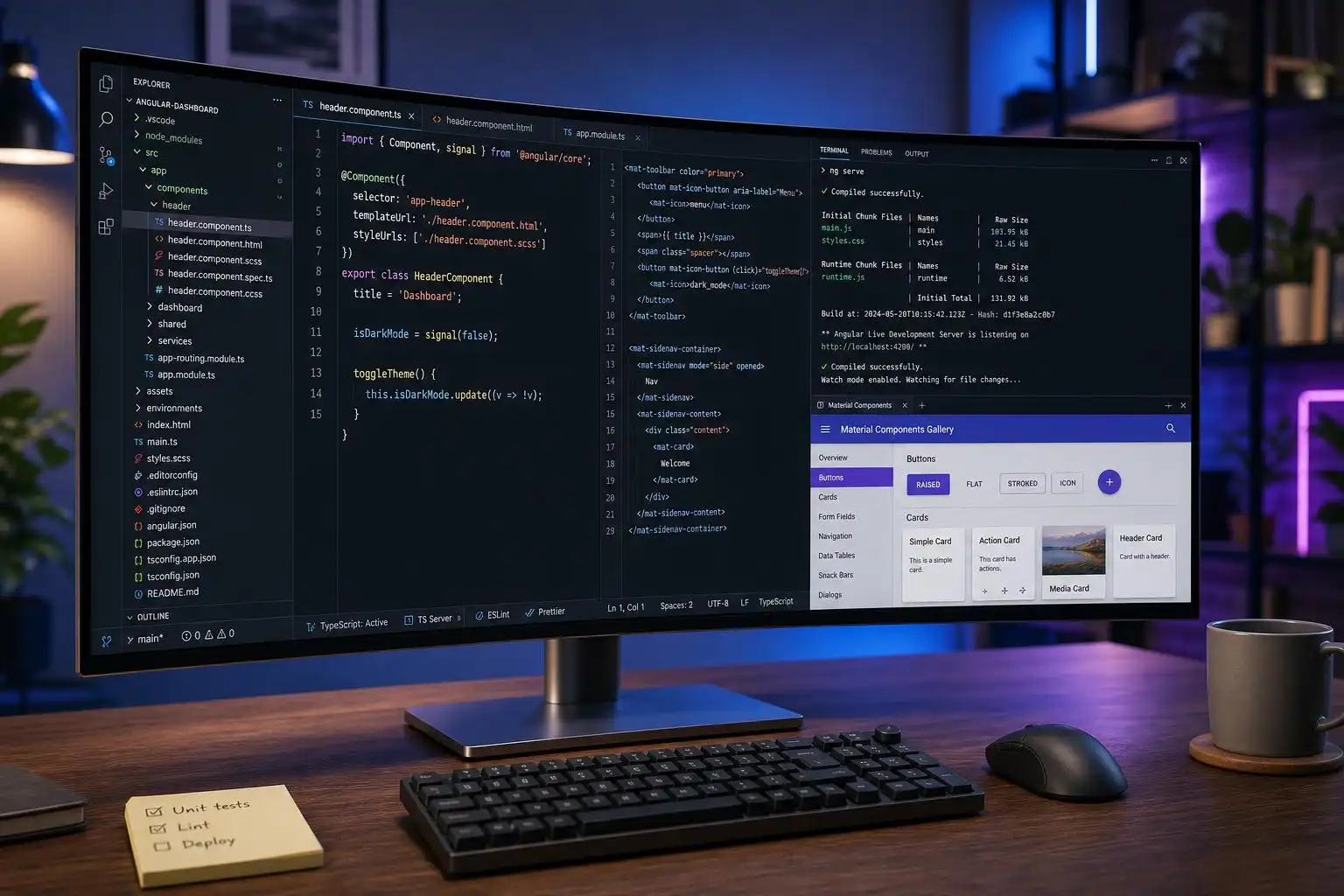

Angular 22 is in that interesting part of its lifecycle where the headline architecture changes have already landed, but the day-to-day developer experience is still being refined. That is often where the real productivity gains appear: smaller CLI patches, better Material primitives, smoother SSR behavior, and clearer guardrails around tooling versions.
The latest Angular CLI release activity shows exactly that pattern. Angular CLI 22.1.6 is marked as the latest release, while 22.2.0-next.4 is already available as a pre-release, giving us a useful preview of where the next minor line is heading.[1] None of this is as dramatic as the introduction of signals or standalone-by-default development, but it matters because stable Angular applications are built on boringly reliable tooling.
The CLI story: maintenance work that actually matters
One of the easiest mistakes to make with Angular releases is to only pay attention to framework APIs. The CLI, builder, dev server, schematics, and SSR packages are just as important because they shape the feedback loop developers live in every day.
Recent Angular CLI release notes include updates such as moving webpack-dev-server to 5.2.6 in the build tooling and an SSR fix to abort a web request signal when the underlying Node request is aborted.[1] Those are not flashy changes, but they are the kind of fixes that reduce edge-case pain in local development and production rendering.
The pre-release notes for 22.2.0-next.4 also include schematic work around transforming fail() to expect.fail() in the Jasmine-to-Vitest refactor path.[1] That is a small detail, but it reflects a larger Angular direction I have been happy to see: modernization is increasingly being packaged as automated migration work, not just documentation and wishful thinking.
For teams, the practical advice is simple:
- Keep your Angular CLI and framework packages aligned.
- Let
ng updatedo as much of the mechanical work as possible. - Treat pre-releases as a preview for experiments, not as a default for production applications.
- Read CLI release notes even when framework release notes look quiet.
In Angular, the build system is not background noise. It is part of the platform.
Angular Material v22 fixes a very real button problem
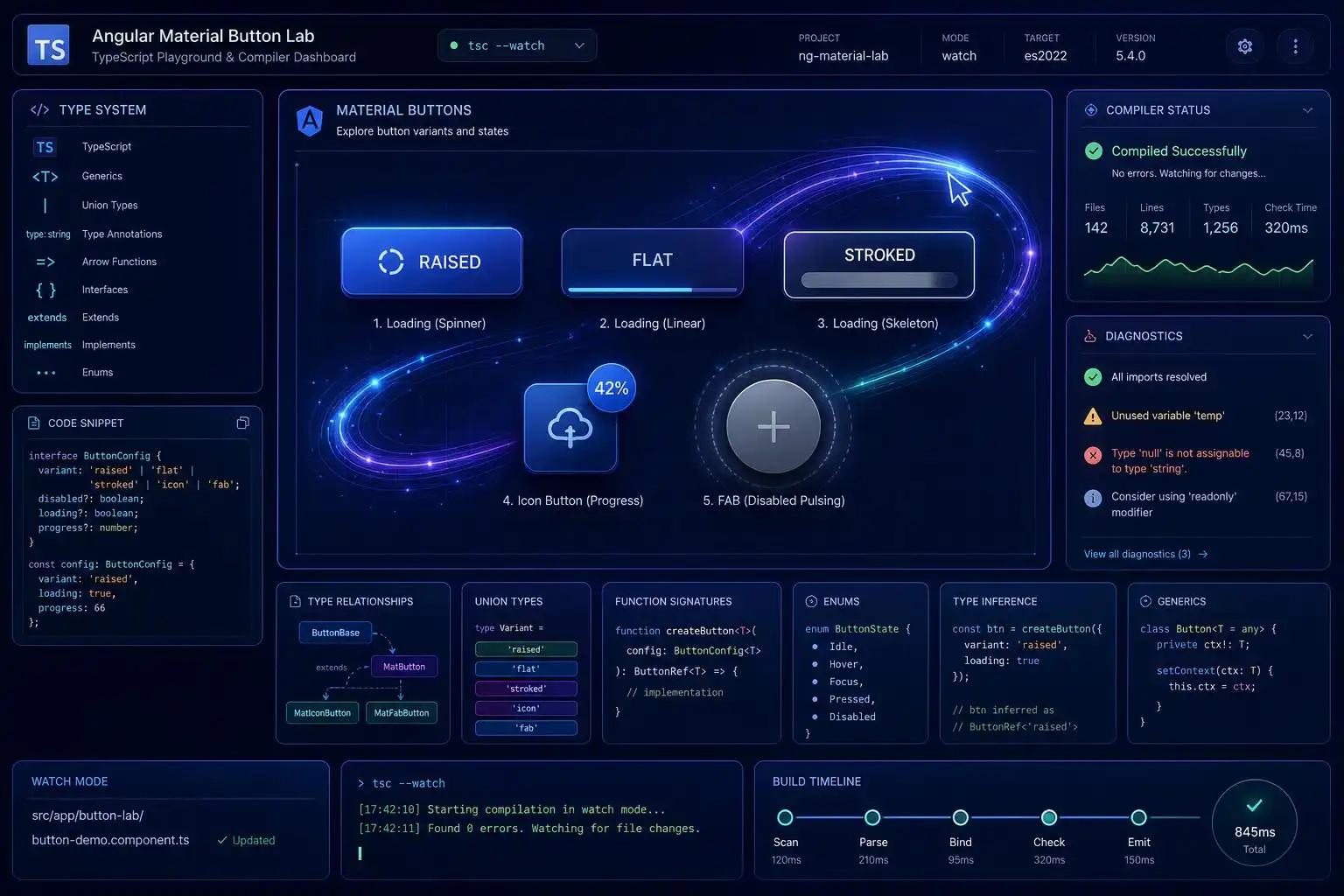
Angular Material v22 also brings a quality-of-life improvement that many teams have independently reimplemented for years: native loading support for Material buttons. The new showProgress input and progressIndicator content slot allow a matButton to display progress without the classic layout jump that happens when button content is swapped out manually.[2]
That last point is important. In older implementations, developers often did something like this:
<button matButton [disabled]="saving()" (click)="save()">
  @if (saving()) {
    <mat-spinner diameter="18" />
  } @else {
    Save
  }
</button>
It works, but it frequently causes the button width to change. Then someone adds a fixed width. Then another button needs a different fixed width. Then the UI slowly accumulates tiny layout hacks.
The newer model is more composable because the normal button content remains in the DOM while the progress indicator is displayed.[2] Conceptually, the code becomes closer to this:
<button
  matButton
  [showProgress]="saving()"
  [disabled]="saving()"
  (click)="save()">
  Save

  <mat-spinner *matButtonProgressIndicator diameter="18" />
</button>
The exact syntax you use will depend on the final API shape and imports in your project, but the design direction is what matters: loading is no longer an awkward custom state layered on top of a button. It is part of the button contract.
For application teams, this is especially valuable in forms, checkout flows, admin dashboards, and any UI where repeated async actions are common. Loading buttons should be boring, accessible, and stable. Angular Material is moving closer to that ideal.
Mat Expressive shows where Angular UI is heading
The new progress slot also pairs nicely with Mat Expressive, a community project that brings Material 3 Expressive components and motion to Angular on top of @angular/material.[3] This is a good example of the ecosystem experimenting above the stable Material foundation rather than replacing it entirely.
That said, I would treat Mat Expressive with the same discipline I apply to any UI layer that reaches into framework internals or implementation details. The project itself notes that applying styles directly to underlying HTML elements can break if Angular Material changes those classes in a future release.[3]
That is not a criticism; it is an honest trade-off. Expressive motion and richer UI polish often require working close to the rendered structure. The key is to use those tools intentionally:
- Great fit: marketing surfaces, prototypes, modern dashboards, high-polish product experiences.
- Use with care: long-lived enterprise design systems with strict upgrade policies.
- Avoid casually: shared component libraries where breaking changes ripple across many applications.
I like where this is going, though. Angular Material has always been strongest when it provides solid primitives. If Angular Material owns the accessibility and interaction contract, libraries like Mat Expressive can focus on motion, personality, and presentation.
The TypeScript 7 temptation: do not outrun Angular’s compiler support
The other major conversation right now is TypeScript 7. The promise is compelling: a new native compiler engine, commonly discussed as tsgo, with major compilation-speed improvements. Naturally, Angular developers want those gains immediately.
But the current advice is still to stay inside Angular’s officially supported TypeScript range. One recent ecosystem write-up warns Angular 22 developers not to force TypeScript 7.0 into their projects and specifically recommends staying pinned to the supported ~6.0.3 range until framework support catches up.[5]
That is sensible. Angular is not just “using TypeScript” in the same way a small Node script uses TypeScript. Angular’s compiler, template type checker, language service, transforms, build tooling, and migration system all depend on compiler APIs. When those APIs shift, Angular has to validate the entire stack.
So, even if this is tempting:
npm install typescript@latest
I would avoid it in production Angular 22 applications unless Angular officially supports that TypeScript version. A faster compiler is not a win if it breaks template checking, library builds, test transforms, or editor tooling.
My preferred approach is boring but reliable:
npx ng update @angular/cli @angular/core
Then let Angular bring TypeScript support forward when the framework, CLI, and compiler integrations are ready. The same ecosystem discussion suggests TypeScript 7.1 may be the more important compatibility milestone because framework maintainers are preparing around updated compiler API work.[5]
Whether that support lands in Angular 22.2, 22.3, or a later release, the principle remains the same: Angular upgrades should be coordinated upgrades.
What I would do in an Angular 22 codebase today
If I were maintaining a serious Angular 22 application this week, my checklist would look like this.
1. Stay current on patch releases
Patch releases often include fixes you only notice after they save you from a strange bug. The CLI release stream is active, with 22.1.6 marked as latest and 22.2 pre-releases already moving.[1] I would keep production apps on stable releases but watch the next branch to anticipate migrations.
2. Standardize loading buttons
If your codebase has three different button loading implementations, Angular Material v22’s native progress support is a good opportunity to consolidate. A consistent loading-button pattern improves visual stability and reduces template noise.[2]
3. Evaluate expressive UI separately from core UI
Mat Expressive is interesting, especially for teams wanting Material 3 Expressive motion, but I would introduce it deliberately and keep an eye on Angular Material compatibility because of its styling approach.[3]
4. Do not force TypeScript beyond Angular’s support matrix
This is the big one. If your package manager warns you about peer dependencies, listen. Do not paper over compiler incompatibility with --legacy-peer-deps just to chase a version number. Wait for Angular’s official support and upgrade through the Angular tooling path.[5]
The bigger picture
Angular 22 is not just about signals, zoneless change detection, or standalone APIs anymore. Those are the architectural pillars, but the ecosystem is now filling in the operational details: better schematics, cleaner test migrations, stronger SSR behavior, less annoying Material components, and a more careful path toward the next TypeScript generation.
That is what mature framework progress looks like. The best releases are not always the ones that make you rewrite your mental model. Sometimes they are the ones that remove a workaround, delete a utility component, prevent a layout shift, or stop a migration from becoming a weekend project.
For Angular teams, the winning strategy remains the same: stay modern, but stay aligned. Use the framework’s update path. Keep dependencies within supported ranges. Adopt new UI primitives when they replace custom hacks. And when the TypeScript 7 era fully opens for Angular, take the upgrade when the whole toolchain is ready—not one package sooner.
References
- Releases · angular/angular-cli · GitHub — https://github.com/angular/angular-cli/releases
- Adding Loading Indicators to Angular Material Buttons the Right Way: v22 + Mat Expressive — https://medium.com/@shhdharmen/adding-loading-indicators-to-angular-material-buttons-the-right-way-v22-mat-expressive-c997195a4d9d
- GitHub – Angular-Material-Dev/mat-exp: Material 3 Expressive components and motion for Angular — https://github.com/Angular-Material-Dev/mat-exp
- Why Angular, Vue, and ESLint Can’t Upgrade to TypeScript 7.0 (Yet) — And Why TS 7.1 Changes Everything — https://dev.to/the-modern-web/why-angular-vue-and-eslint-cant-upgrade-to-typescript-70-yet-and-why-ts-71-changes-441g


Leave a Reply
You must be logged in to post a comment.