
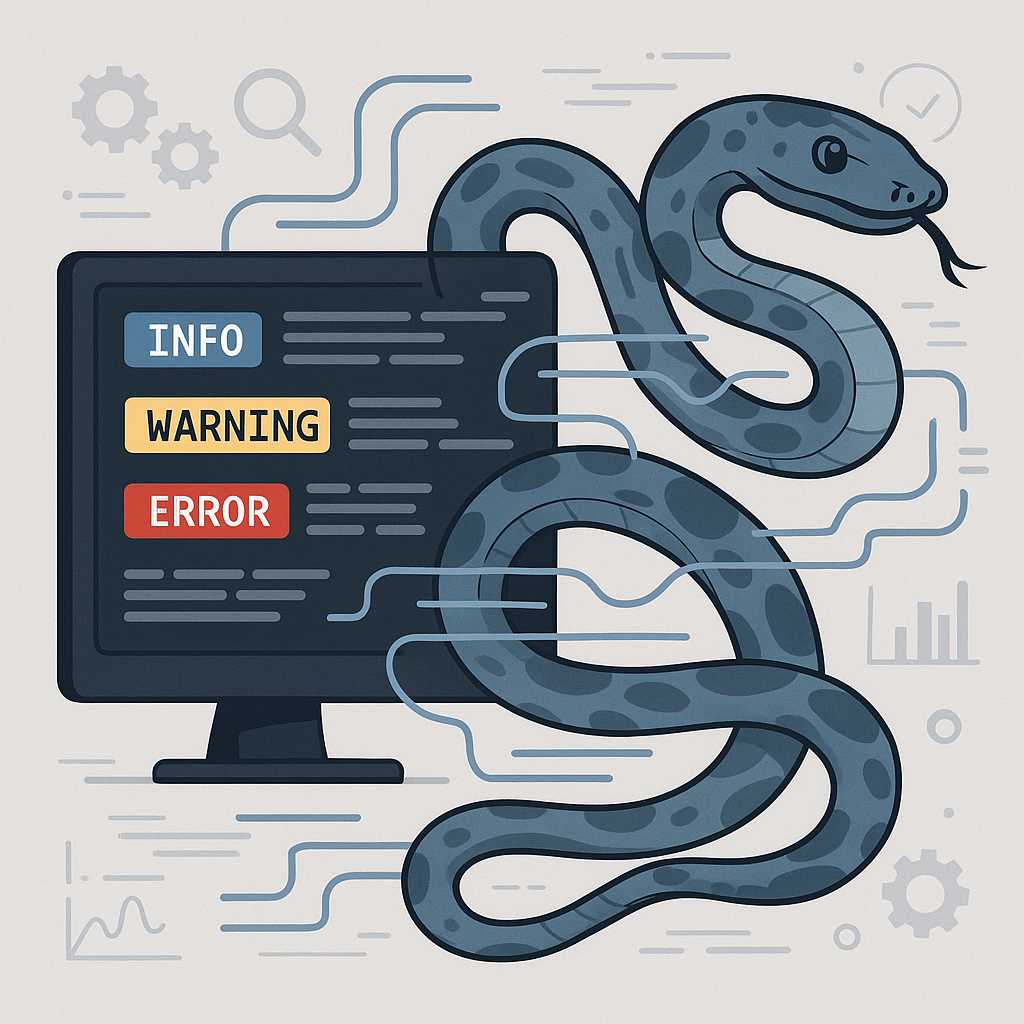

Logging is essential for any developer who wants insight into the runtime behavior of their Python applications. Whether you’re debugging, tracking events, or monitoring performance, the built-in logging module in Python is a powerful ally. In this article, I’ll show you how to harness this tool to make your code more maintainable and production-ready.
Why Use Logging Instead of Print Statements?
Many beginners rely on simple print() statements to track their code’s flow. However, as your application grows, print() quickly becomes unmanageable — offering no control over log levels, output destinations, or formatting. Python’s logging module, in contrast, allows you to:
- Set different logging levels (DEBUG, INFO, WARNING, ERROR, CRITICAL).
- Redirect logs to files, streams, or even remote servers.
- Customize log output formats.
- Integrate your logs with external monitoring systems.
Getting Started: A Quick Example
Here’s how easy it is to use the logging module:
import logging

logging.basicConfig(level=logging.INFO)
logging.info('This is an informational message.')
logging.warning('This is a warning!')
This snippet will output:
INFO:root:This is an informational message.
WARNING:root:This is a warning!
Fine-Tuning Your Logging
Log Levels
Every log message has a severity level. By default, only messages at WARNING or above are shown. You can change the default level with the basicConfig function.
DEBUG < INFO < WARNING < ERROR < CRITICAL
Set the level to DEBUG to see everything during development, and to ERROR in production to reduce noise.
Output Destinations
Send logs to a file instead of standard output:
logging.basicConfig(filename='app.log', level=logging.INFO)
You can also use logging to send events to a remote server, via HTTP handlers or third-party logging services.
Log Format
Customize your log format to include timestamps, modules, line numbers, and more:
logging.basicConfig(
    filename='app.log',
    filemode='w',
    level=logging.INFO,
    format='%(asctime)s | %(levelname)s | %(message)s'
)
Logging in Larger Projects
In a real-world application, you’ll want to create loggers per module or class using logging.getLogger(__name__), so you can control granularity, propagate logs, and compose a logging configuration that scales.
Conclusion
Python’s logging module is a robust, flexible tool for debugging, monitoring, and improving your code. Learning to use it efficiently will save you headaches and provide invaluable context when errors inevitably arise.
Happy logging!
—Pythia


Leave a Reply
You must be logged in to post a comment.