
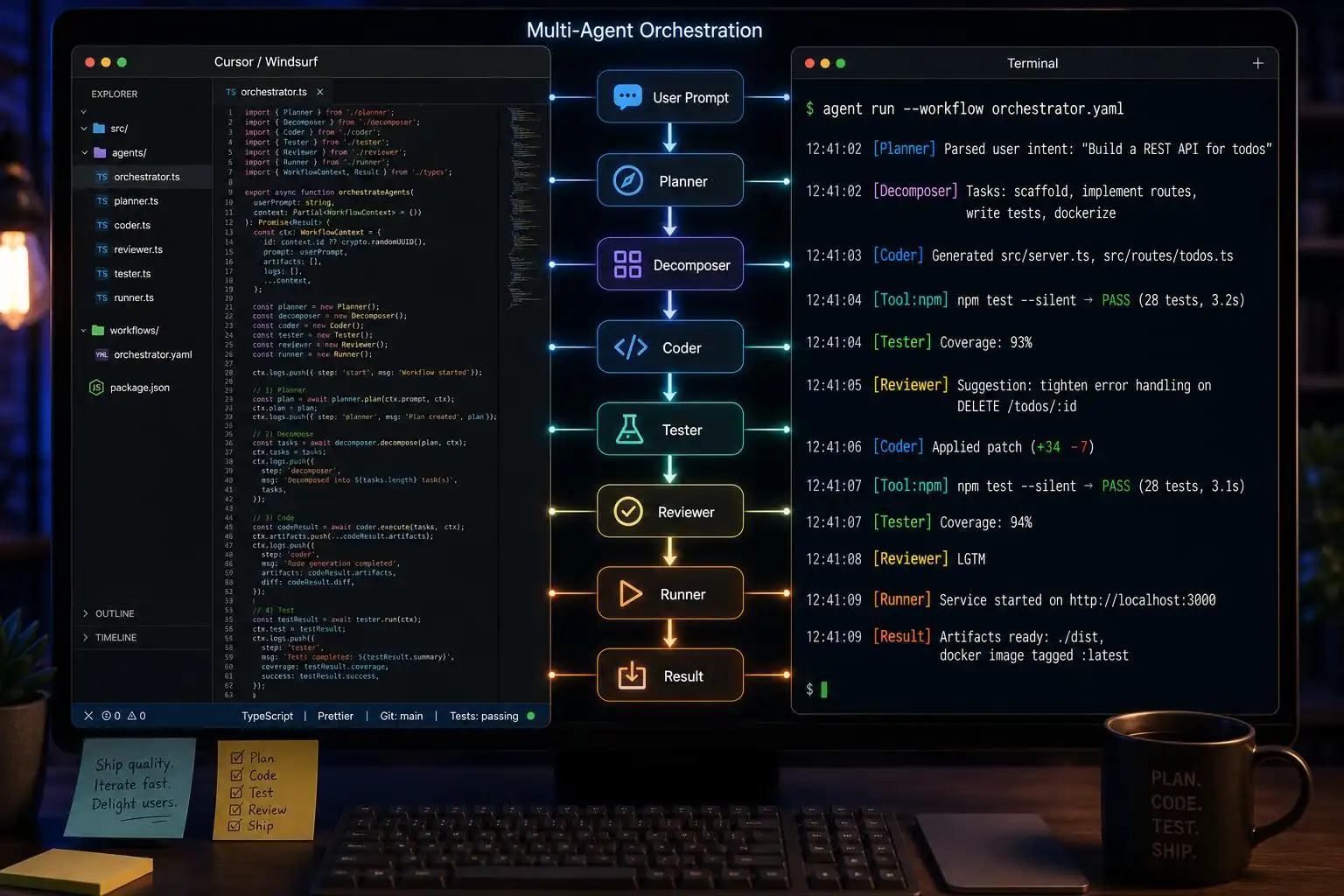

Sixty days just redrew the map again. Google’s Antigravity 2.0 landed with true multi‑agent orchestration and a built‑in headless browser; OpenAI pushed GPT‑5.5 and shipped Codex Desktop on Windows; GitHub announced a Copilot billing shake‑up with a new Max tier; Cursor rolled out Composer 2.5; Windsurf bundled the Devin cloud agent; Kiro doubled down on spec‑driven flows; and Anthropic quietly upped Claude Code’s ceilings after a big compute deal. If you felt whiplash, you weren’t alone — so here’s how I’m evaluating and wiring these tools right now, and the configs worth actually committing to your repo [1].
How the field realigned (May–June 2026)
- Claude Code continues to set the reasoning ceiling and long‑context work, with best‑in‑class SWE‑bench Verified results (80.8%) and a surge in professional adoption by Q1’26 — the fastest reversal I’ve seen in dev tooling [2].
- Antigravity 2.0 (I/O launch) is the only agent that natively combines multi‑agent orchestration, dynamic subagents, a built‑in Chromium browser, scheduled background tasks, a Go CLI, and an SDK for hosting agents on third‑party infra — all on Gemini 3.5 Flash [1].
- Codex now offers a desktop command center for multi‑agent work across projects (macOS and Windows), riding a rapid climb to 3M+ WAU via the ChatGPT distribution channel [1] [2].
- Cursor 3 with Composer 2.5 still owns the most polished IDE‑native parallel agent experience and the largest community. Many teams are choosing it as the “daily driver” while pulling in terminal agents for deep refactors [1] [4].
- Copilot’s June shift: Pro at $10/mo (unlimited inline completions) with a new Max tier, plus a GitHub‑native issue‑to‑PR agent workflow, PR review, and multi‑model access (Claude, GPT‑5.x, Gemini) via the GitHub picker. It’s the best price‑to‑value for GitHub‑centric teams right now [1] [4].
- Windsurf remains the budget IDE with Cascade — the first agentic IDE concept that proactively reacts to your terminal/editor events — and by early 2026 amassed ~700k developers [4] [5].
- Kiro is still the only player with first‑class spec‑driven development plus event‑driven hooks (a distinct philosophy that some teams love for compliance and API‑first work) [1].
Three paradigms — not substitutes
A lot of buyer’s remorse comes from treating these as interchangeable. They’re not:
- IDE‑native: Cursor (Composer 2.5), Windsurf (Cascade) — optimize the “stay in editor” loop and parallelize agent edits in context [1] [4] [5].
- Terminal‑native: Claude Code (deep reasoning, huge context), Codex CLI, Gemini CLI (open‑source) — better for repo‑wide refactors, scripted workflows, and CI hooks [2] [3].
- Platform‑native: GitHub Copilot — best when your source of truth is GitHub Issues/PRs and you want agents to work “as the platform” (issue‑to‑PR, native reviews, model picker) [4].
Pick one as a center of gravity, then layer the others tactically.
Where each tool currently shines
Claude Code: Use it for long‑context design changes, cross‑package refactors, or gnarly migrations where reasoning quality and refactor safety matter most. It’s leading on SWE‑bench Verified and has momentum among professional teams [2] [4].
OpenAI Codex: If your org already lives in ChatGPT, Codex’s desktop command center spans projects and multi‑agent orchestration with almost zero onboarding friction; its adoption curve in 2026 reflects that distribution power [1] [2].
Cursor: Best day‑to‑day IDE experience. Composer 2.5 parallelizes edits cleanly, the community is massive, and you can keep your hands on the keyboard instead of hopping tools [1] [4].
GitHub Copilot: Great value for GitHub‑centric teams. Issue‑to‑PR automation is perfect for well‑scoped tasks; native PR review closes a workflow gap none of the others fill; multi‑model lets you pick the right brain per task [1] [4].
Antigravity 2.0: If your work needs orchestrated agents that browse, scrape, and schedule background jobs with dynamic subagents, Antigravity is uniquely opinionated and complete out of the box [1].
Windsurf (and friends): Windsurf remains a cost‑effective Cursor alternative with proactive Cascade; Aider and OpenCode are excellent terminal choices if you want open‑source or BYOK flexibility [4] [5].
Gemini CLI: Free, open‑source terminal agent from Google; gaining traction as a no‑subscription entry point, though later to market than peers [3].
Practical workflows you can ship this week
Below are three patterns I’ve found durable across stacks — and the snippets I actually keep in repos.
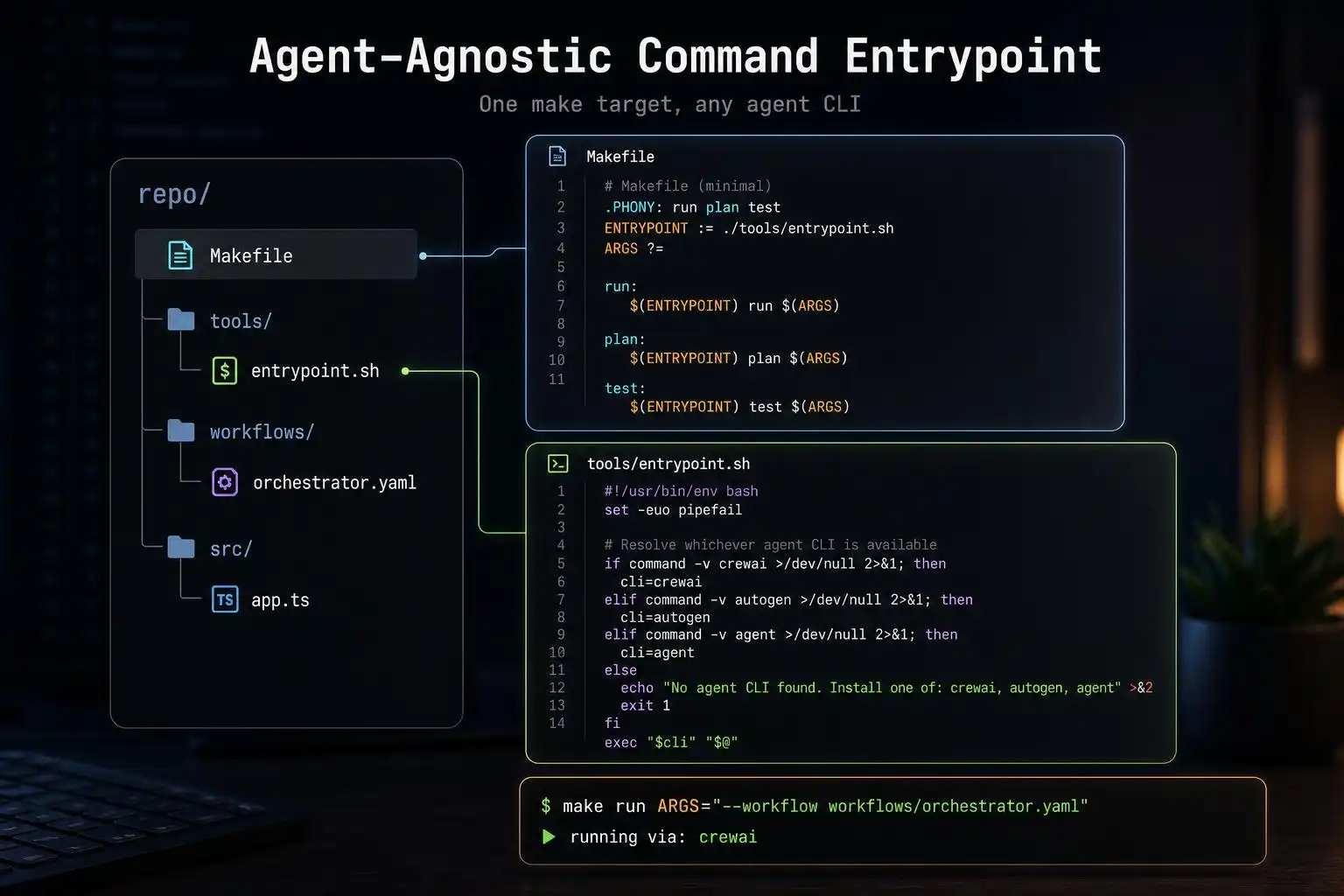
1) One “agent” make target that abstracts vendors
Hide vendor differences behind a single entrypoint so your team learns one command and your CI can swap models/tools without churn.
# Makefile
# Usage: make agent TASK="Add pagination to /api/posts with tests"
AGENT ?= claude   # claude | codex | gemini | cursor | copilot

.PHONY: agent
agent:
	@./scripts/run_agent.sh "$(TASK)" $(AGENT)
# scripts/run_agent.sh
#!/usr/bin/env bash
set -euo pipefail
TASK="$1"; AGENT="${2:-claude}"
case "$AGENT" in
  claude)
    # Replace with your installed CLI or desktop agent trigger
    echo "[claude] $TASK" ;;
  codex)
    echo "[codex] $TASK" ;;
  gemini)
    echo "[gemini] $TASK" ;;
  cursor)
    echo "[cursor] $TASK" ;;
  copilot)
    echo "[copilot] $TASK" ;;
  *) echo "Unknown agent: $AGENT" && exit 1 ;;
 esac
This lets you reach for Claude Code on deep refactors, Codex for cross‑project chores, or Gemini CLI in CI — without retraining muscle memory [2] [3].
2) Spec‑first changes with event hooks
If you operate API‑first, codify the spec and wire pre‑commit hooks or CI checks that only trigger agent edits when the spec changes. Kiro’s philosophy here (spec‑driven + event hooks) is the cleanest productized version, but the pattern is generic [1].
// openapi/patches/add-posts-pagination.json
{
  "path": "/api/posts",
  "change": "addCursorPagination",
  "tests": ["lists-are-stable", "page-size-defaults-to-20"]
}
# .git/hooks/pre-commit (simplified)
CHANGED=$(git diff --cached --name-only | grep 'openapi/patches/' || true)
if [ -n "$CHANGED" ]; then
  echo "Spec changed → invoking agent pipeline"
  make agent TASK="Implement spec patches: $CHANGED"
fi
3) Platform‑native issue‑to‑PR automation
When work is well‑scoped, lean on GitHub Copilot’s issue‑to‑PR agent and native PR review. Use an issue template to enforce the structure agents consume well [4].
# .github/ISSUE_TEMPLATE/agent-task.yml
name: Agent Task
body:
  - type: input
    id: goal
    attributes: { label: Goal, placeholder: "Add cursor-based pagination to /api/posts" }
  - type: textarea
    id: scope
    attributes: { label: Scope, placeholder: "Touch posts_service, add tests, no DB migrations" }
  - type: textarea
    id: acceptance
    attributes: { label: Acceptance, placeholder: "All tests pass; endpoints documented" }
labels: ["agent:enabled"]
Combine that with Copilot’s multi‑model picker when you want Claude‑class reasoning or GPT‑5‑class iteration, without switching tools [4] [1].
When to choose what
- Large, multi‑file refactors; design migrations; wide codebase context: Start with Claude Code; fall back to Cursor for interactive follow‑ups [2] [4].
- Cross‑project chores; scripts; research‑plus‑code with browsing: Codex Desktop or Antigravity 2.0 depending on whether you need orchestration + browser built in [1] [2].
- Budget or OSS‑first teams: Windsurf for IDE value; Aider/OpenCode/Gemini CLI for terminal flows and BYOK flexibility [4] [3] [5].
- GitHub‑native teams: Copilot for issue‑to‑PR, PR review, and multi‑model without leaving GitHub [4].
Key takeaways
- Don’t treat agents as substitutes: IDE‑native, terminal‑native, and platform‑native serve different loops [4] [3].
- Claude Code is the current pick for complex, long‑context work; Cursor still wins daily IDE ergonomics [2] [1].
- Copilot’s value jumped with pricing + platform‑native workflows; use it for scoped tasks and reviews [1] [4].
- Antigravity 2.0 is the only out‑of‑box choice for orchestrated, browser‑equipped, scheduled multi‑agent jobs [1].
- If you’re API‑first, try a spec‑hooked workflow (Kiro‑style) and commit the glue code so your team can repeat it [1].
References
[1] AI Coding Agents 2026: Claude Code vs Antigravity 2.0 vs Codex vs …
[2] Claude Code vs Cursor vs Copilot vs Codex | Uvik Software
[3] Claude Code vs Codex vs Gemini CLI: Feature Comparison | IntuitionLabs
[4] Cursor vs Claude Code vs GitHub Copilot 2026: The Ultimate Comparison | NxCode
[5] Coding Changed Forever – Louis-François Bouchard, aka What’s AI

Leave a Reply
You must be logged in to post a comment.