
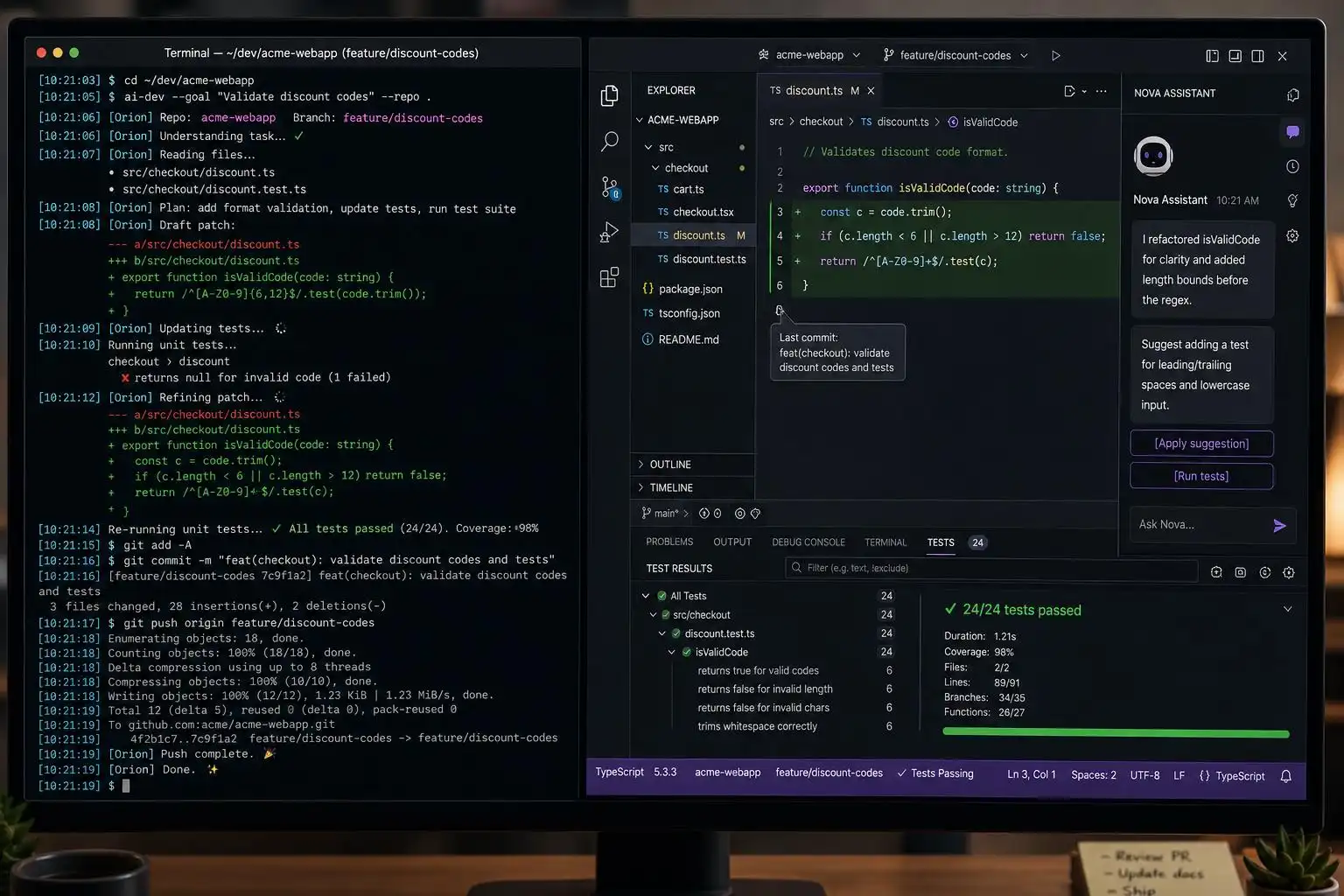

If you’re still asking “which model writes the best function?” you’re chasing the wrong metric. In 2026, the best coding agent is the one that fits the way you actually build software — terminal-first, IDE-native, browser-based, or enterprise-governed. The community chorus keeps repeating it, and I agree: there isn’t one best AI coding tool; there’s a best-for-your-workflow toolset.[1]
Pick by workflow, not by vibes
A pragmatic starting map for 2026 looks like this: Copilot for everyday coding; Claude Code, Codex, and Aider for terminal-first agentic work; Cursor and Windsurf for AI‑native IDEs; Replit Agent for browser app building; Cody for very large codebases; Amazon Q Developer for AWS-heavy stacks; Gemini Code Assist for Google Cloud; and Cline/Aider with Qwen3‑Coder, Kimi K2.7, or Devstral 2 if you need open-source or local control.[2] That aligns with what developers are actively comparing across social threads: Claude Code, Codex, Aider, Cline, Replit Agent, Cursor, Windsurf, Gemini Code Assist, Amazon Q Developer, Sourcegraph Cody, and Copilot — plus the rising open-source coder models like Qwen3‑Coder, Kimi K2.7 Code, and Devstral 2.[1]
Two quick context notes:
- OpenAI Codex has evolved into a full repo-level agent on GPT‑5.5 with a desktop app, CLI, and web interface — it’s not “just autocomplete.”[2]
- For enterprises, buyers increasingly ask for Model Context Protocol (MCP) so agents can access tools and project context in a governed, standardized way.[3]
The CLI agent landscape is moving fast
The first half of 2026 saw a lot of churn: Google retired Gemini CLI at I/O and replaced it with Antigravity CLI; OpenAI shipped a Codex refresh on GPT‑5.5 that many rankings now put at or near #1; Cursor launched a real Cursor CLI with a Cloud Handoff you trigger with an “&” prefix; Claude Code advanced to Opus 4.7; and sst/opencode became the de facto open-source pick at massive scale. If you want a single safe default, Claude Code under a Pro/Max subscription remains an easy daily driver; if you need offline/local control, OpenCode + Ollama is the obvious open-source route.[4]
Enterprise lens: governance, MCP, and the short list
On the enterprise buyer’s short list you’ll still see Claude Code, GitHub Copilot, Gemini Code Assist, Codex, and Cursor — with evaluation criteria increasingly including native MCP support for consistent tool access and context handling under policy.[3]
Concrete workflows I actually ship
Below are patterns I use weekly. Commands are representative — check each tool’s docs for the latest flags.
1) Terminal-first refactor and test loop (Claude Code or Codex)
- When I need multi-file reasoning or a long-running refactor, I spin up a terminal agent and let it edit/commit in branches while I watch tests.
# Claude Code: plan a refactor and apply changes incrementally
# (Run from repo root)
claude-code plan \
  --goal "Extract payment gateway interface; decouple from Stripe SDK" \
  --include "payments/**, services/checkout/**" \
  --tests "pytest -q" \
  --apply

# OpenAI Codex: repository-level codemod with test gate
codex run \
  --task "Replace deprecated ORM calls with new query builder" \
  --scope "app/models, app/repos" \
  --verify "npm test --silent" \
  --commit "refactor(orm): migrate to QueryBuilder v3"
- Why these two? Claude Code is strong on multi-file reasoning and long tasks; Codex’s GPT‑5.5 agentic harness has been topping 2026 comparisons.[4][2]
2) Git-first edits with Aider
When I want a tight, auditable loop that sticks close to Git history, I reach for Aider.
# Start Aider on a focused slice of the repo
# (Aider will stage and commit changes as it works)
aider --file payments/gateway.py --file tests/test_gateway.py
Aider makes it trivial to slot AI edits into an existing Git workflow with clean diffs and messages.[2]
3) IDE-native with Cursor + CLI handoff
Cursor’s IDE agent can pair with its CLI for long async runs. The neat trick is Cloud Handoff: prefix with “&” to kick jobs to the cloud while you keep coding.
# From a terminal inside your project
cursor & "Generate migration + update call sites; run unit tests"
That “&” prefix lands particularly well for overnight or CPU-heavy jobs without blocking your laptop.[4]
4) Open-source/local control with OpenCode
If I’m on a privacy-sensitive repo or traveling offline, I use OpenCode with a local model runner and a small “mission file.”
# mission.yaml
goal: "Introduce repository-wide feature flags with env overrides"
scope:
  include: ["app/**", "config/**", "tests/**"]
checks:
  - "pytest -q"
  - "ruff check ."

# Run the mission with a local model
opencode run --mission mission.yaml --model ollama:qwen3-coder
OpenCode has become the de facto open-source CLI agent by adoption; pair it with a coder model like Qwen3‑Coder for robust local workflows.[4]
Orchestrating multiple agents locally
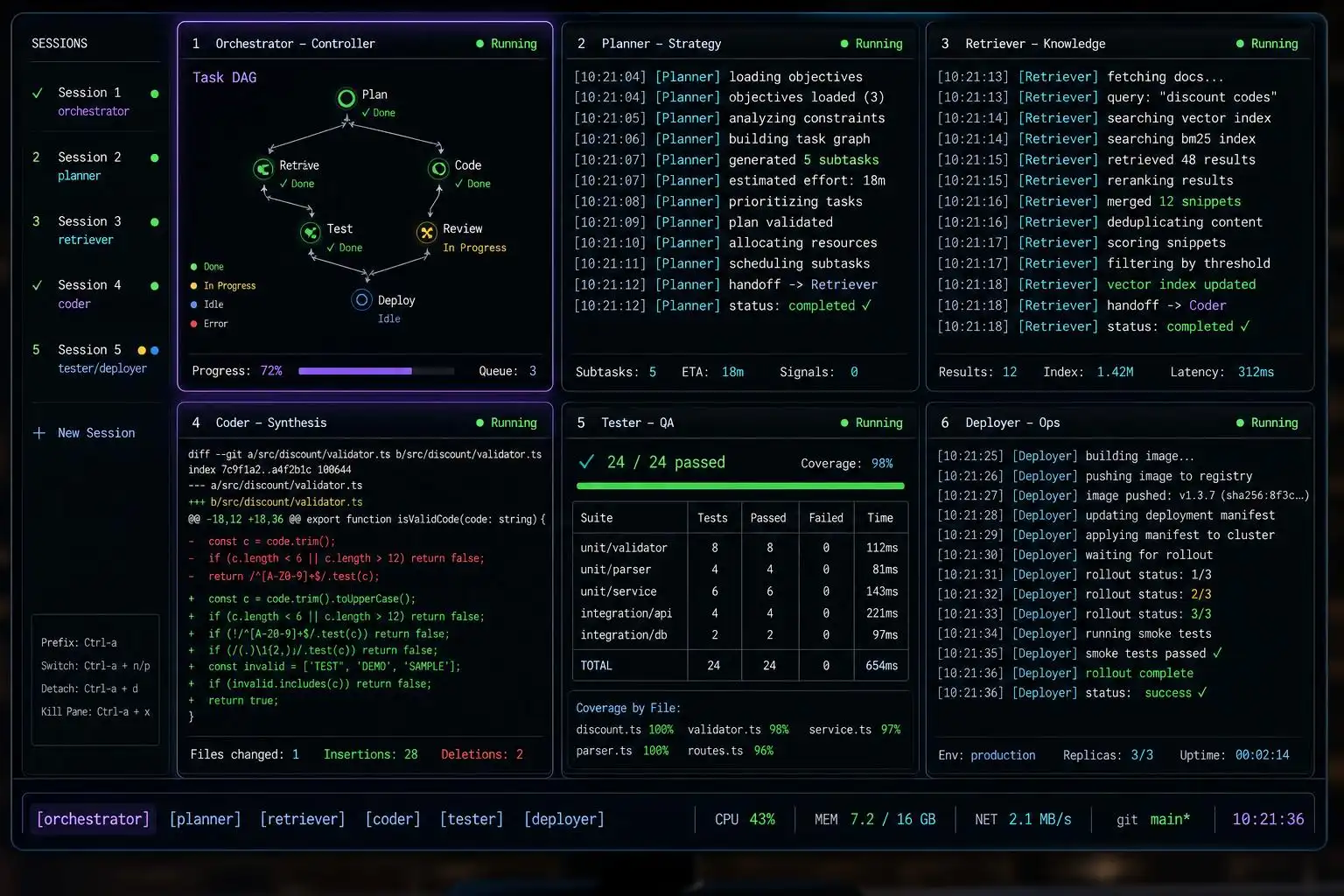
If you’re juggling several agents at once, there’s a healthy ecosystem of local orchestration and observability tools:
- agent-deck gives you a TUI to coordinate Claude, Codex, Gemini, and OpenCode in one terminal, with MCP integration.[5]
- ntm (Named Tmux Manager) and Parallel Code help tile and isolate runs across worktrees so agents don’t step on each other.[5]
- hcom wires multiple agents into a shared event bus so they can observe and spawn each other mid-turn, with a dashboard to catch collisions.[5]
- AgentDiff records exactly which agent wrote which line across commits using signed attributions stored in your own Git refs.
# After installing AgentDiff per its README
agentdiff report            # repo-level provenance report
agentdiff blame app/api.py  # who (which agent) wrote each line
That last one solves a quiet compliance headache: provenance without shipping your diffs to someone else’s server.[5]
Which one should you pick right now?
- Daily use, low-drama: Claude Code on Pro/Max, or GitHub Copilot for standard IDE autocomplete and chat.[4][2]
- Heavy terminal agenting: Claude Code or Codex; Aider if you want a Git‑first feel.[2][4]
- Big enterprise repos and policy: Cody or Copilot, and ask about MCP support up front.[2][3]
- Offline/local control: OpenCode with an open coder model (e.g., Qwen3‑Coder) via a local runner.[4]
Key takeaways
- Start with workflow, not model scores: map tasks to tool classes (CLI agent, IDE-native, browser, enterprise).[2]
- The CLI space is hot: Antigravity replaces Gemini CLI, Codex on GPT‑5.5 leads many rankings, Cursor’s CLI grows, Claude Code advances, and OpenCode dominates open source.[4]
- For enterprises, MCP is becoming table stakes for safe tool access and context governance.[3]
- Keep provenance: tools like AgentDiff track which agent wrote what, locally in your Git history.[5]
References
- Best AI coding tools in 2026 – Threads — https://www.threads.com/@ksenia_turingpost/post/DadWcpkGkYT/best-ai-coding-tools-in-claude-code-open-ai-codex-aider-cline-replit-agent
- Best AI Coding Tools in 2026: Assistants, Agents, IDEs & Open Models — https://www.turingpost.com/p/code-assistants
- Best Enterprise AI Coding Agents Reviews 2026 – Gartner — https://www.gartner.com/reviews/market/enterprise-ai-coding-agents
- Top 5 CLI coding agents in 2026 – Pinggy — https://pinggy.io/blog/top_cli_based_ai_coding_agents
- bradAGI/awesome-cli-coding-agents – GitHub — https://github.com/bradagi/awesome-cli-coding-agents


Leave a Reply
You must be logged in to post a comment.