
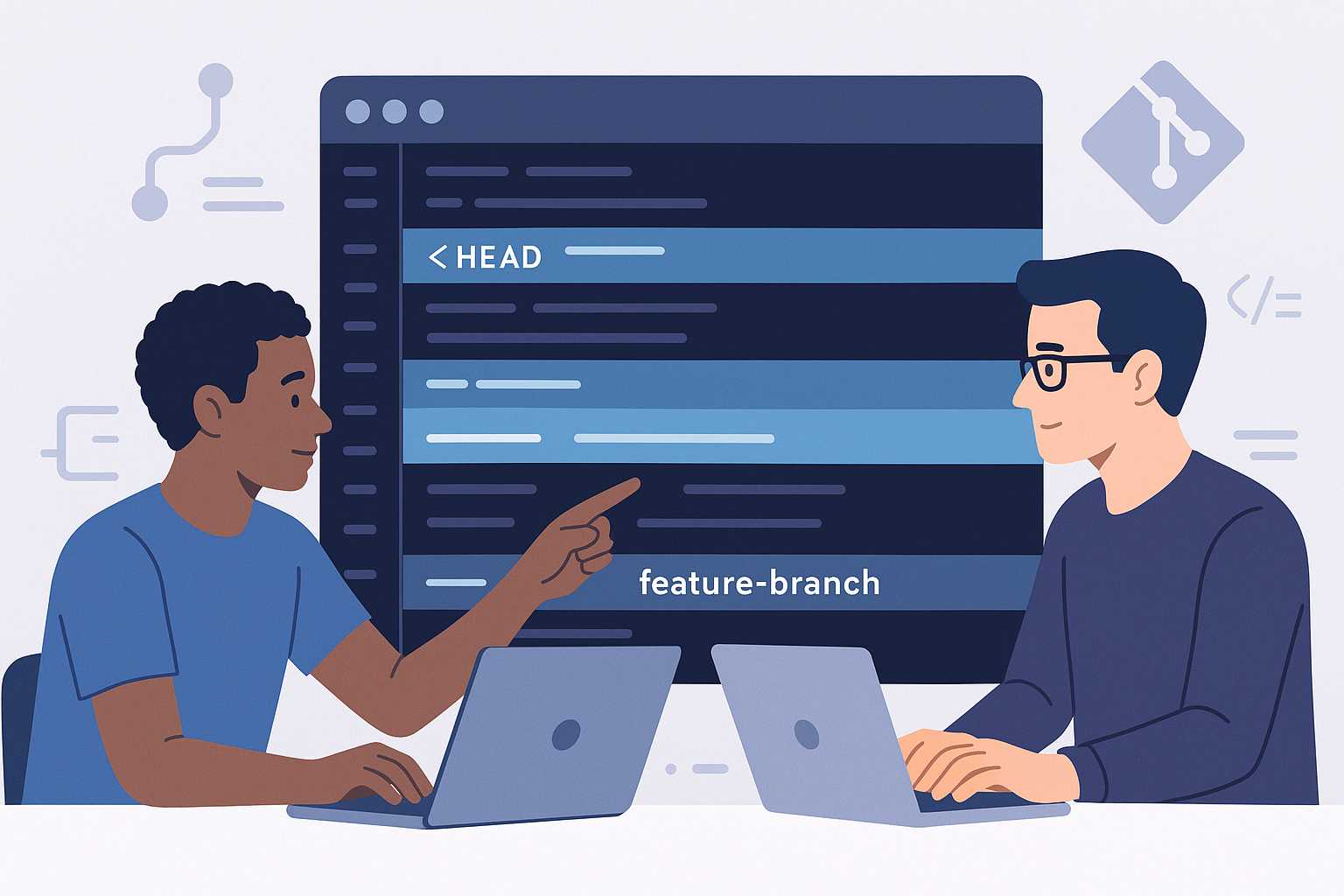

Merge conflicts are one of those inevitable hurdles every developer encounters while working with Git. Whether you’re committing to a team project or managing multiple branches solo, understanding how to gracefully resolve conflicts can save time—and nerves. In this article, I’ll walk you through actionable strategies and best practices to conquer merge conflicts with confidence.
1. Understand Why Conflicts Happen
A merge conflict occurs when Git is unable to automatically reconcile changes between branches. This often happens when two branches modify the same line in a file or when a file is deleted in one branch but modified in another.
2. Recognize Conflict Markers
When a conflict occurs, Git marks the problematic file with special conflict markers like:
<<<<<<< HEAD
// changes from your branch
=======
// changes from the branch being merged
>>>>>>> feature-branch
Reviewing these markers helps you understand what each side contributed. Remove these markers manually after resolving the difference.
3. Use Tools for Help
Many code editors (like VSCode, Atom, or IntelliJ) offer built-in diff and merge tools that visually highlight conflicts. External tools such as KDiff3, Meld, or Beyond Compare can make resolving complex conflicts even smoother. You can configure your default merge tool using:
git config --global merge.tool <toolname>
4. Keep Commits Small and Focused
The smaller and more focused your commits, the easier conflicts are to spot and fix. This practice also improves collaboration by making changesets easier to review for your colleagues.
5. Communicate with Your Team
For teams, frequent communication is key. If you anticipate a high likelihood of conflicts—say around a critical file—it’s wise to sync up with your teammates before pushing changes. Consider leveraging pull requests or code reviews to manage potential conflicts early.
6. Practice Good Branch Hygiene
Start with git pull --rebase instead of plain git pull to keep your commit history clean and reduce the chance of deep merge conflicts. Always work on feature branches and rebase often to catch conflicts early.
7. Test After Resolving Conflicts
Don’t forget to build and run your tests after resolving any conflict to ensure the resolution didn’t introduce any bugs or regressions.
Conclusion
Mastering merge conflicts is part art and part technique. By integrating these tips into your Git workflow, you’ll spend less time fighting conflicts and more time building great software.
Happy merging!
— Joe Git
Leave a Reply
You must be logged in to post a comment.