
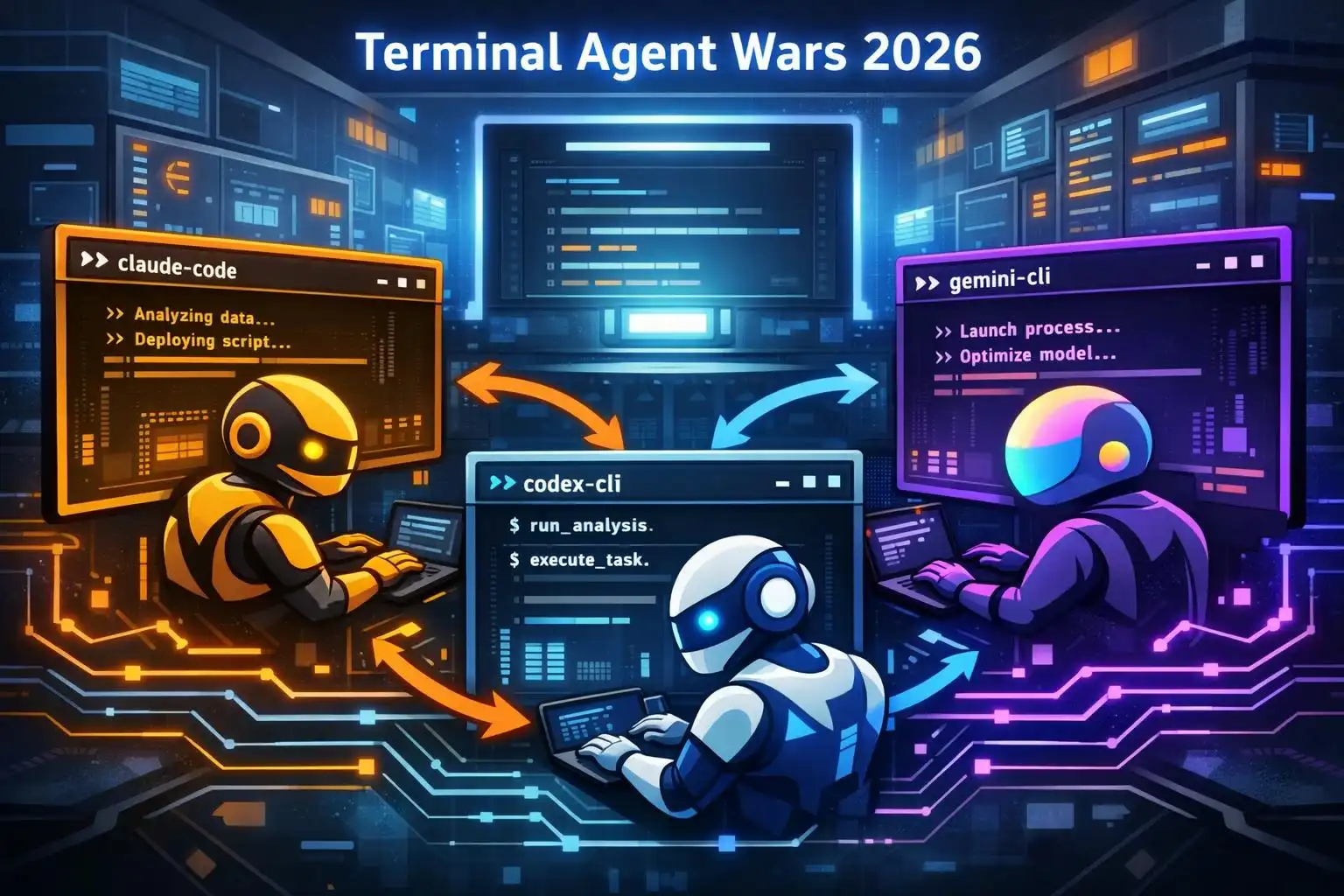

If 2023–2024 was the IDE era of AI coding, 2026 is the terminal’s turn. Agent-style CLIs grew up fast: Claude Code, OpenAI’s Codex CLI, and Gemini CLI now read/write files, run tests, commit changes, and even fan out sub‑agents. The question I hear most from teams is no longer “should we try one?” but “which one goes where in our stack — and how do we connect them?” [2]
Here’s a practical field guide to the current leaders, how their strengths differ, and the fastest way to integrate them without locking yourself in.
The state of the race in 2026
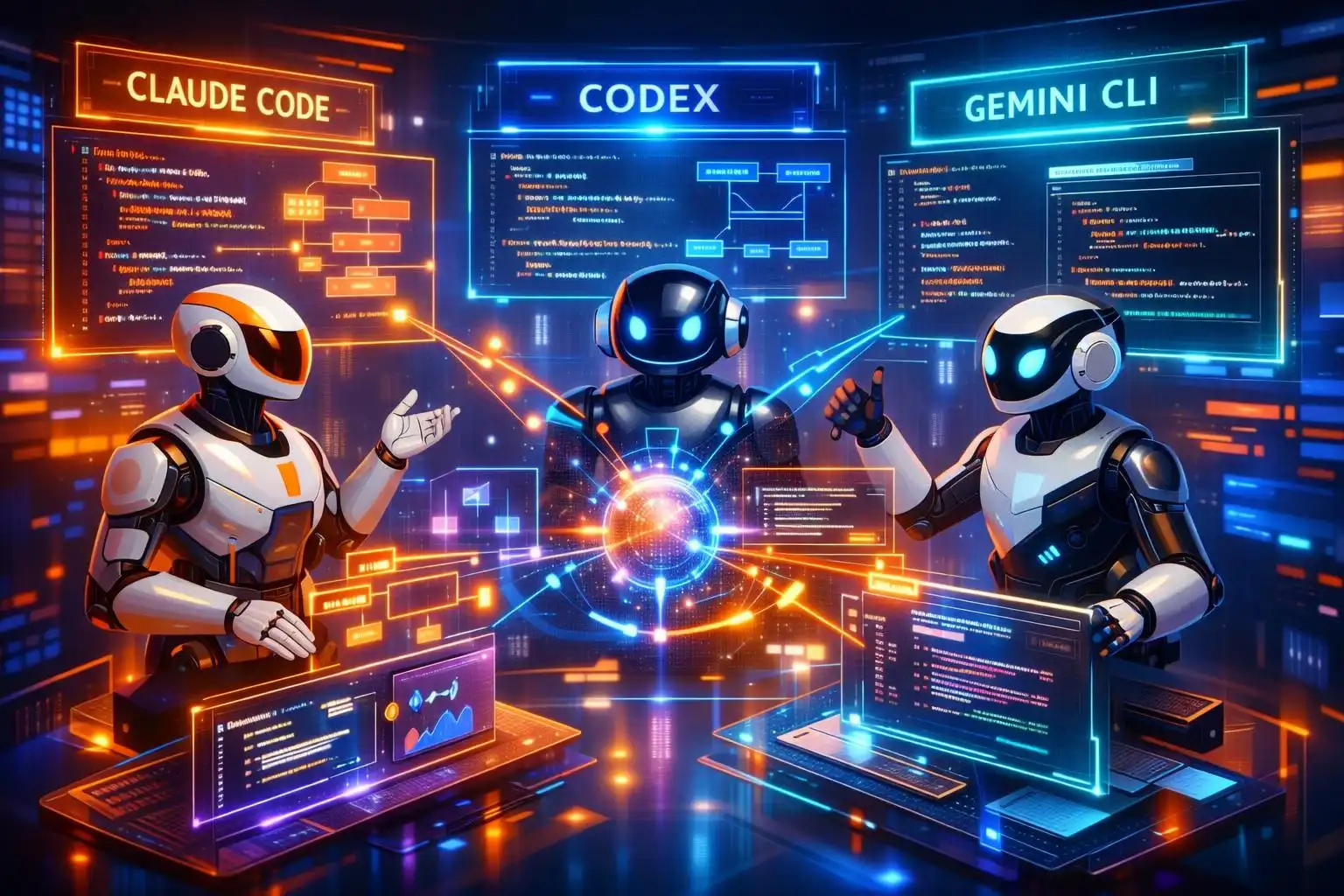
Claude Code, Codex CLI, and Gemini CLI are battling for terminal-based, agentic coding mindshare alongside Copilot CLI, Cursor, Aider, and others. In this niche, Claude Code currently appears dominant in mindshare and momentum, buoyed by press and reported revenue traction. Codex CLI rides OpenAI’s ecosystem gravity and a fast-growing open-source repo (60k+ stars), while Gemini CLI leans on its open-source, no-subscription posture as it catches up after a later launch [1]. The broader trend is clear: the terminal is the new battleground — deeper system access, scriptability, and CI/CD integration are hard to match inside an editor-only surface [2].
A few anchor facts to calibrate expectations:
- Codex CLI’s public CLI landed in Feb 2026; installable via npm and powered by GPT‑5 series models. It runs locally and supports interactive, auto-edit, and full-auto modes [1].
- Gemini CLI launched June 2025, is open source, and doesn’t require a subscription; recent write-ups also highlight access to 1M‑token contexts [1], [2].
- Claude Code has strong early adoption and mindshare among terminal-first agents, with reports citing six-figure developer counts by mid‑2025 [1].
Benchmarks: no single winner (and that’s okay)
Benchmarks diverge by task shape. Recent reporting pegs Claude Code well ahead on SWE‑bench variants (autonomous software engineering tasks), while Codex leads on Terminal‑Bench 2.0 (command-line task execution). Copilot and Cursor trail both on these autonomous metrics, and notably neither currently exposes desktop-level computer use [5]. Another 2026 roundup ranks Claude Code at the top of SWE‑bench Pro, with Codex, OpenCode, Gemini CLI, and Cursor each leading in different slices (multi-agent workflows, open-source flexibility, context length, IDE-native experience) [2].
Read: there isn’t a universal “best” — choose by the work you need done.
Where each agent fits today
Claude Code: interactive, multi-step problem solving
When you want to watch an agent work, redirect mid-flight, or keep a tight conversational loop while it edits multiple files and runs tests, Claude Code’s synchronous, agentic model shines. Comparative reviews also note Claude’s edge on multi-step reasoning through ambiguity [4].
OpenAI Codex CLI: well-scoped automations and computer use
Codex is strong on well-specified, shorter tasks and parallelizable work — and the new desktop-level computer use opens scenarios like UI automation, browser-driven E2E runs, and multi-app orchestration that terminal-only agents can’t reach. Reports show Codex leading on Terminal‑Bench 2.0 and adding desktop control; the same pieces note Claude’s lead on SWE‑bench-style tasks [5], [4].
Gemini CLI: free, open-source entry with huge context
Gemini CLI’s value prop is straightforward: open source, no subscription, and access to very large contexts (reports cite up to 1M tokens). If you’re cost-sensitive or juggling massive logs/specs in a single session, it’s a pragmatic addition [2], [1].
Install and wire them up fast
Codex CLI installs globally via npm and uses your OpenAI key:
npm install -g @openai/codex
export OPENAI_API_KEY=your_key_here
That tracks the documented distribution and setup (OpenAI API key or ChatGPT Plus) [1].
To share “always-on” skills across agents without bespoke glue code, the community “graphify” skill shows a clean pattern: one command per platform drops the same capability in the right place. It writes persistent skill files and installs the appropriate pre-tool hooks per agent [3].
# Install an always-on skill across CLIs
# Codex
graphify install --platform codex

# Claude Code (auto-detects OS)
graphify install

# Gemini CLI
graphify install --platform gemini

# Cursor (IDE; rule file with alwaysApply)
graphify cursor install
For Cursor, the installer writes a rule that’s picked up on every conversation — no hook needed [3]:
# .cursor/rules/graphify.mdc
alwaysApply: true
# ...skill rules...
Under the hood the same tool configures Claude Code and Gemini CLI with pre-tool hooks (PreToolUse and BeforeTool respectively) and writes AGENTS.md/GEMINI.md scaffolding so the skill is “always on” without you changing your prompts [3].
Multi-agent patterns that actually work
Three trends define 2026 agent stacks: multi-agent decomposition, async background workers, and MCP (Model Context Protocol) as the connective tissue. Most major tools now speak MCP and can spin up parallel sub‑agents, while background automations push PRs when they finish — you review at your pace [2].
A practical combo that teams are running today:
- Use Codex for well-scoped, parallelizable tasks (e.g., codebase-wide formatting, small refactors, UI test regeneration) while it can also drive desktop/browser flows if needed [5], [4].
- Keep Claude Code for interactive, ambiguous work: API migrations, cross-cutting architectural edits, and “debug my failing integration test” sessions [4].
- Cross-review outputs. Some teams wire Codex and Claude together — e.g., Codex generates a patch and Claude reviews/edits it — and there are even plugins enabling cross-provider reviews inside Claude Code. They’re not mutually exclusive; they complement each other [4], [2].
A pragmatic evaluation checklist
- Need desktop/browser control or heavy terminal automation? Favor Codex; sanity-check with Terminal‑Bench‑style tasks [5].
- Expect ambiguous, multi-step problem solving with lots of mid‑course correction? Favor Claude Code [4].
- Optimizing for cost or giant contexts? Add Gemini CLI; it’s open source and reports cite up to 1M tokens [2], [1].
- Want portability and composability? Prefer stacks that speak MCP and adopt a shared skill layer (e.g., graphify) across agents [2], [3].
Key takeaways
- The terminal is now the primary surface for serious agentic dev; IDE assistants are complementary, not replacements [2].
- Claude Code tends to win on ambiguous, multi-step tasks; Codex shines on well-specified automations and adds desktop control; Gemini CLI offers open-source access and huge contexts [5], [4], [2], [1].
- Don’t overfit to one tool: multi-agent, MCP-native stacks plus an “always-on” skill layer pay off in portability and control [2], [3].
- Start simple: install Codex via npm, add Gemini as a free complement, keep Claude for the hard interactive work — then connect them with shared skills and cross-reviews [1], [4], [3].

Leave a Reply