
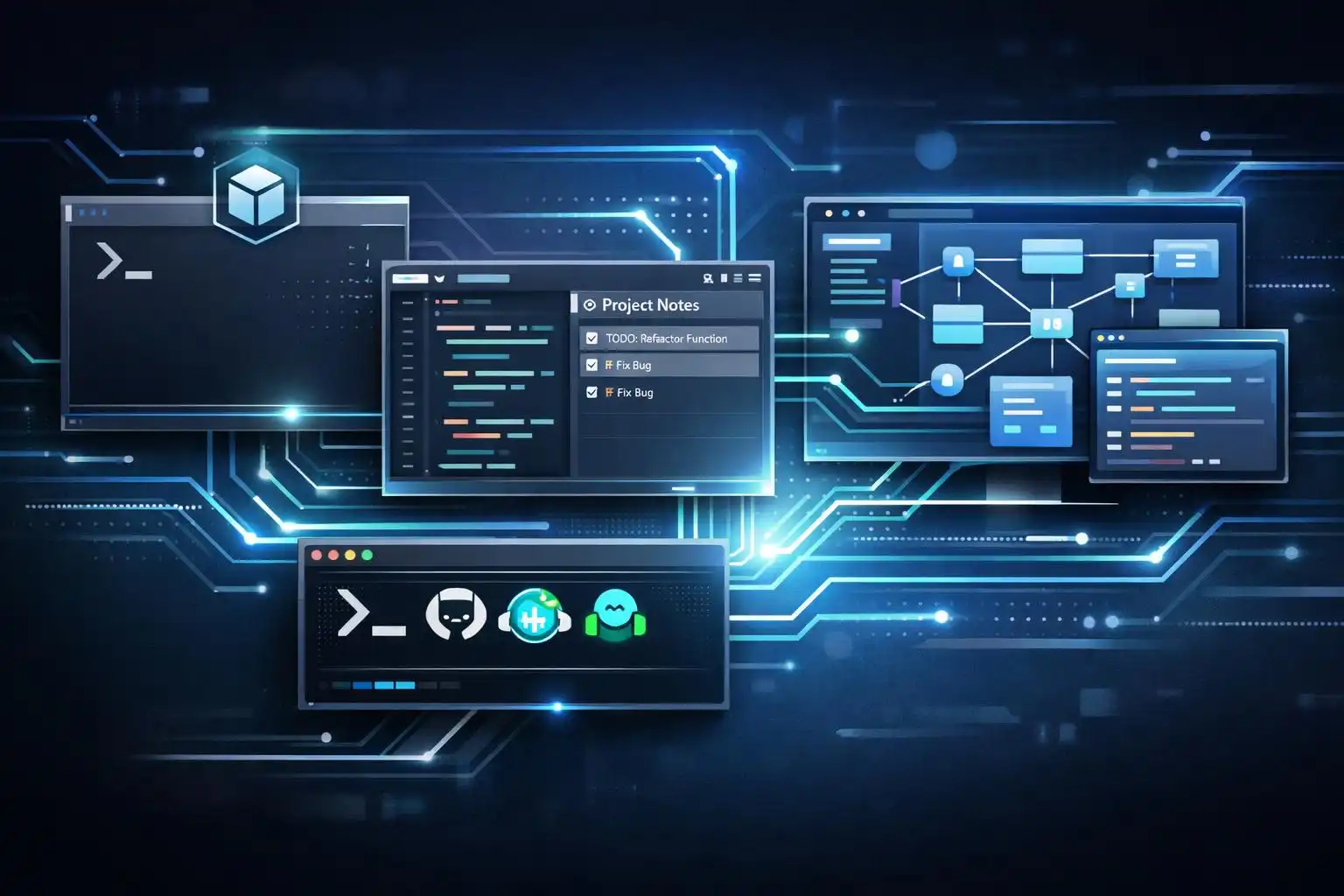

If the last year was about “trying an AI pair‑programmer,” this spring is about wiring agents into your workflow. OpenAI just pushed Codex into true desktop control with multi‑agent orchestration and persistent memory—agents can now operate background apps to test frontends or drive tools that don’t expose APIs [1]. In parallel, research and community projects are converging on shared patterns and curricula for multi‑feature agentic systems, as IDEs and CLIs across the board add autonomous, multi‑file capabilities [2].
The practical upshot: there’s no single winner. Claude Code is still the most complete terminal/automation agent; Cursor has the most seamless day‑to‑day IDE flow (with built‑in rules and memory); Copilot CLI brings tight GitHub context; and Codex now reaches beyond the terminal to your desktop. The teams getting leverage in 2026 aren’t “picking a side”—they’re composing a toolchain.
What actually changed (and why it matters)
Claude Code grew into a whole‑workflow agent
Claude Code isn’t just predictive autocomplete—it runs an agentic loop that plans, executes, observes, and iterates until a task is complete. It edits multiple files coherently, drives git (branches, commits, PRs), and can run headless in CI/CD. The same CLAUDE.md guidance file follows you across terminal, IDE, desktop, web/iOS, and Slack [3].
Example CLAUDE.md (free‑form guidance, checked into the repo):
# CLAUDE.md
Always follow the Acme TS style guide.
Prefer pure functions; write/refresh unit tests for every changed module.
Use Conventional Commits; include issue keys in PR titles.
Never commit secrets; rotate any credential found.
Cursor made context durable inside your IDE
Cursor lets you set project‑specific rules that always apply via .cursor/rules, plus a Memory Bank you can initialize with one command. The agent uses those Markdown files as persistent context—great for architecture overviews, service conventions, and repo‑specific norms [4].
Initialize and seed Cursor’s memory:
npx cursor-bank init
# .cursor/rules
- Always use the Acme ESLint and Prettier configs.
- When I say "the repo", I mean https://github.com/acme/app.
- Prefer FastAPI over Flask in Python services.
# memory_bank/architecture.md
- Frontend: Next.js 15 + Turbopack
- Backend: FastAPI + Postgres
- Messaging: NATS
Copilot CLI tightened the GitHub loop
For terminal‑centric devs living in GitHub issues and PRs, Copilot CLI’s session management and native PR context make it a strong validator and reviewer—especially as a second pass on changes produced elsewhere [4].
Codex stepped out of the terminal (desktop control)
Codex can now operate desktop apps in the background, run multiple agents in parallel, and maintain persistent memory. That unlocks UI testing and orchestrations that were awkward via shell alone—think driving a browser, a native emulator, and your IDE concurrently [1].
The convergence trend is real
Curricula and frameworks like Everything Claude Code, OpenClaw, and Superpowers show a maturing ecosystem: structured skills, multi‑agent patterns, and tool‑agnostic workflows. Vendors are also converging—Copilot added agent mode; Cursor evolved from chat to full agentic environment; more IDEs are shipping agentic features out of the box [2].
A composable daily workflow (what I actually do)
Here’s a pragmatic loop I’ve settled into for medium‑sized changes and refactors:
- Plan in Cursor with durable context
- Seed .cursor/rules and memory_bank with arch notes and service norms. Prompt in the IDE: “Plan a refactor for X; list risks; name files you’ll touch; propose tests.” Approve the plan before edits. Cursor tends to be disciplined about plan‑then‑act when given persistent knowledge [4].
- Execute multi‑file changes with Claude Code
- For cross‑cutting edits (types, handlers, tests, OpenAPI), let Claude run the agentic loop. It will iterate, run tests, and manage git coherently across files [3]. If you like “think before you cut,” Claude’s Plan mode and dual‑model setups are great fits for bigger steps [5].
- Validate with Copilot CLI in GitHub context
- Use Copilot CLI to sanity‑check diffs and draft PR descriptions. Its PR‑aware vantage point often catches scope drift or missed docs [4].
- Drive UI and end‑to‑end checks with Codex desktop control
- For frontends or native apps, let Codex orchestrate a headless browser or emulator while your tests run—useful when APIs are thin or you need to click through an OAuth flow [1].
This “cross‑review” rhythm—Cursor to propose, Claude to execute, Copilot to validate, Codex to exercise the UI—surfaces defects earlier than any one agent working alone [4].
CI/CD: run agents headlessly where it makes sense
Claude Code can run without a human in the loop to do dependency audits, triage issues, or analyze failed tests on a schedule or after events [3]. I keep this lightweight in GitHub Actions—checkout, then call a small script that invokes my agent workflow with guardrails.
.github/workflows/agent-nightly.yml
name: agent-nightly
on:
  schedule: [{ cron: "0 3 * * *" }] # nightly
  workflow_dispatch:
jobs:
  deps-audit:
    runs-on: ubuntu-latest
    steps:
      - uses: actions/checkout@v4
      - name: Setup Node
        uses: actions/setup-node@v4
        with:
          node-version: '20'
      - name: Install deps
        run: npm ci
      - name: Run headless agent (Claude Code)
        env:
          ANTHROPIC_API_KEY: ${{ secrets.ANTHROPIC_API_KEY }}
        run: |
          node scripts/agents/deps-audit.mjs # calls your agent and opens a PR when safe
Your script can read local policy (CLAUDE.md), run in “plan first” mode, and hard‑limit edits to package manifests and lockfiles. Keep humans in the loop for risky changes; reserve autonomy for routine, reversible tasks.
When to reach for which tool
- Cursor: day‑to‑day coding inside the IDE with durable project memory and plan/act discipline; best for local context and evolving design docs [4].
- Claude Code: cross‑file refactors, repo‑wide chores, and CI/CD automation; strongest git and multi‑surface story [3], [5].
- Copilot CLI: quick validation and PR‑aware reviews in GitHub workflows; a great “second opinion” [4].
- Codex: desktop‑level orchestration (UI testing, multi‑app flows) and multi‑agent runs that go beyond the shell [1].
A note on frameworks and team onboarding
If your stack is sprawling, borrow from emerging frameworks: define skills, guardrails, and phases (plan → edit → test → review) once and reuse across agents. Community bundles like Everything Claude Code, OpenClaw, and Superpowers show that structured, tool‑agnostic skill frameworks scale better than ad‑hoc prompting—and they pair well with formal training as agentic features proliferate [2].
Key takeaways
- Compose, don’t pledge allegiance: Cursor to plan, Claude to execute, Copilot to validate, Codex to exercise the UI [1], [4].
- Make context durable: CLAUDE.md, .cursor/rules, and a Memory Bank reduce re‑explaining and improve plan/act reliability [3], [4].
- Automate the boring stuff in CI: let Claude Code handle audits and triage with tight scopes and guardrails [3].
- Use the right surface: Codex for desktop orchestration; Claude for terminal/CI; Cursor for IDE flow; Copilot for GitHub‑native reviews [1], [3], [4].


Leave a Reply