
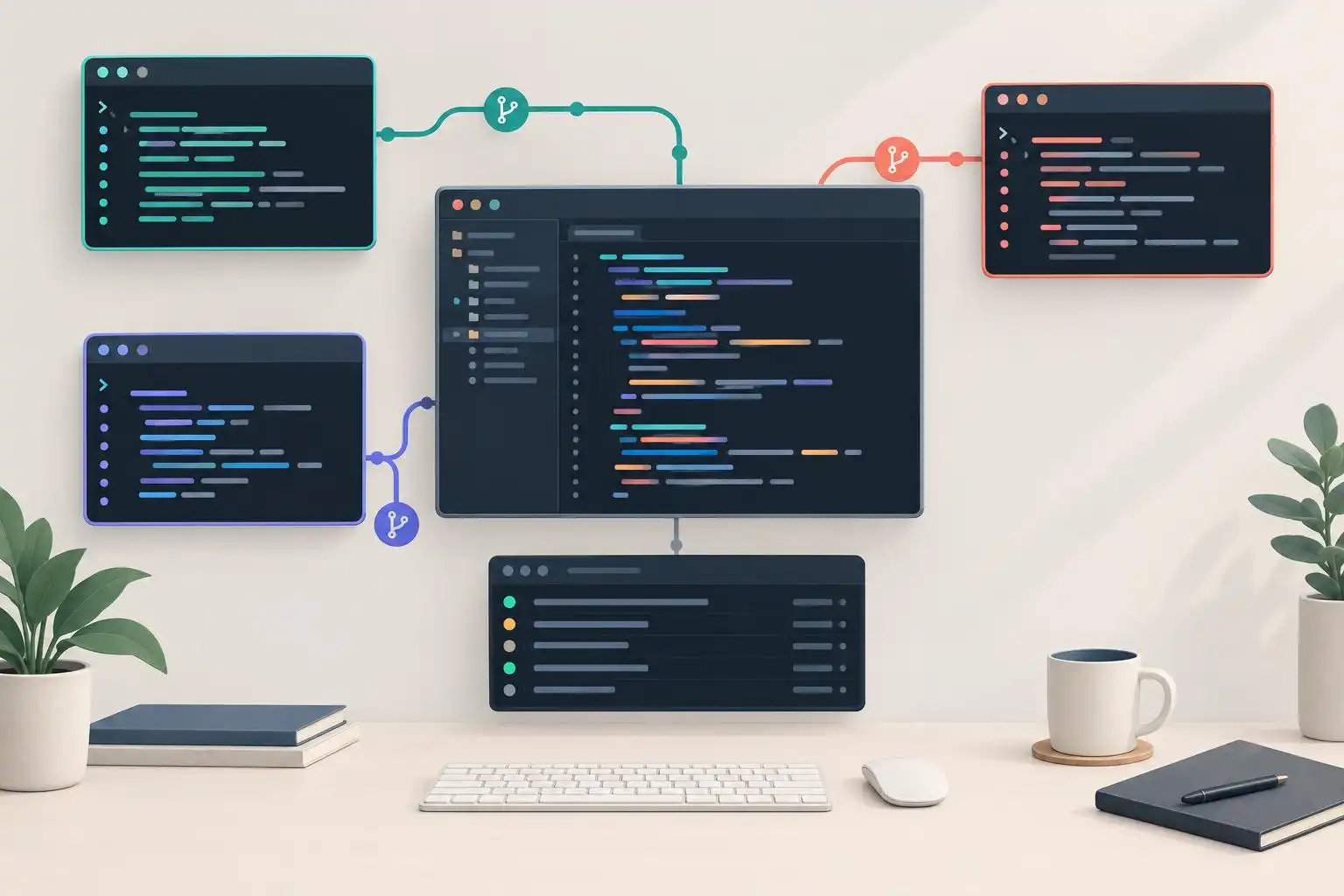

A developer can now keep several coding agents close at hand without treating each one as a separate destination. A recent roundup describes experimental tool-calling in Claude Code, a new model option in Cursor, and Codex CLI interface changes, including a model-provider picker and side-by-side conversations.[1] Those are useful leads to check in your installed versions, not proof that the tools behave identically.
The practical question is no longer just which agent should I open? It is: Can I tell, afterward, which agent, model, instructions, and permissions produced this diff? A shared editor makes switching easy. It does not automatically make the resulting work comparable or reproducible.
A shared window is not a shared execution environment
One proposed workflow runs Claude Code and Codex panels alongside Gemini in Cursor’s terminal, then reviews and commits their outputs through Cursor’s Git interface.[2] That is a convenient workspace layout. The panels and terminal may still differ in authentication, working directory, model selection, available tools, and approval settings.
It also matters where an agent runs. A terminal process on your laptop, an IDE extension, and a remotely hosted agent can see different files and credentials even when they appear beside the same repository. Before handing off a task, ask the agent to report its working directory and intended edits. Check those answers against the environment you meant to authorize.
Capture the run, not just the final patch
A leaderboard is a poor substitute for a run record. One October roundup compares agents using benchmark results, plans, and per-task costs, but those figures describe particular configurations and measurement conditions—not the outcome you will get in your repo.[3] If you want a useful comparison next week, record the conditions of your run today.
I would keep a short note beside each attempt:
- Repository commit and task prompt, including acceptance criteria.
- Agent, host surface, selected model or provider, and client version where visible.
- Instruction files actually loaded, plus relevant tool and approval settings.
- Commands run, elapsed time, tests, final diff, and human corrections.
Do not put API keys, full environment dumps, or sensitive prompts into that note. Record whether a credential was available, not its value. If the interface hides a model revision or instruction-loading detail, write unknown rather than guessing.
Give competing agents separate worktrees
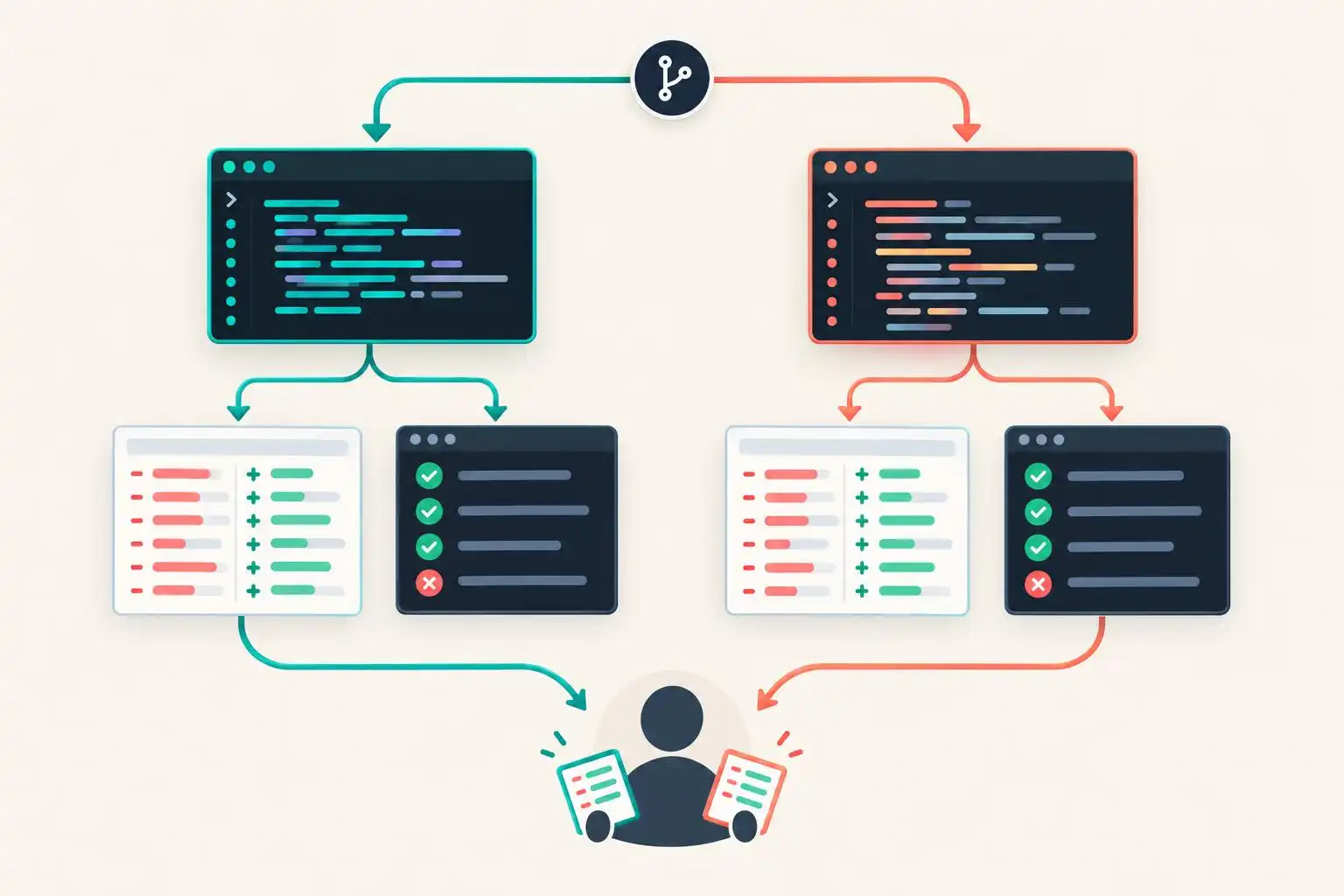
Side-by-side conversations are useful for discussion; side-by-side edits to one working tree are difficult to attribute. For a small bake-off, start from the same commit and give each agent a separate checkout. Git worktrees make that possible without copying the entire repository:
git status --short                 # Start clean, or stop here
git worktree add --detach ../try-claude HEAD
git worktree add --detach ../try-codex HEAD
Open each worktree in the appropriate tool, give both agents the same narrowly scoped request, and run the same project checks. Then inspect the changes separately:
git -C ../try-claude diff --check
git -C ../try-claude diff --stat
git -C ../try-codex diff --check
git -C ../try-codex diff --stat
These commands do not declare a winner. They make it harder to mistake a combined patch for either agent’s work. Review the full diff and test results before choosing anything to merge. When finished, remove worktrees with git worktree remove only after preserving changes you want to keep.
Treat setup guides and rankings as hypotheses
Tool comparisons commonly group Codex with ChatGPT workflows, Cursor with editor-centric work, and Claude Code with repository-scale tasks.[4] An alternatives guide similarly frames open-source tools around flexibility and IDE products around editing experience.[5] These are starting points for choosing a trial, not reliable descriptions of every installation or subscription.
Be especially careful with claims that one repository instruction file works automatically everywhere. The multi-agent Cursor guide says AGENTS.md is read natively by a long list of tools.[2] Do not build a handoff on that assertion alone. Put a harmless, distinctive instruction in a test repo and check whether each surface follows it; verify the exact file path and scope in your installed version.
The same rule applies to new model choices and CLI controls. Confirm that the reported option exists in your build, identify which account or provider will be billed, and note whether changing it also changes permissions or tool access. A model name in a picker tells you less about a run than a recorded configuration and a reviewed patch.
Key takeaways
- One editor can host multiple agents without giving them the same context or permissions.
- Record the run configuration and human corrections alongside the diff.
- Use separate worktrees when comparing agents on the same task.
- Verify instruction loading, model availability, and billing in your own installation.
References
- Instagram coding-agent update — https://www.instagram.com/p/Df4DR8CnHr7?__d=1%252F%253Fhidemenu%253Dtrue
- Run Cursor, Claude Code, Codex, and Gemini in one window | Product Map Blog — https://www.productmap.io/blog/agentic-product-management-cursor-codex-gemini
- Best AI Coding Agents (October 2026): Scored Leaderboard and Coding Agent Benchmark — https://www.morphllm.com/best-ai-coding-agents-2026
- OpenAI Codex Beginner’s Guide: Setup, Workflows, and Pricing — https://neurohive.io/en/guides/openai-codex-beginners-guide
- Best Claude Code Alternatives in 2026 — https://www.igmguru.com/blog/best-claude-code-alternatives


Leave a Reply
You must be logged in to post a comment.