
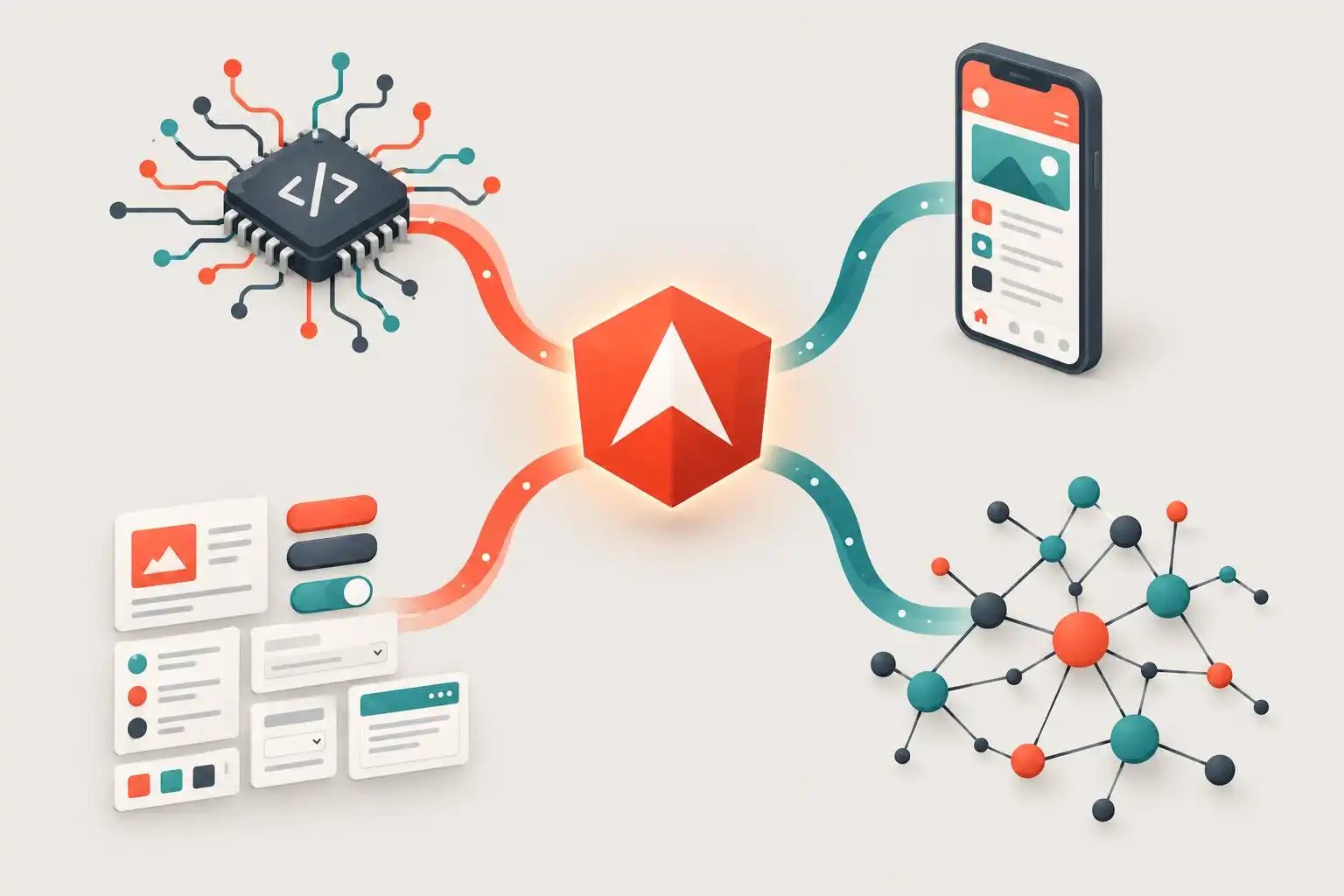

An Angular upgrade used to sound like a version-matching exercise: update the framework, wait for libraries to catch up, and fix what the compiler flags. Recent developments suggest a broader checklist. Compiler changes, alternative rendering targets, UI-library licensing, and integration-package requirements can each affect a project in different ways. Treating them as separate decisions makes an upgrade easier to plan—and much harder to misunderstand.
The compiler is its own compatibility boundary
Angular applications use TypeScript, but Angular code is not compiled by TypeScript alone. Angular’s compiler sits on top of it. Recent coverage of TypeScript 7.1 and Angular’s compiler is a useful reminder that a new TypeScript release does not, by itself, establish that an Angular application can adopt it.[2]

That distinction matters when a dependency asks for a newer TypeScript version or a team wants a new language feature. Check Angular’s supported TypeScript range for the exact framework version in use, then run the application build and template checks before changing the workspace-wide version. A passing TypeScript-only check cannot tell you everything about Angular templates or compiler integration.
A new renderer is not a new DOM
Angular Native illustrates a different kind of boundary. It replaces Angular’s DOM-targeting renderer with one that uses React Native’s Fabric to produce native iOS and Android interfaces. Its reported integrations include Angular routing, Tailwind, hot reload, Metro, and Expo tooling.[2]
That is an interesting technical direction, not a reason to assume an existing web application can be moved unchanged to a phone. Components that depend on browser elements, DOM measurements, or web-only packages still need scrutiny. I would test one representative screen and its navigation, styling, and device-module needs before committing to a platform strategy. Renderer flexibility expands what Angular can target; it does not erase the differences between those targets.
UI dependencies now need a licensing review
A recent account of PrimeNG 22 describes eight new components, Angular 22 support, theme changes, and a move away from the MIT license for that release. It also raises the possibility of different implications for commercial users.[3]
The practical response is not to guess whether an upgrade is free or paid from a headline. Before updating, have the team responsible for procurement or legal review the license terms that apply to the exact version and intended use. Keep the currently deployed version, its license, and the proposed replacement in the upgrade record. Feature compatibility and permission to use a package are distinct questions, and both need answers.
Integration packages can narrow the upgrade path
The ngx-formly release notes provide a concrete example of version constraints that are easy to miss when reading only a framework migration guide. Formly v9 requires Angular 20 or newer; applications still on Angular 19 are directed to stay on Formly v8. Its Material, PrimeNG, and NG-ZORRO integrations also require version 20 or newer of their respective UI libraries.[5]
The notes describe smaller but consequential changes too: a stricter CSP expression parser can reject malformed expressions that were previously accepted, while some UI integrations change where field IDs are assigned. Neither issue is captured by a simple claim that a package “supports Angular.” Both can surface in production forms, tests, or custom selectors.[5]
Build an upgrade plan around evidence
Before changing a shared application, I would make a short compatibility record:
- Confirm the framework’s supported TypeScript range and run Angular-aware build checks.
- Prototype any non-DOM rendering target with real application dependencies.
- Review the license for each proposed UI-library version and intended use.
- Read integration-package release notes for minimum versions and behavioral changes.
Then upgrade a representative slice—not just an empty starter app. A form with validation, a custom-styled control, and an end-to-end test will reveal more than a successful dependency install. The goal is not to slow modernization down. It is to find out which boundary you are crossing before the rest of the application has to cross it with you.
References
- Ng-News 26/22: TypeScript 7.1, Angular Native and Polymorpheus – DEV Community — https://dev.to/playfulprogramming-angular/ng-news-2622-typescript-71-angular-native-and-polymorpheus-4ej2
- PrimeNG 22: What’s New & What’s Paid? — https://medium.com/javascript-in-plain-english/primeng-22-whats-new-what-s-paid-0145d63e1bf8
- Releases · ngx-formly/ngx-formly · GitHub — https://github.com/ngx-formly/ngx-formly/releases


Leave a Reply
You must be logged in to post a comment.