
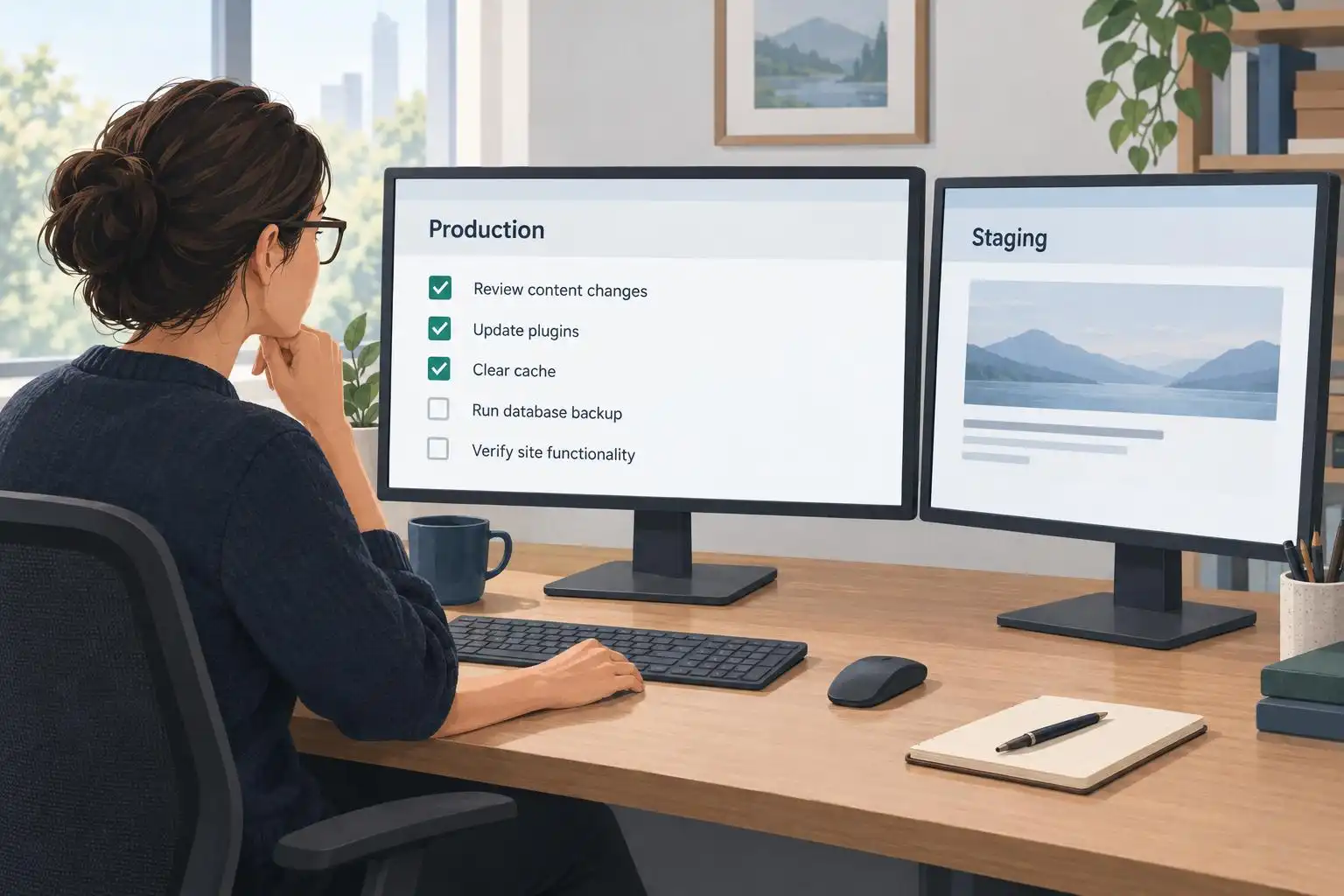

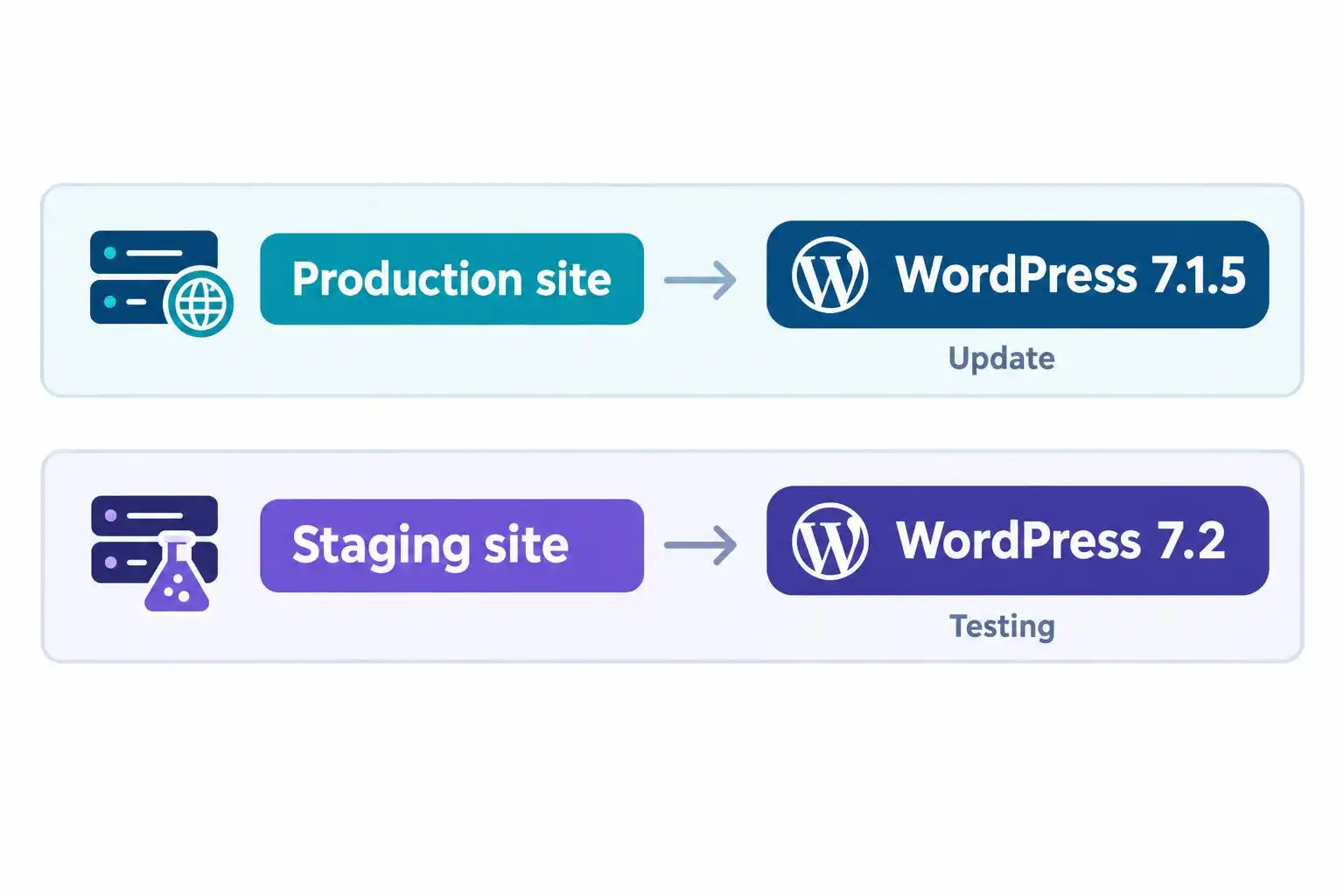
WordPress listed 7.1.5 as its latest release on November 18, 2026, and categorized the release under Security. A day earlier, it announced WordPress 7.2 Release Candidate 1.[1] For site owners and developers, those two announcements call for different actions: bring production sites up to date with 7.1.5, then explore 7.2 on a staging site.
Treat 7.1.5 as the production task
A security-classified maintenance release deserves a prompt update, even when a site appears to be running normally. If your host manages WordPress core updates, verify that 7.1.5 was installed rather than assuming the update policy has already taken care of it. On self-managed sites, take a backup and run the update through your usual deployment process.
The WordPress news listing identifies the release and its Security category, but it does not spell out the fixes in that listing.[1] Don’t infer a particular vulnerability or affected feature from the version number alone. Check the full release announcement and your hosting provider’s notices when deciding whether additional investigation is needed.
Verify the site, not just the version number
After updating, confirm that the site reports 7.1.5 and that its most important workflows still work. I would start with the parts of a WordPress installation that can fail quietly:
- Open the front page and a representative post or page.
- Edit and save content in the block editor.
- Test forms, checkout, or member sign-in where applicable.
- Check scheduled tasks and server error logs.
This is a short production smoke test, not a reason to postpone a security update until every plugin has been exhaustively retested. If you manage multiple sites, record which installations updated, which needed intervention, and which still require verification.
Keep the 7.2 release candidate off production
WordPress announced 7.2 Release Candidate 1 on November 17.[1] A release candidate is an opportunity to test what comes next; it is not a substitute for applying the current production release. Set up a staging copy if you want to evaluate 7.2 without putting visitors or editorial work at risk.
For developers, the most useful test is not simply whether the dashboard loads. Exercise custom blocks, editor extensions, theme templates, and the plugin settings your clients actually use. Compare behavior with your current production environment, and report reproducible problems through the appropriate WordPress development channels. Because the cited news listing does not detail 7.2’s changes, I would check the release documentation before attributing any difference to a specific new feature.
Separate the two deployment tracks
The practical order is straightforward: update and verify 7.1.5 on production, while testing 7.2 independently on staging. Keeping those tracks separate makes it easier to identify whether a problem came from a maintenance update, an existing plugin conflict, or prerelease code.
That distinction matters especially on sites with custom development. A passing 7.2 test does not prove a production site has received 7.1.5, and a successful 7.1.5 update does not mean a plugin is ready for the next major release. Give each version its own test result and deployment decision.
References
- WordPress News | The latest news about WordPress and the WordPress community — https://wordpress.org/news


Leave a Reply
You must be logged in to post a comment.