


A repository can have a clean dependency audit and still run unreviewed code the moment a developer opens it with a coding agent. The agent may load project instructions, discover plugins, connect to external tools, execute commands and send context to a model provider. None of those relationships necessarily appears in package-lock.json.
That matters more as teams mix products. Claude Code, Cursor, GitHub Copilot and Codex all offer ways to inspect repositories, change files and run tests, but they reach that work through different combinations of terminals, editors, desktop apps and cloud environments.[1] The useful inventory is no longer just which model do we use? It is what can run, what can read, and where can it send data?
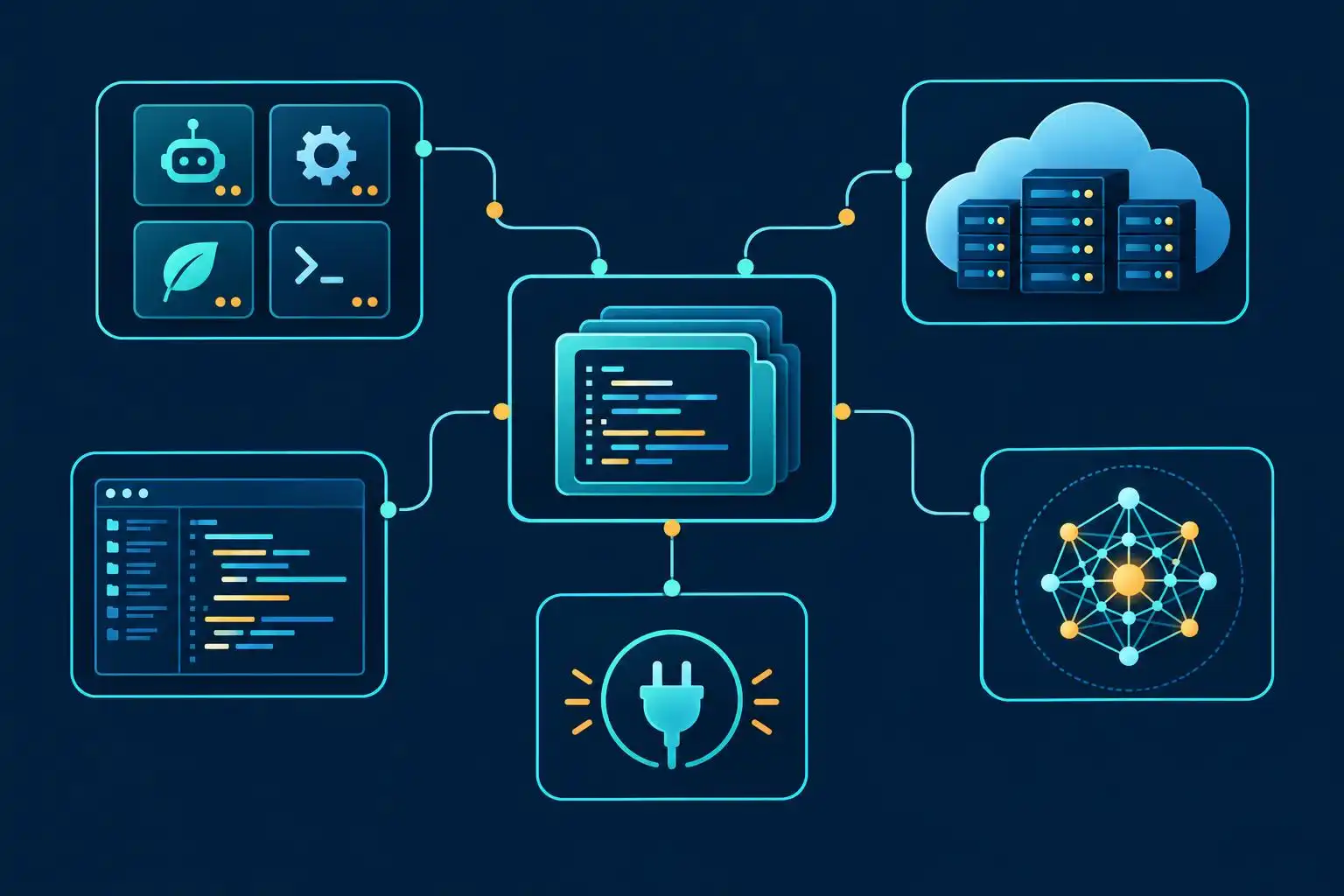
The agent is more than its model
A model generates a response. An agent product decides what context to gather and which tools can act on that response. An editor extension, terminal harness, plugin, repository hook and cloud task environment may each introduce a separate dependency or permission boundary.
This distinction gets lost when a team says it has “approved Claude” or “approved GPT.” Choosing a Claude model inside Copilot is not the same workflow as assigning a task to Claude Code; the surrounding product determines the available tools and integration points.[4] Switching models inside a harness may leave its plugins and command permissions untouched. Switching harnesses while keeping a model may change what repository content it reads.
The ecosystem extends beyond the four largest products. Directories of terminal-native agents now include open-source harnesses, parallel runners and tools that route work between agents.[2] Those can be useful choices, but “open source” or “uses our existing subscription” does not answer which local process executes, which credentials it inherits or which provider receives the prompt.
Build an agent dependency record
For each approved workflow, record the boundaries separately. A single entry called “AI coding tool” is too coarse to help when a plugin updates or a team enables cloud tasks.
- Entry point: terminal command, IDE extension, desktop app, GitHub integration or cloud task.
- Executable components: installed agent version, extensions, plugins, hooks and connected tools.
- Context and credentials: readable repositories, environment variables, local files and granted tokens.
- Destinations: model provider, telemetry endpoint, connected service and artifact storage.
- Authority: permitted commands, network access, write scope and whether a human approves changes.
A small, human-maintained record is enough to start. This YAML is an inventory example, not a configuration that enforces policy:
workflow: local-bugfix
entry_point: approved-terminal-agent
version: "record-installed-version"
plugins: []
connected_tools: []
repository_scope: current-worktree
secrets_available: none-intentionally
network_destinations: [approved-model-provider]
command_approval: required
owner: developer-platform
reviewed_at: "2026-11-16"
The critical fields are the ones a reviewer can verify. “No secrets intentionally available” is not a promise that the environment is clean: check inherited variables and credential files before treating it as fact. If the tool does not expose its effective plugins or network destinations, mark those fields unknown rather than guessing.
Inspect the repository without executing it
Start with files the repository can supply to an agent or editor. The following command lists tracked and non-ignored untracked candidates; it does not read global user configuration, ignored files or every vendor-specific instruction format:
git ls-files --cached --others --exclude-standard |
  grep -E '(^|/)(AGENTS\.md|CLAUDE\.md|\.github/|\.vscode/|\.claude/|\.cursor/|\.codex/)' \
  || true
Review matches before opening a task in an agent. Then inspect configuration outside the repository: installed extensions, user-level agent settings, connected services and authentication. A repository scan cannot establish what an IDE has installed or what a cloud agent is authorized to reach.
Treat proposed automation with the same care as any other executable change. CIO reported incidents involving agent plugin systems and a malicious package that planted a session-start hook and an editor task in an infected project.[5] The practical lesson is narrower than “never use plugins”: do not assume opening a repository or starting an agent session is a passive act. Review executable project configuration before running either in a sensitive environment.
Make changes to the harness reviewable
A model change, plugin installation and new cloud connection deserve different checks. Before approving a plugin, identify its publisher, update path, executable code and permissions. Before approving a connected tool, establish which data it can read and which actions it can take. Before enabling cloud delegation, establish where the task runs and what credentials or repository contents reach that environment.
Put an owner on each decision. Record the installed version or release channel, the reason the capability is needed and the date for re-review. Revisit the record when the product updates, permissions expand, a provider relationship changes or a workflow moves from local to cloud execution. Reporting about a proposed supplier cutoff for Cursor illustrates why an agent product’s upstream model relationship is also a dependency worth tracking—not a contract your team controls directly.[5]
This need not become a procurement gate for every prompt. Keep the routine path small: approved entry point, known components, limited credentials and a reviewable record of changes. When a developer needs a new plugin or connection, the team can assess that specific new boundary instead of reopening the entire debate about AI coding tools.
Key takeaways
- Inventory the agent harness and integrations, not just its model or subscription.
- Inspect repository-supplied instructions and automation before starting a sensitive agent session.
- Record plugins, credentials, destinations and permissions; label unverifiable fields unknown.
- Re-review the workflow when an update or new connection changes what can run or where data goes.
References
- Best AI Coding Tools 2026: Claude Code vs Cursor vs Copilot vs Codex — https://www.interviewbit.com/varsity/blog/ai-coding-tools
- awesome-cli-coding-agents — https://github.com/bradagi/awesome-cli-coding-agents
- The big players in AI coding: models, tools, and who to follow — https://flaviocopes.com/ai-coding-landscape
- Claude Code, Codex and Cursor have become part of your software supply chain – without approval — https://www.cio.com/article/4245820/claude-code-codex-and-cursor-have-become-part-of-your-software-supply-chain-without-approval.html


Leave a Reply
You must be logged in to post a comment.