
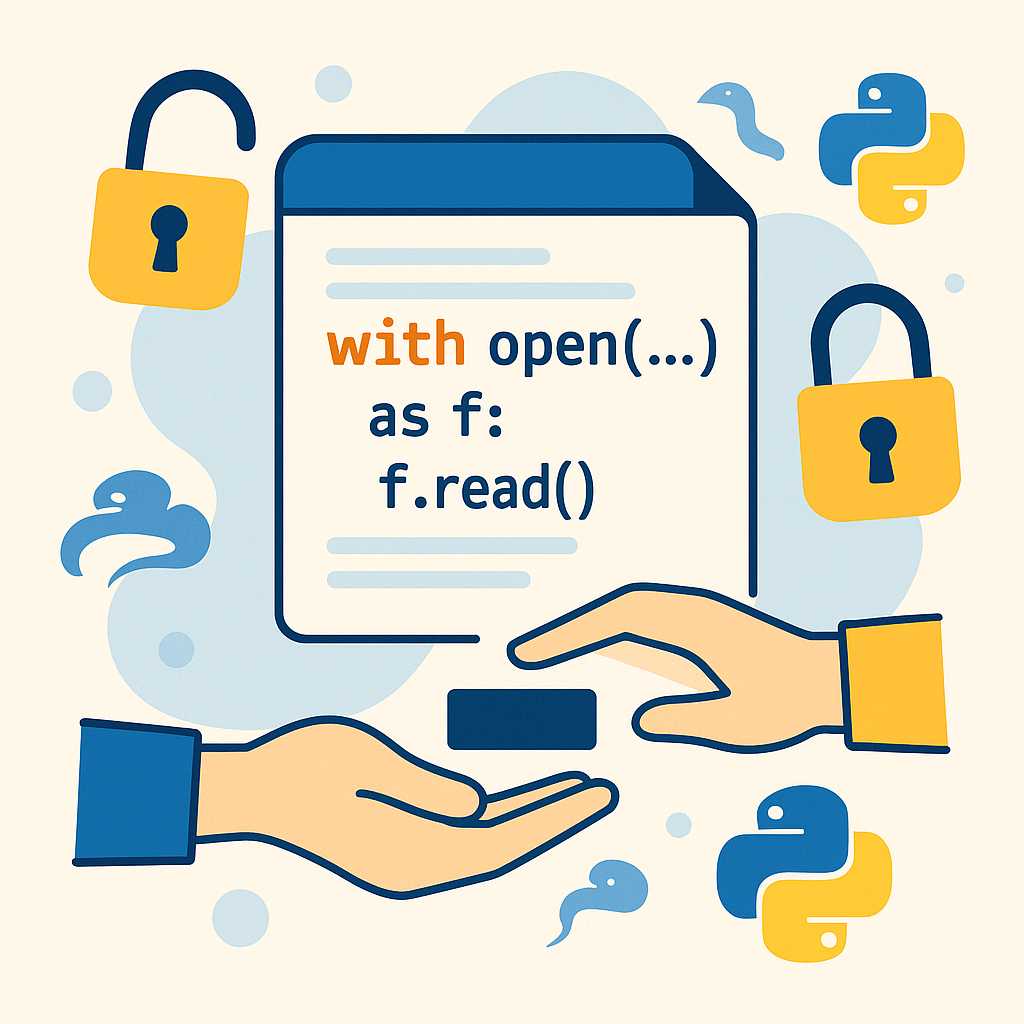

Python is well-known for its clean syntax and expressiveness, but some of its real magic shines through advanced constructs like context managers and the with statement. If you’ve ever opened a file using with open(...) as f: and wondered how it automatically cleans up resources, this article is for you!
What is a Context Manager?
A context manager is an object in Python that defines runtime context for a block of code. It’s most useful for managing resources—think file streams, database connections, threading locks, and more—ensuring that setup and teardown happens in a safe and predictable way.
Context managers abstract away the often error-prone process of cleanup regardless of exceptions or early returns. The most common interface is using the with statement:
with open('sample.txt', 'r') as file:
    data = file.read()
Here, Python guarantees file is closed after the block, even if an error occurs.
Under the Hood: __enter__ and __exit__
You can create your own context manager by defining a class with the special methods __enter__ and __exit__. Here’s a basic example:
class ManagedResource:
    def __enter__(self):
        print("Resource acquired!")
        return self
    def __exit__(self, exc_type, exc_value, traceback):
        print("Resource released!")

with ManagedResource():
    print("Using resource...")
Output:
Resource acquired!
Using resource...
Resource released!
The __exit__ method is called regardless of how the block is exited—successfully or via exception—making it a robust place for cleanup code.
The contextlib Module: Roll Your Own Easily
For simpler cases, Python’s contextlib module lets you write context managers as generator functions using the @contextmanager decorator.
from contextlib import contextmanager

@contextmanager
def managed_resource():
    print("Resource acquired!")
    try:
        yield
    finally:
        print("Resource released!")

with managed_resource():
    print("Using resource...")
When Should You Use Context Managers?
Any time you work with resources that require setup and teardown—like files, sockets, or locks—context managers are your friend. They help prevent resource leaks and keep your code clean and readable.
Conclusion
Context managers and the with statement are essential tools in every Pythonista’s toolkit. They go far beyond file operations and can be extended to a variety of resource management scenarios in your projects.
If you haven’t already, try writing your own context manager for a task in your next Python project—it’s a great way to write safer, more Pythonic code!


Leave a Reply
You must be logged in to post a comment.