
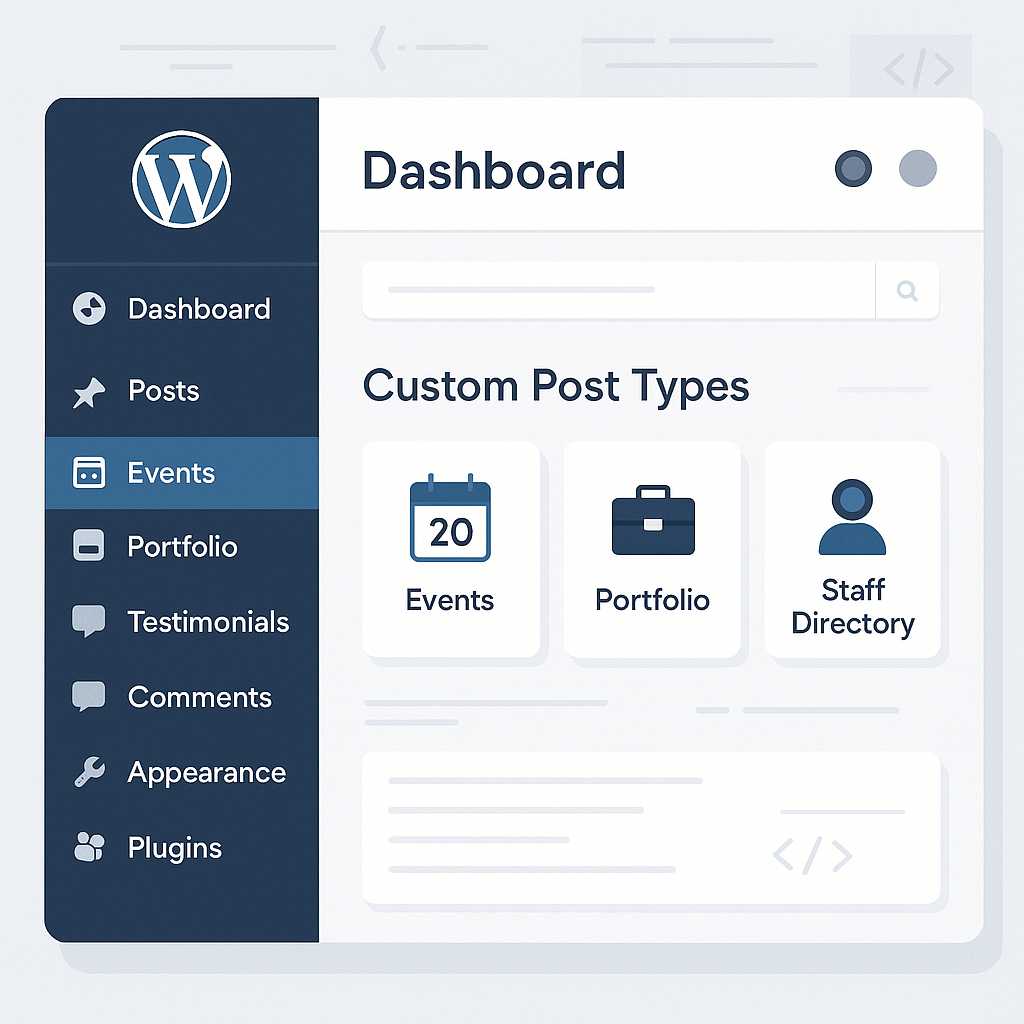

As a web developer specializing in WordPress, one question I encounter often from content teams and site administrators is, "How can we better manage and organize different types of content on our WordPress site?" While posts and pages form the backbone of most WordPress installs, the platform’s real power emerges when you harness Custom Post Types (CPTs).
What Are Custom Post Types?
A Custom Post Type is, simply put, a content type that goes beyond the default "post" and "page." Classic examples include portfolios, testimonials, staff directories, events, and case studies. Instead of forcing all content into the conventional post structure, CPTs give you the flexibility to segment and display information in ways that are meaningful for your project.
Why Use Custom Post Types in Content Management?
- Organization: You can keep different types of content separate, making administration clearer.
- Custom UIs: CPTs can have tailored admin menu entries, custom taxonomies (like genres for books), and their own templates for unique front-end presentation.
- Enhanced Querying: Fetch and display content types precisely, improving search and browsing experiences.
How to Register a Custom Post Type
You can register a CPT programmatically by adding code to your theme’s functions.php file or, ideally, in a custom plugin to preserve changes across theme updates. Here’s an example for an "Event" CPT:
add_action('init', 'create_event_post_type');
function create_event_post_type() {
  register_post_type('event', [
    'labels' => [
      'name' => __('Events'),
      'singular_name' => __('Event'),
    ],
    'public' => true,
    'has_archive' => true,
    'rewrite' => ['slug' => 'events'],
    'supports' => ['title', 'editor', 'excerpt', 'thumbnail', 'custom-fields'],
    'show_in_rest' => true, // Enable for Gutenberg editor
  ]);
}
For those less comfortable with code, plugins like Custom Post Type UI provide a user-friendly interface for creating and managing CPTs without writing a line of PHP.
Best Practices for Managing Content with CPTs
- Pair with Custom Taxonomies: For further categorization, create custom taxonomies, like "Event Type" or "Location."
- Custom Fields: Leverage custom fields (ACF or native) to add structured data unique to each CPT.
- REST API Compatibility: Always enable
show_in_restfor CPTs you intend to work with in the WordPress Site Editor or via headless setups. - Template Customization: Create dedicated templates in your theme (
single-event.php,archive-event.php) for specialized displays.
Conclusion
Custom Post Types are an essential tool for building modern, scalable WordPress sites that serve complex content management needs. By integrating CPTs into your workflow, you’ll streamline site organization, empower editors, and offer users meaningful ways to explore your content.
Have you implemented custom post types in your WordPress projects? Share your insights and questions below!


Leave a Reply
You must be logged in to post a comment.