
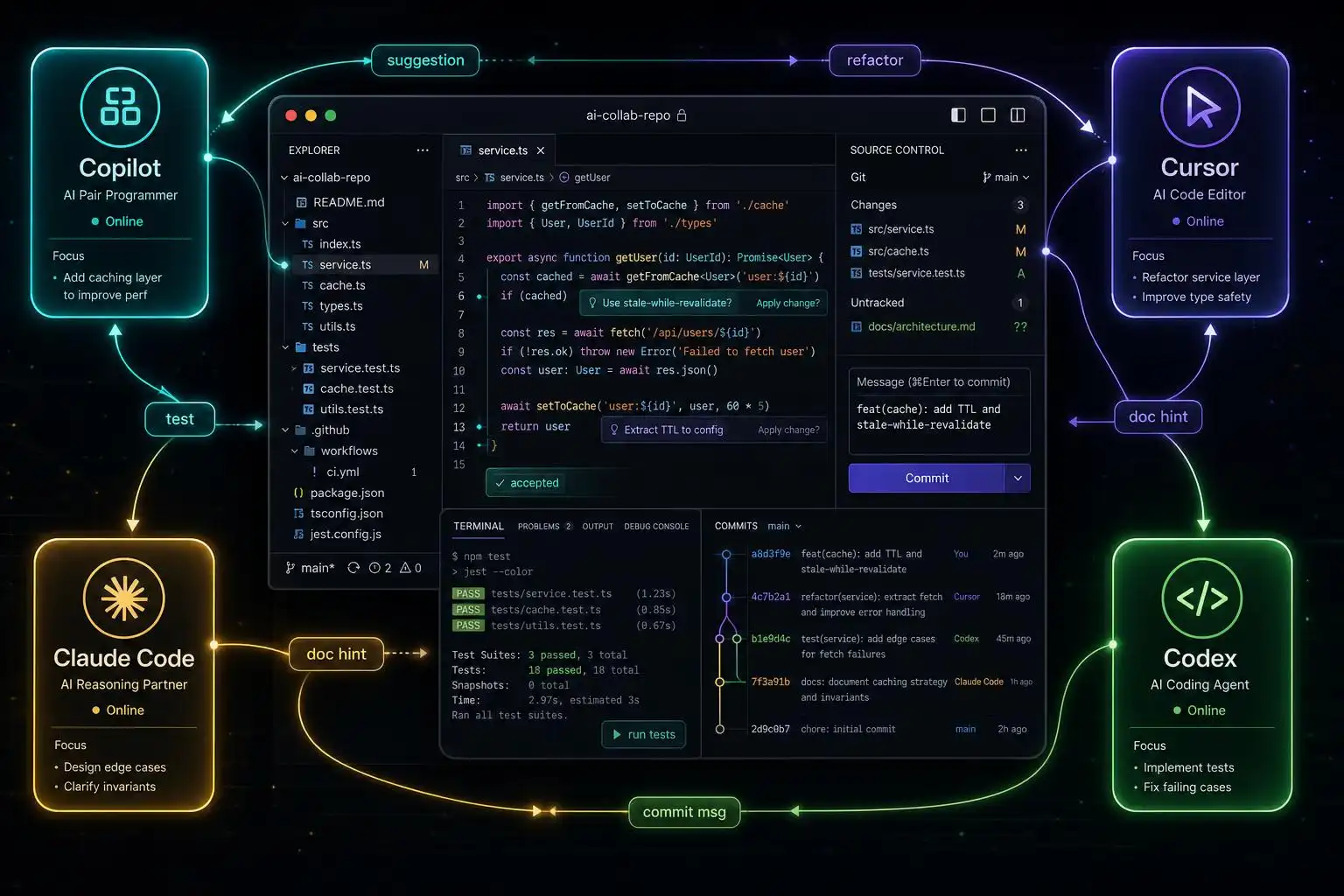

If 2025 was the year of “try a copilot,” 2026 is the year of real workflows. AI coding assistants moved from autocomplete to system partners that plan, refactor, test, and review alongside us. Teams report shipping faster without growing headcount, but the winners aren’t those handing over control — they’re the ones matching tools to tasks and instrumenting the results [1].
What’s new under the hood this year matters. GitHub accelerated Copilot’s roadmap (Agent Mode, CLI GA, Memory) and shifted to credits-based billing; Cursor went multi‑agent with background VMs and automated PR review; and independent benchmarks now separate raw terminal performance from IDE ergonomics [2] [3].
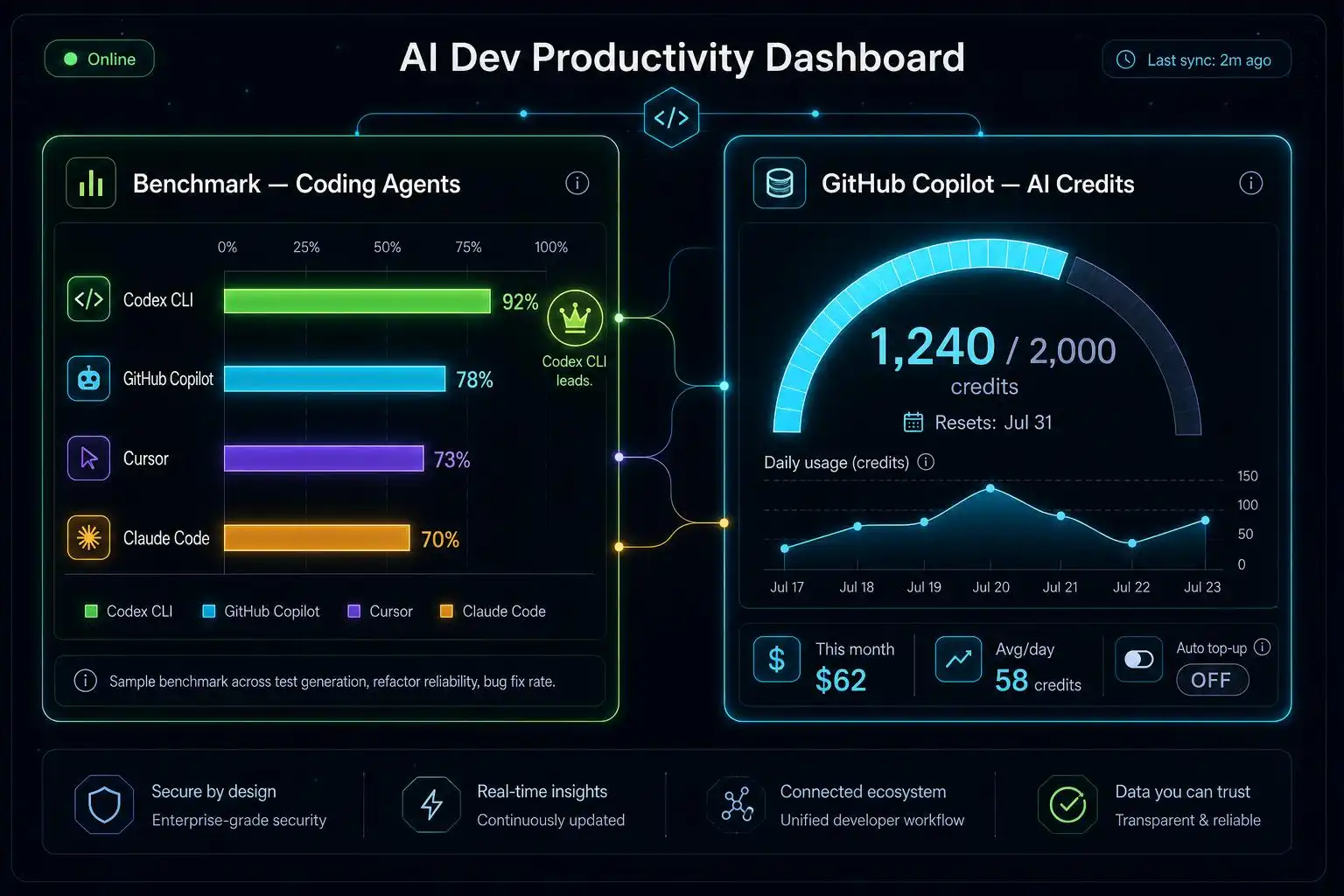
Benchmarks and billing that actually change your calculus
Two quick numbers that explain a lot of team choices this summer:
- Terminal-Bench 2.1: Codex CLI + GPT‑5.5 leads at 83.4%, with Claude Code + Opus 4.8 at 78.9% — a useful signal when your workflow is terminal‑first and task‑oriented [3].
- Copilot billing: as of June 1, 2026, GitHub moved paid plans to AI Credits (1 credit = $0.01). Pro ($10) includes 1,500 credits, Pro+ ($39) 7,000, Max ($100) 20,000. Basic code completions remain unlimited on paid tiers. New sign‑ups for some plans are temporarily paused during rollout [3].
Implication: terminal-heavy shops may bias toward Codex CLI for raw agent execution, while VS Code–centric orgs can lean on Copilot’s unlimited completions and budget bursts of chat/agent calls via credits. Track your mix — refactors and test generation can eat credits faster than chatty code reviews.
Match the tool to the job (and your scale)
There’s no single “best” assistant. The right tool depends on context and constraints:
- Copilot: great inside established IDE/workflows; now with Agent Mode (multi‑agent across Copilot, Claude, and Codex), GA’d CLI, and Memory that auto‑stores repo knowledge. Claude Sonnet 4 is a default for the CLI and VS Code’s auto‑selection for paid users [2] [1].
- Cursor: excels at codebase‑wide changes with multi‑agent Composer, background agents on isolated VMs that test their own changes, and Bugbot for automated PR review ($40/user/mo add‑on) [2] [1].
- Claude Code: choose it when you need deeper reasoning or help understanding large systems; a strong terminal companion in harder problem spaces [1] [3].
- Windsurf: attractive AI‑first dev experience at a more affordable price point for many individuals [1].
The macro trend is the same across platforms: teams are shipping more code with stable headcount, but the biggest gains come from pairing AI speed with human judgment — not from “set and forget” autonomy [1].
A copy‑paste multi‑agent setup you can run today
If your repo is your source of truth, wire an agent skill once and light it up across tools. The graphify skill turns any project (code, schemas, scripts, docs, even media) into a queryable graph — and ships installer hooks for the major agents [4]:
# Install graphify skill for multiple agents in your dev toolbox
# (run from your project root)

# Claude Code (auto-detected on Windows with --platform windows)
graphify install

# OpenAI Codex CLICLIs
graphify codex install

# Cursor IDE
graphify cursor install

# Gemini CLI
graphify gemini install

# GitHub Copilot CLI
graphify copilot install
Codex users: enable multi‑agent extraction in your client config, then invoke the skill with the platform‑specific command name [4].
# ~/.codex/config.toml
[features]
multi_agent = true
# Invocation naming
Codex uses:      $graphify
Most others use: /graphify
Net effect: you get one cross‑agent capability (graph queries over your code and infra) that behaves consistently whether you’re driving from the terminal, an IDE chat, or a background agent.
Measure what changes: provenance and orchestration
Once agents are making real edits, provenance and coordination matter. Two pragmatic building blocks:
- Provenance-at-commit with AgentDiff: it hooks popular CLI agents and records which agent wrote which line, signed with ed25519, all in your own Git refs. No server. Commands are intentionally Git‑like [5]:
# Inspect attribution after a busy agent session
agentdiff list
agentdiff blame path/to/file.py
agentdiff report --since "1 week ago"
- Orchestrate specialist agents when the task spans disciplines. OpenCastle turns Copilot, Cursor, Claude Code, OpenCode, Windsurf, and Codex into 19 coordinated specialists with quality gates — one command to bootstrap [5]:
npx opencastle init
If you want to parallelize local work, Catnip containers an environment tuned for multi‑agent runs (optimized for Claude Code), and ntm gives you a tmux‑native control plane for fanning out tasks across panes [5].
Team-size heuristics that keep you sane
As organizations scale, the constraint shifts — and your agent stack should, too [2]:
- ~50 developers: velocity is scarce. Lean on Cursor and Claude Code to accelerate individuals and small squads; add lightweight provenance (AgentDiff) to keep reviews crisp [2] [5].
- ~200 developers: architectural consistency is the risk. Invest in shared context engines and curated skills (e.g., graphify) that encode system boundaries for every agent [2] [4].
- ~500 developers: knowledge loss dominates. Favor multi‑agent memory and organizational knowledge layering so that onboarding and cross‑team work compound rather than decay [2].
These aren’t rules — they’re starting points that align with the real trade‑offs teams reported this year.
Key takeaways
- Benchmarks and billing are strategy inputs now: Codex CLI leads Terminal‑Bench; Copilot’s credits make bursts of heavy agent work predictable [3].
- Pick tools by task: Copilot for embedded workflows, Cursor for codebase‑wide changes, Claude Code for deep reasoning, Windsurf for AI‑first value [1] [2].
- Ship one cross‑agent skill (graphify) to every surface you use; enable Codex multi‑agent mode for parallel extraction [4].
- Record provenance (AgentDiff) and orchestrate specialists (OpenCastle) so speed doesn’t outrun accountability [5].
References
[1] The Ultimate Guide to AI Coding Assistants for Modern Developers – FarFeshplus: https://farfeshplus.pro/the-ultimate-guide-to-ai-coding-assistants-for-modern-developers
[2] 8 Best AI Coding Assistants [Updated May 2026]: https://www.augmentcode.com/tools/8-top-ai-coding-assistants-and-their-best-use-cases
[3] 11 AI Coding Agents Ranked (2026): Terminal-Bench Scores, Price, License: https://www.morphllm.com/ai-coding-agent
[4] graphify (GitHub): https://github.com/safishamsi/graphify
[5] bradAGI/awesome-cli-coding-agents (GitHub): https://github.com/bradAGI/awesome-cli-coding-agents

Leave a Reply