


You can have access to a coding agent and still not have access to the workflow you intended to buy. The terminal, IDE extension, desktop app, cloud agent, and pull-request reviewer may share a name while differing in permissions, quotas, billing, and where code runs. That distinction matters more than another broad claim that one agent is “best.”
A recent comparison describes Claude Code, Codex CLI, and Gemini CLI alongside their editor integrations, but those integrations are companions or related products—not necessarily interchangeable ways to run the same task.[1] Before adopting any agent, I would verify the exact surface my team will use.
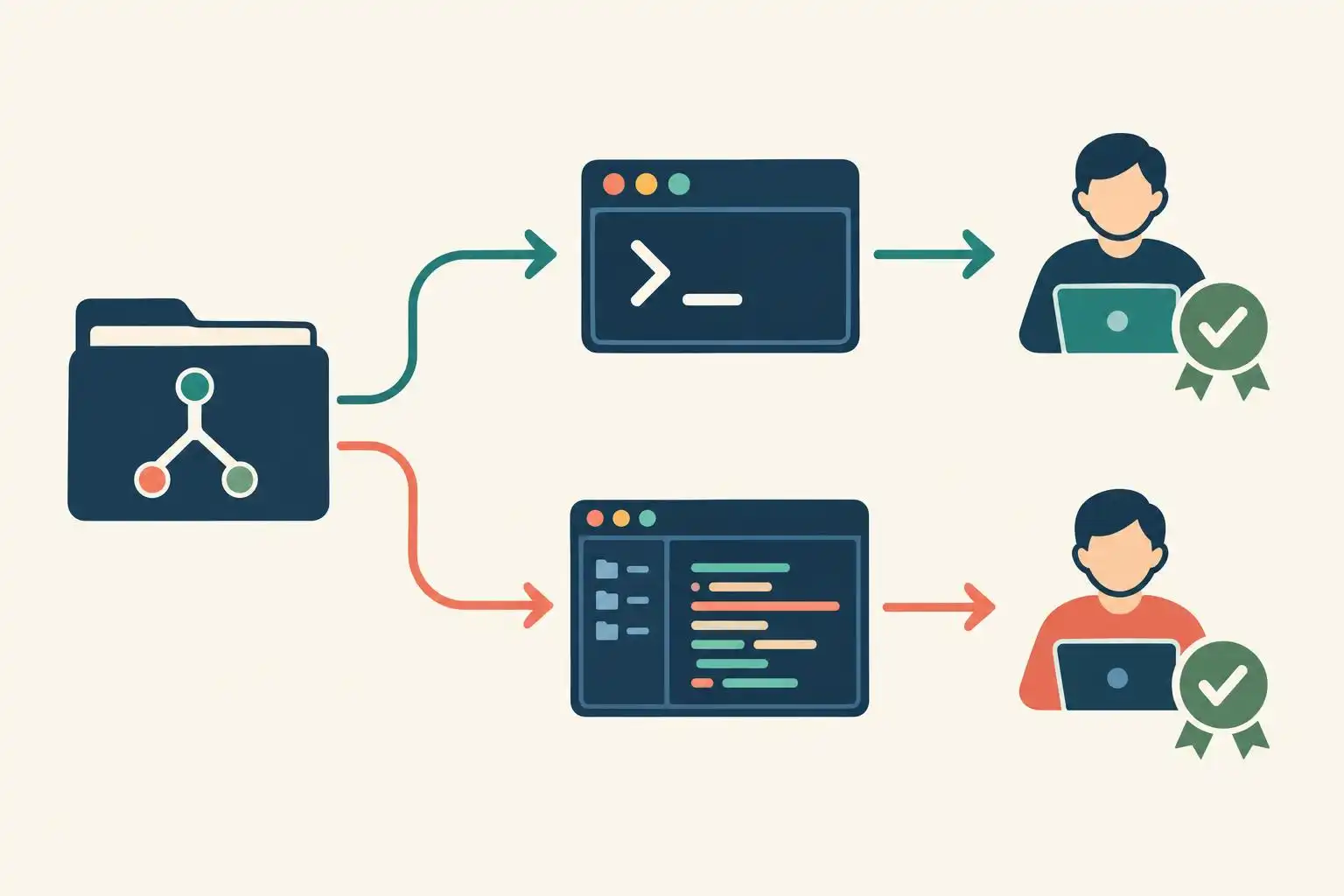
Start with the task, not the brand
Suppose your team wants an agent to fix a failing test from an IDE, run the test locally, and hand off a longer follow-up job. “Does this product have an IDE extension?” answers only the first question. You also need to know whether that extension can execute commands, whether it delegates to a separate cloud environment, and which subscription covers each action.
Codex is a useful example. One alternatives guide distinguishes limited desktop access on lower-priced ChatGPT plans from CLI, IDE, and web access it says begins with Plus.[2] Its plan descriptions are a starting point, not an entitlement guarantee: check the current plan page and then sign in with the account your developers will actually use.
Write down the job in one sentence before comparing products: “From our VS Code workspace, edit this repository, run its tests locally, and request approval before using the network.” A vendor feature list becomes much easier to interrogate when every claim must answer that sentence.
Make a surface-and-entitlement contract
I keep a small evaluation record for each workflow, not a single row per vendor. This is an internal test record, not configuration that an agent will enforce:
workflow: fix-failing-test
product: candidate-agent
surface: IDE extension
account_plan: team-evaluation
execution_location: local-or-cloud-to-verify
can_edit_repository: unverified
can_run_tests: unverified
network_requires_approval: unverified
usage_meter: unverified
verified_on: null
A comparison table can tell you what to test. For example, DeployHQ lists different approval approaches for Claude Code, Codex CLI, and Gemini CLI, and describes their IDE companions separately.[1] But a label such as “auto-edit” does not establish what happens with your account, project trust settings, operating system, or editor version. Record the observed prompt and execution location instead.
Do the same for price. One alternatives guide lists several low-cost entry points, while a Copilot evaluation discusses different team-oriented prices and enterprise considerations.[2][5] Those figures are not a clean per-seat comparison. Record the plan, date, included usage, overage rules, and whether the particular surface you tested is covered.
Run one permission test before a productivity test
Use a disposable checkout and a harmless task: ask the agent to change one assertion, run the relevant test, and explain the diff. Watch whether it asks before editing, executing commands, accessing the network, or sending work to a cloud agent. If your intended policy says one of those actions requires approval, a successful patch without the expected prompt is a failed evaluation.
A detached worktree keeps the trial away from your current working tree:
git worktree add --detach ../agent-eval HEAD
cd ../agent-eval
# Open the intended CLI or IDE extension here and run the test task.
git status --short
git diff --check
git diff --stat
Then inspect the complete diff and run the project’s usual tests yourself. Repeat the same exercise on every surface you plan to deploy. Do not infer IDE behavior from a CLI demo, or cloud-agent behavior from a local session. An agent may produce an equally good patch through both while crossing very different permission boundaries.
Treat reviews and comparisons as leads, not acceptance tests
The boundary problem extends beyond code generation. A review-tool comparison distinguishes a local background review, GitHub-integrated review, and a reviewer that can push autofixes.[3] Those are materially different authorities. Before enabling automated review, check whether the tool only comments, proposes a patch, pushes a commit, or can approve a pull request under your organization’s settings.
Be cautious with neat rankings, too. The same review article presents benchmark scores and vendor-specific review claims.[3] Neither substitutes for a trial on your own pull requests: measure useful findings, false positives, time spent resolving comments, and which actions a reviewer can take without a human. A score about generating code does not answer whether you should grant a reviewer write access.
Key takeaways
- Evaluate the exact surface and account plan your team will use, not the product name alone.
- Record observed edit, command, network, and cloud-handoff behavior before measuring speed.
- Compare total workflow cost and authority, not just an advertised monthly entry price.
- Treat third-party comparisons as test plans; make your own repository and policy the acceptance test.
References
- Claude Code vs Codex CLI vs Gemini CLI (2026 Comparison) — https://www.deployhq.com/blog/comparing-claude-code-openai-codex-and-google-gemini-cli-which-ai-coding-assistant-is-right-for-your-deployment-workflow
- Claude Code Alternatives: 9 Options Checked for 2026 — https://felloai.com/claude-code-alternatives
- AI Code Review Tools: Bugbot Beats Codex [2026] — https://shattered.io/ai-code-review-tools-bugbot-vs-codex-2026
- GitHub Copilot pros and cons: 2026 honest evaluation — https://www.netguru.com/blog/github-copilot


Leave a Reply
You must be logged in to post a comment.