
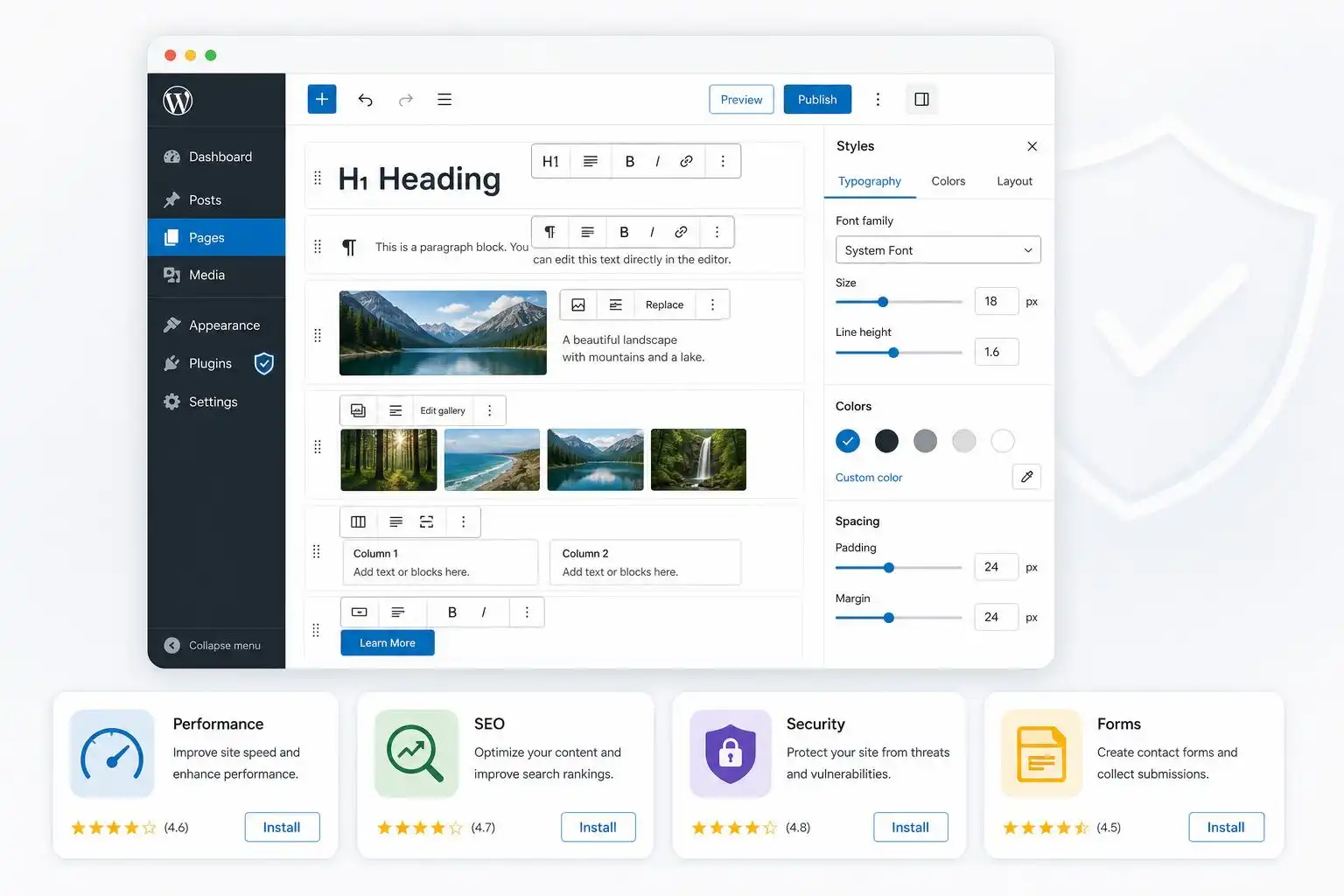

The most interesting WordPress trend I’m seeing right now is not a single shiny feature — it’s a stack decision. Site owners are increasingly trying to get the flexibility of page builders without accepting the performance, maintenance, and lock-in costs that often come with them. The current WordPress.org listings for Astra and Kadence tell that story clearly: both are lightweight, customization-heavy themes aimed at fast, accessible, builder-friendly sites, with Astra’s listing emphasizing its speed, customization options, and massive install/review footprint[1], while Kadence positions itself as a lightweight but full-featured theme for fast-loading accessible websites[2].
As a developer, I read that as a very practical signal: the “theme” is becoming less about visual decoration and more about providing a stable design system. If your theme gives you sane typography, spacing, color controls, header/footer tools, and block-friendly defaults, you can often avoid installing a full page builder for every small layout request.
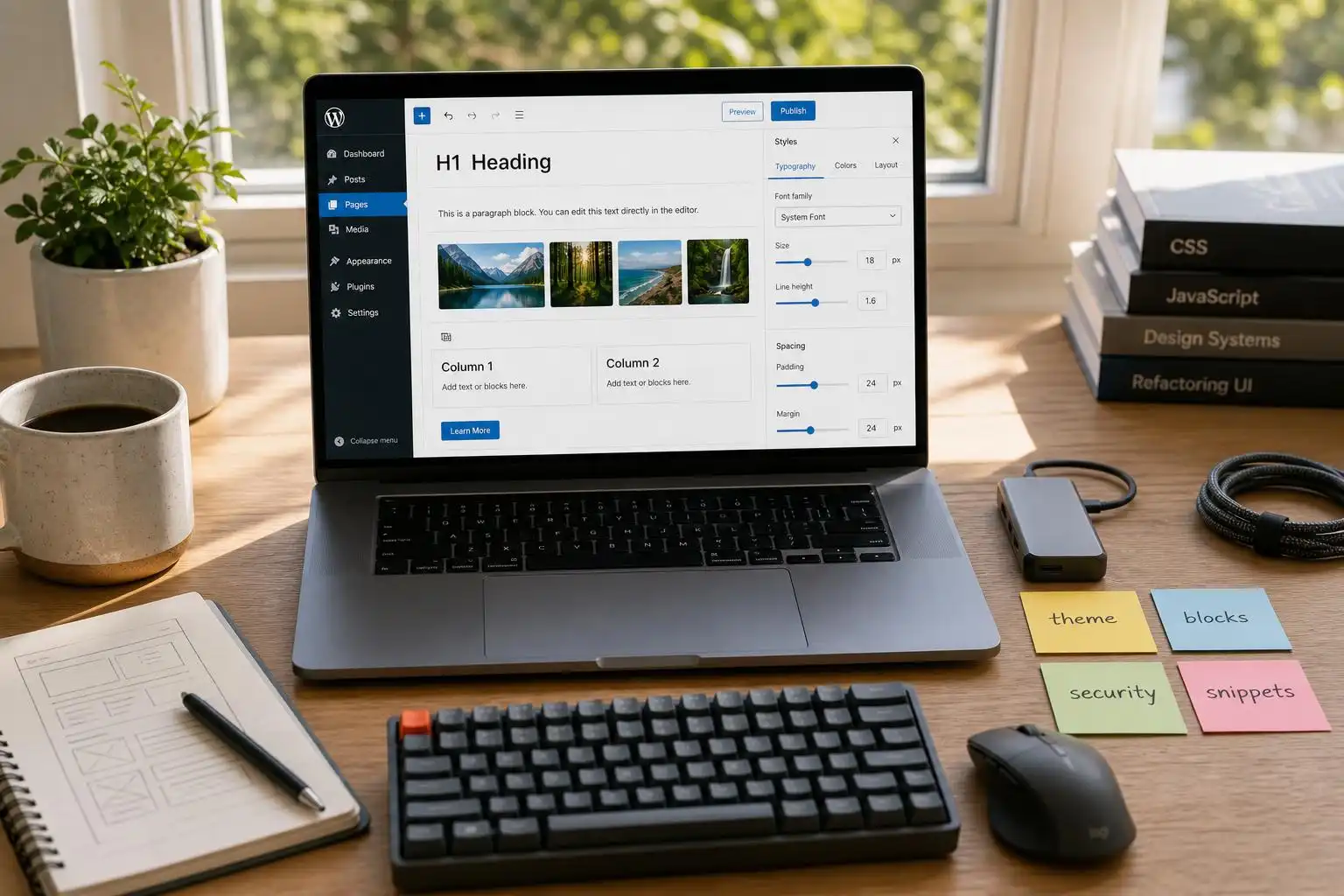
That does not mean page builders are going away. Kinsta’s current roundup of WordPress page builders is a reminder that builders still solve a real problem for non-coders and fast-moving teams: they make it possible to design pages without writing templates or custom CSS for every component[3]. But the decision is becoming more nuanced. The question is no longer “Should I use a page builder?” It is “Which parts of this site actually need builder-level control, and which parts should be handled by the block editor, theme settings, or small purpose-built plugins?”
The new default: block-first, builder-optional
For most new WordPress builds, I now start with a block-first approach. That usually means choosing a performance-conscious theme, defining global styles early, and only adding a builder if the editorial or marketing workflow truly requires it.
Astra and Kadence both fit that model because they are not trying to be old-school monolithic themes. They are base layers. Astra’s appeal is its speed and broad customization ecosystem[1]. Kadence’s appeal is similar, with a strong emphasis on fast, accessible site creation[2]. In practice, either one can work well if you are building service-business sites, marketing sites, knowledge bases, course sites, or lightweight WooCommerce storefronts.
The developer advantage is maintainability. When the visual system lives in the theme and Site Editor-era settings instead of being scattered across dozens of one-off builder sections, future changes are easier. Need to adjust container width, headings, button radius, or brand colors? You are changing a system, not hunting through individual pages.
Elementor alternatives are part of the same conversation
The continuing interest in Elementor alternatives also points to a more mature WordPress market. Kinsta’s comparison of Elementor alternatives highlights that site teams are actively evaluating different builder options rather than assuming one plugin should handle every layout problem[4].
That is healthy. Elementor is powerful, but not every project needs the same level of visual abstraction. Some sites benefit from a lighter builder. Some benefit from native blocks plus a flexible theme. Some need custom blocks built specifically for their content model. The right answer depends on who edits the site, how frequently layouts change, and how much custom behavior the site requires.
Here is the rule of thumb I use with clients:
- If editors mostly publish articles, landing pages, FAQs, and basic service pages, start with core blocks and a strong theme.
- If marketing needs frequent campaign pages with complex layouts, consider a page builder — but document where it is used.
- If the site has repeatable structured content, build custom blocks or patterns instead of making editors recreate layouts manually.
- If performance is a core business requirement, test before committing to a builder-heavy stack.
Security needs to be part of the build decision, not an afterthought
The other current signal worth paying attention to is the rise of all-in-one WordPress security plugins that combine firewalling, two-factor authentication, hardening, vulnerability scanning, bot blocking, and malware scanning. SiteFort’s plugin listing, for example, describes exactly that kind of bundled security approach[5].
Whether you use SiteFort or another security tool, the important point is architectural: security should be planned at the same time as theme and plugin selection. Every builder, snippet plugin, FAQ plugin, form plugin, and add-on expands the maintenance surface of the site. That does not mean “install nothing.” It means every plugin needs a job, an owner, and an update plan.
On client sites, I like to keep a simple plugin register with four columns:
- Plugin name
- Business purpose
- Data/security sensitivity
- Replacement or removal plan
That last column matters. Plugins tend to become permanent by accident. A landing page add-on installed for one campaign can still be running three years later. A snippets plugin can become an undocumented mini-application. A builder extension can linger long after the design that required it has been removed.
Be careful where your custom code lives
Code Snippets remains popular because it gives site owners a convenient way to add custom PHP, CSS, JavaScript, and editor-related enhancements without editing theme files directly[7]. Used carefully, that can be a cleaner approach than stuffing custom logic into a theme’s functions.php file.
But convenience cuts both ways. If a snippet controls business-critical behavior, it should be treated like code, not like a settings tweak. Give it a clear name. Add comments. Keep a copy in version control when possible. Test it on staging before enabling it on production.
This is where understanding the WordPress file structure still matters. Kinsta’s guide to WordPress files is a useful reminder that WordPress has a predictable directory layout, and that themes, plugins, uploads, and core files each have distinct roles[6]. Even if you rarely edit files manually, knowing where things live helps you troubleshoot white screens, failed updates, child theme problems, and plugin conflicts.
My preference is:
- Put reusable presentation changes in a child theme or theme-supported settings.
- Put site-specific functionality in a small custom plugin.
- Use a snippets plugin for small, documented adjustments.
- Avoid editing WordPress core files entirely.
Purpose-built blocks beat bloated layouts
FAQ sections are a good example of where WordPress builds can stay lean. Instead of creating a full custom page-builder layout for a simple accordion, a focused plugin such as Awesome FAQ provides responsive FAQ sections using Gutenberg blocks[8]. That is the kind of plugin choice I like: narrow purpose, editor-friendly interface, and no need to bring in an entire design framework for one content pattern.
The same principle applies to testimonials, pricing tables, team grids, alerts, comparison boxes, and callouts. If the content pattern is repeatable, make it a block, pattern, or focused plugin. If every instance is wildly different, then a page builder may be justified. The worst middle ground is using a heavy builder to recreate the same structured section over and over with manual styling each time.
My practical stack recommendation
If I were starting a new small-to-mid-sized WordPress site today, I would build it like this:
- Start with a lightweight, actively maintained theme such as Astra or Kadence.
- Configure global typography, colors, spacing, and button styles before building pages.
- Use core blocks and block patterns for most layouts.
- Add a page builder only when the editing workflow truly requires it.
- Use focused plugins for specific features like FAQs, forms, SEO, caching, and security.
- Keep custom snippets documented and backed up.
- Review the plugin list quarterly.
That approach gives clients flexibility without turning the site into a fragile pile of visual dependencies. It also respects where WordPress is headed: themes as design systems, blocks as content components, and plugins as focused extensions rather than catch-all solutions.
The bottom line: the modern WordPress build stack is not about avoiding tools. It is about choosing smaller, clearer tools. Astra and Kadence show how much can be handled at the theme layer[1][2]. Page-builder comparisons show that visual editing still has a place[3]. Security and snippet plugins remind us that maintainability matters as much as design[5][7]. The winning sites will be the ones that combine those pieces intentionally.
References
- Astra — https://wordpress.org/themes/astra/
- Kadence — https://wordpress.org/themes/kadence/
- 16 Awesome WordPress Page Builders to Cut Out Coding — https://kinsta.com/blog/wordpress-page-builders/
- Top 9 Elementor Alternatives — https://kinsta.com/blog/elementor-alternative/
- SiteFort – Advanced Security, Firewall & Malware Scanner — https://wordpress.org/plugins/sitefort/
- A Comprehensive Guide on WordPress Files and How to Use Them — https://kinsta.com/blog/wordpress-files/
- Code Snippets — https://wordpress.org/plugins/code-snippets/
- Awesome FAQ – Modern Accordion, Tabs, Responsive & Super Fast FAQ Builder — https://wordpress.org/plugins/faq-and-answers/


Leave a Reply