
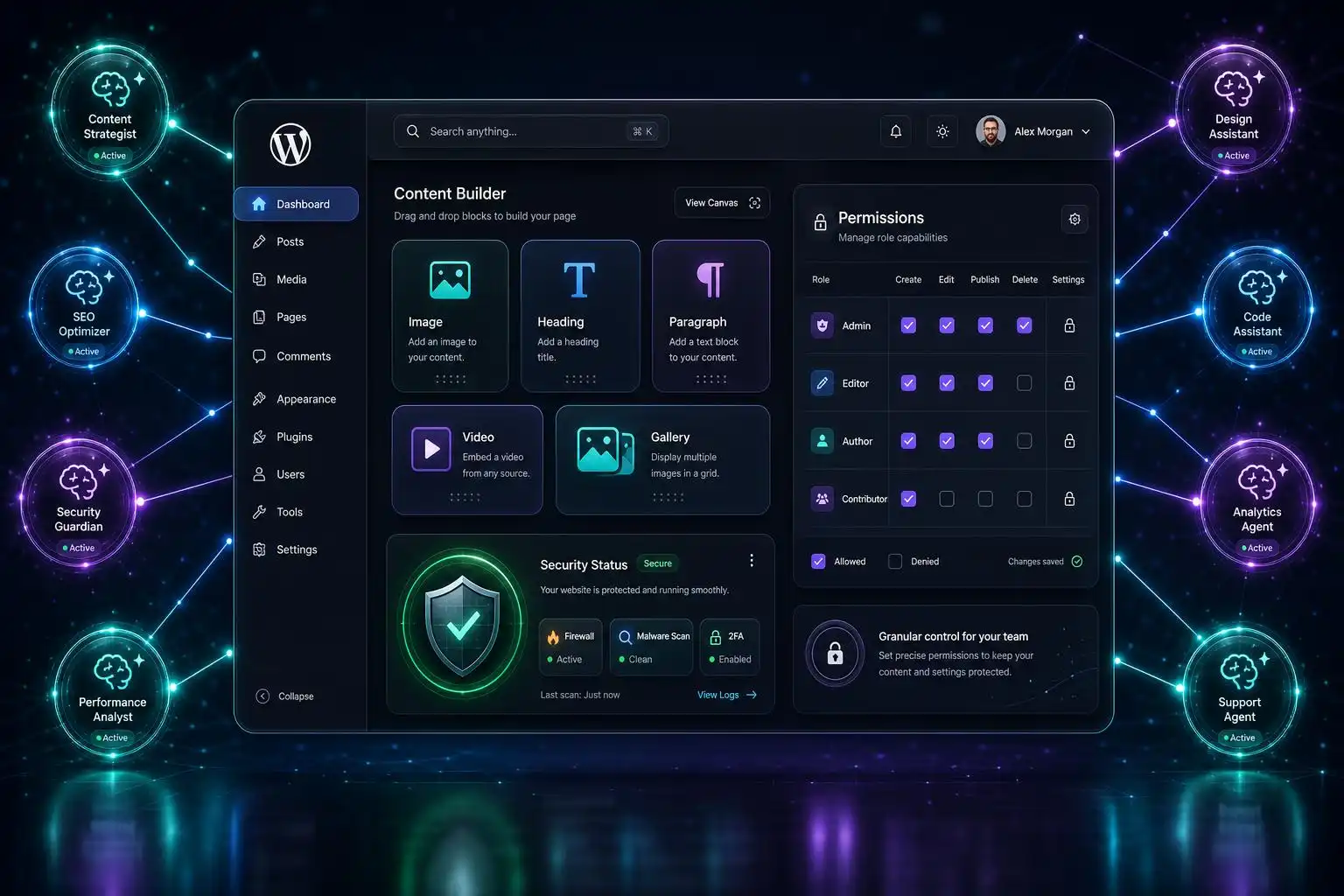

WordPress has had “AI plugins” for a while, but WPVibe’s pitch is different: it describes itself as a secure WordPress MCP server that can connect Claude, ChatGPT, Cursor, and other AI agents to WordPress through the Model Context Protocol, with the goal of managing content, editing themes, and automating site tasks from outside the dashboard.[1]
That is a bigger architectural shift than another “generate this paragraph” button in the editor. MCP-style integrations turn WordPress into a tool an agent can call. Instead of copying text from a chatbot into a post, a connected assistant may be able to query site data, draft or update content, inspect configuration, and potentially touch theme files or operational workflows depending on how the plugin is configured.
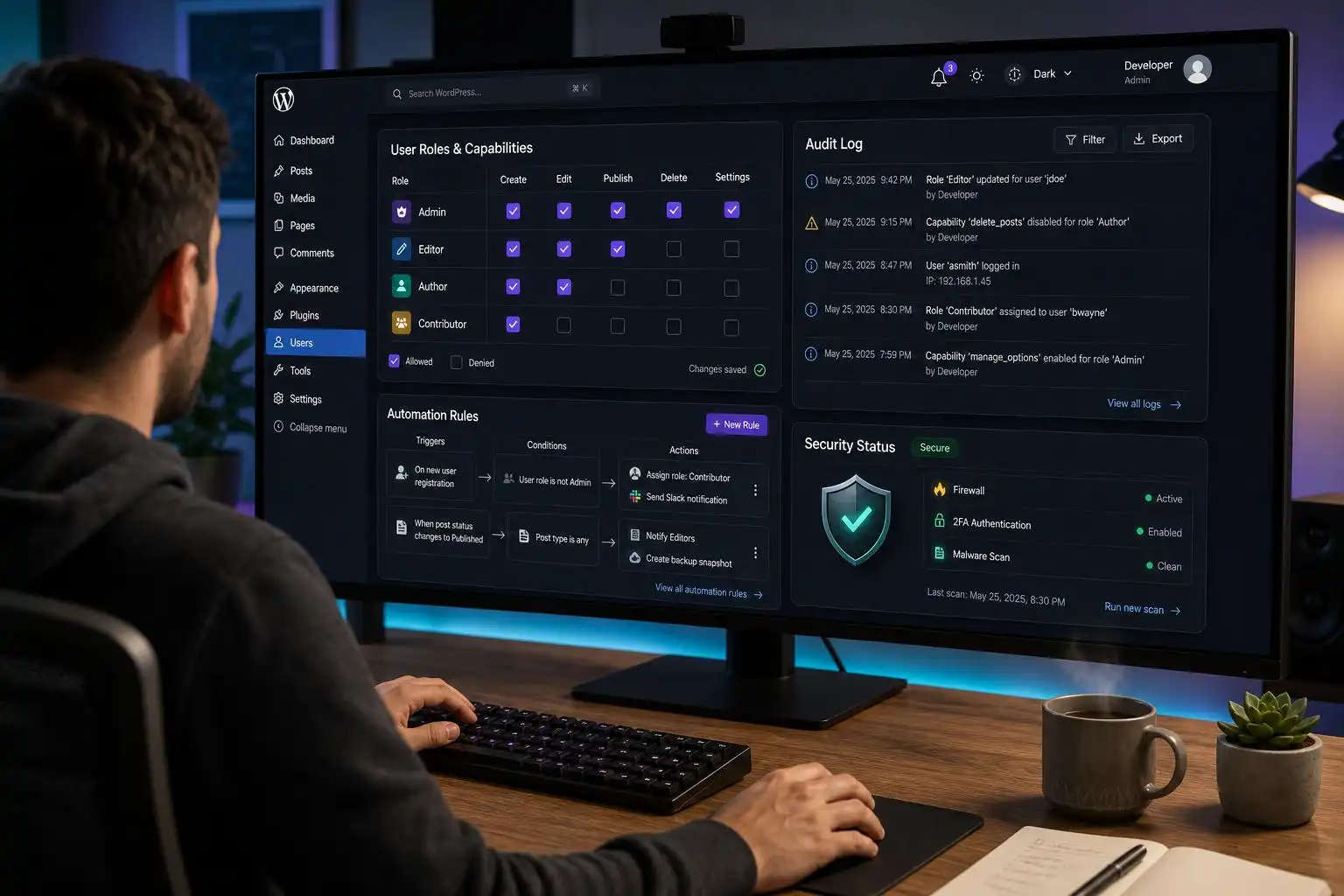
As a WordPress developer, I find this exciting — and also exactly the kind of feature that deserves a careful rollout plan.
Why MCP inside WordPress matters
The WordPress admin has always been a human-centered interface. We log in, click Posts, open the Site Editor, change a template, publish, clear caches, and repeat. Automation traditionally lives in WP-CLI scripts, custom plugins, REST API integrations, cron jobs, or third-party services.
An MCP server changes the interaction model. It gives an AI client a structured way to ask, “What tools does this WordPress site expose?” and then call those tools. In practice, that could make workflows like these much more natural:
- “Find older posts about WooCommerce shipping and draft updated intros.”
- “Create a landing page draft using our existing page structure.”
- “Audit posts missing excerpts or featured images.”
- “Help me update theme copy without hunting through templates.”
- “Create a checklist of pages affected by a navigation change.”
That is a real productivity opportunity for teams managing content-heavy sites. It is also a permissions problem wearing an AI hat.
Treat the AI agent like a user account, not a magic assistant
The first rule I would use on any MCP-enabled WordPress site is simple: an agent should never have more access than the human who would normally perform the task.
If an MCP plugin can manage content, edit themes, or automate site actions, then role design becomes critical. PublishPress Capabilities is relevant here because it focuses on access control, user roles, capabilities, permissions, and admin menus.[8] That is the right mental model: define what the integration is allowed to do first, then connect the assistant.
For example, I would not start with an administrator-level connection. I would usually create a dedicated role or service account for the AI workflow:
- For editorial assistance: allow creating and editing drafts, but not publishing.
- For SEO cleanup: allow editing metadata or excerpts, but not installing plugins.
- For design support: use a staging site before granting theme or template access.
- For maintenance tasks: expose only the specific operations required.
The difference between “draft a post” and “edit theme files” is enormous. WPVibe’s listing explicitly mentions content management, theme editing, and site automation as possible use cases.[1] Those are useful capabilities, but they belong behind deliberate permission boundaries.
Security plugins become part of the AI stack
Once an external agent can interact with WordPress, the site’s security posture matters even more. This is where the usual security tooling is not optional background noise; it becomes part of the integration design.
MalCare positions itself around firewall protection, malware scanning, cleaning, and broader WordPress security coverage.[4] Defender Security similarly highlights malware scanning, IP blocking, audit logs, firewall controls, two-factor authentication, and brute-force login protection.[5]
For an MCP-connected site, I would specifically want:
- Audit logs for every meaningful action the integration performs.
- 2FA on human accounts, especially administrators who can configure the integration.
- IP or application-level restrictions where practical.
- Malware scanning so an unrelated compromise is not mistaken for “AI weirdness.”
- A staging environment for workflows that touch templates, theme files, or bulk content.
The uncomfortable truth is that AI integrations can make mistakes faster than humans can. A security plugin will not fix a poorly scoped agent, but it can give you visibility and guardrails when something behaves unexpectedly.
Content automation is the safest first use case
If I were introducing WPVibe-style MCP access to a client site, I would begin with content operations, not code or theme editing.
Good first projects include:
- Generating post drafts from approved briefs.
- Updating internal links in draft mode.
- Summarizing old posts for editorial review.
- Preparing multilingual content workflows.
- Finding pages that need metadata, excerpts, or cleanup.
The GTranslate plugin is a useful example of where AI-assisted WordPress workflows are already heading. Its listing describes AI translation, multilingual SEO, and WooCommerce compatibility.[3] A future-facing editorial workflow might use an agent to identify priority pages, coordinate translation tasks, and flag content that needs human review before publication.
That “before publication” part is important. AI can accelerate the pipeline, but the publish button should remain a trust boundary unless you have a very mature review process.
Theme and block editing need extra caution
WPVibe’s mention of theme editing is where developers should slow down.[1] Modern WordPress themes and block-based layouts are powerful, but they are also easy to damage with a small structural mistake.
Astra, for example, is described as a fast, highly customizable WordPress theme with a very large installation footprint and thousands of five-star ratings.[2] Sites using mature themes like Astra often have carefully tuned layouts, header settings, templates, and performance expectations. An AI agent that changes design settings without context could create subtle regressions.
Block libraries add another layer. Spectra Legacy is presented as a maintained, stable, fully supported Gutenberg block plugin for existing Spectra websites.[6] If a site depends on legacy blocks, reusable patterns, or custom block markup, automated edits should be tested against the actual block output, not just the text content.
My recommendation: let the agent inspect and suggest changes first. Then move to draft edits. Only after that should it perform direct template or theme modifications — and ideally only on staging.
A practical rollout checklist
Here is the rollout pattern I would use before connecting an AI agent to a production WordPress site:
1. Define the job
Do not start with “connect AI to WordPress.” Start with a specific workflow: draft posts, classify content, update excerpts, generate product descriptions, or inspect broken editorial patterns.
2. Create a dedicated account
Use a dedicated WordPress user for the integration. Do not connect it through your personal administrator account.
3. Limit capabilities
Use role and capability controls so the account can do only what the workflow requires. PublishPress Capabilities is one option for managing that kind of access model.[8]
4. Keep publishing human-reviewed
At least at first, allow the agent to create drafts, not publish. This gives editors a clean review checkpoint.
5. Log everything
Use a security or activity logging setup so you can see what changed, when it changed, and which account performed the action.
6. Test destructive actions on staging
Theme edits, bulk updates, menu changes, and template modifications should go through staging first.
7. Back up before automation
Before granting an agent the ability to change many posts or settings, make sure backups are current and restorable.
My take
WPVibe’s WordPress MCP server is one of the more interesting AI directions for WordPress because it moves beyond content generation and into agent-driven site operations.[1] That is where AI starts to feel less like a sidebar widget and more like infrastructure.
But infrastructure needs boundaries. The winning setup will not be “AI can do everything.” It will be “AI can do this specific job, through this account, with these permissions, while every action is logged.”
For WordPress builders, that means the next wave of AI work is not just prompt engineering. It is role design, capability mapping, staging workflows, security monitoring, and editorial governance. In other words: the same disciplined site-building habits we already use, now applied to AI agents.
References
- WPVibe – WordPress MCP Server. Connect Claude, ChatGPT & Any AI Agent via MCP — https://wordpress.org/plugins/vibe-ai/
- Astra — https://wordpress.org/themes/astra/
- Translate WordPress with GTranslate – WordPress plugin — https://wordpress.org/plugins/gtranslate/
- MalCare WordPress Security Plugin – Malware Scanner, Cleaner, Security Firewall — https://wordpress.org/plugins/malcare-security/
- Defender Security – Malware Scanner, Login Security & Firewall — https://wordpress.org/plugins/defender-security/
- Spectra Legacy – Gutenberg Blocks — https://fr.wordpress.org/plugins/ultimate-addons-for-gutenberg/
- PublishPress Capabilities – User Role Editor, Access Permissions, User Capabilities, Admin Menus — https://wordpress.org/plugins/capability-manager-enhanced/


Leave a Reply