


A responsive Angular interface is not just one that updates quickly. It also needs to make its state understandable: what changed, why it changed, and what a person using a keyboard or screen reader can do next. Recent discussion in the Angular ecosystem has brought reactive state, accessible components, and state-first forms into the same conversation.[1] That connection is useful because these concerns meet in ordinary features such as searchable lists, editable tables, and forms.
Start with the state the feature owns
Before choosing a state library or building a component hierarchy, write down what the feature actually owns. A searchable record list might own a query and a selected record ID. Its filtered records are derived from the query and the available data; storing a second, independently updated filtered array creates another value that can drift out of sync.
Angular signals fit this kind of synchronous UI state well. Keep writable signals for values a user or feature can change, and use computed for values that follow from them. A recent discussion of signals makes a related point: treating every value as though it must be an RxJS stream can add machinery without clarifying the feature.[5] That is an argument for choosing the right abstraction, not for abandoning RxJS where streams are genuinely useful.
readonly query = signal('');
readonly selectedId = signal<string | null>(null);
readonly records = signal<RecordRow[]>([]);

readonly visibleRecords = computed(() => {
  const term = this.query().trim().toLocaleLowerCase();
  return this.records().filter(record =>
    record.name.toLocaleLowerCase().includes(term)
  );
});
This example suits a modest, locally held list. If records arrive from a server, the request lifecycle needs its own handling: pending, success, empty, and error are distinct states. A computed filter does not replace cancellation, pagination, or decisions about which result should win when requests finish out of order.
Make every state visible to users
State-first design pays off when it reaches the template. A loading indicator should describe what is loading; an empty result should distinguish “no records exist” from “no records match this search.” An error needs a recovery path, not just a red message. These are not decorative details. They tell people whether to wait, revise an input, or try again.
Accessibility makes those states testable from another perspective. Give the search input an accessible name. Use a real button for an action rather than attaching a click handler to a generic element. If a row-selection button has an on/off state, expose that state with aria-pressed; if a message changes dynamically, consider whether a restrained live-region announcement would help. Announcing every keystroke or every rerender can be worse than announcing nothing.
Keyboard behavior deserves the same attention as visual behavior. After filtering, check whether focus remains somewhere useful. If the selected row disappears from the results, decide whether selection persists as feature state or clears. Neither answer is universally correct, but the UI should not imply that an invisible row is still the current choice without making that clear.
Treat large datasets as a different problem
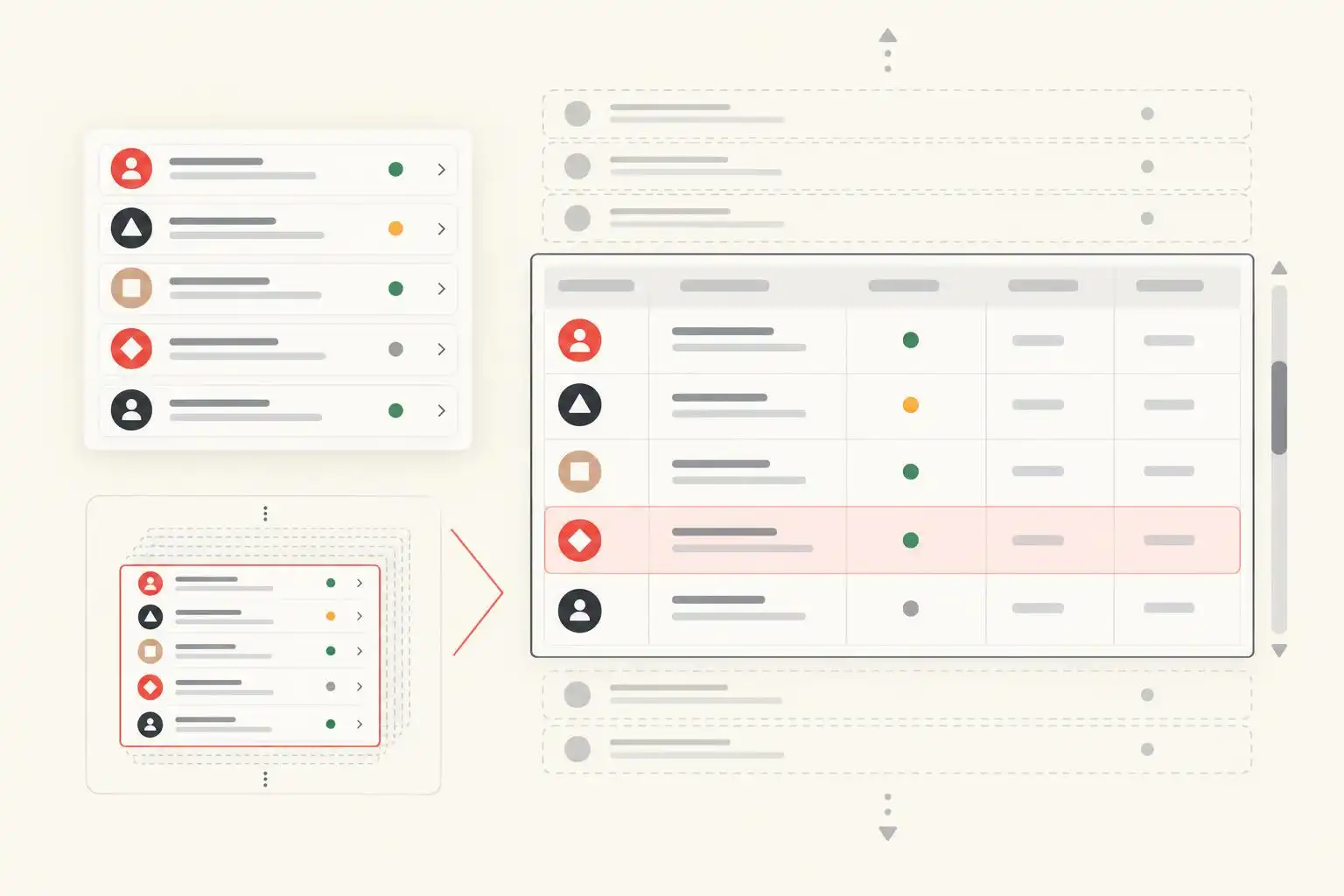
A clean signal model will not make thousands of rendered rows cheap. For data-heavy interfaces, separate the cost of holding or fetching records from the cost of rendering them. Pagination can limit how much data arrives; virtualization limits how many rows are mounted at once. They solve different problems and can be used together.
The independent ngbootstrap project describes DataGrid scroll modes and fixed-height row virtualization in its 2.5.0 release, illustrating the kind of work Angular UI libraries are doing for large tables.[2] Fixed-height rows make viewport calculations easier, but they also impose a design constraint. Before adopting any grid, test long text, zoom, keyboard navigation, screen-reader context, and what happens when focused content scrolls out of the rendered window.
Virtualization is not a reason to hide a poor data model. If filtering a huge array blocks the main thread, rendering fewer rows addresses only part of the delay. Profile the actual bottleneck, then consider server-side search or pagination when the dataset warrants it.
Use tooling to catch mistakes, not define the design
Lint rules can reinforce a convention after the team understands why it exists. The angular-eslint changelog records the addition of a no-uncalled-signals rule in version 19.7.0, released in June 2025.[3] It is a useful reminder that signals are read by calling them: query() reads the current value, whereas query refers to the signal itself. Check your installed rule set and configuration rather than assuming a rule is enabled.
Linting cannot tell you whether an empty state is helpful, a live announcement is excessive, or a virtualized grid is navigable. Pair static checks with tests that exercise loading, errors, filtering, selection, and keyboard use. For a data-heavy feature, include performance measurements on a representative dataset instead of relying on how a small demo feels.
Keep the feature’s boundaries explicit
The strongest Angular features do not put every concern into one reactive primitive. Signals can express local state and derived values. Async data handling can manage request lifecycles. Components can expose meaningful controls and messages. A grid or virtualization library can take on rendering work when measurements justify it.
The goal is not to use every modern Angular technique in one screen. It is to make each transition—from data to state, from state to interface, and from interface to user action—clear enough to reason about and test.
References
- Feature Lifecycles, Accessible Components, and State-First Forms — https://medium.com/@angularteam/feature-lifecycles-accessible-components-and-state-first-forms-b9438ab70d88
- Why I’m Building ngbootstrap: Open-Source Angular UI for Data-Heavy Apps — https://medium.com/@harmeetsingh090/why-im-building-ngbootstrap-open-source-angular-ui-for-data-heavy-apps-9ee755c139ad
- angular-eslint changelog — https://github.com/angular-eslint/angular-eslint/blob/main/packages/angular-eslint/CHANGELOG.md
- Angular Signals Are Better When You Stop Treating Them Like RxJS — https://medium.com/gitconnected/angular-signals-are-better-when-you-stop-treating-them-like-rxjs-b4c1090814b3


Leave a Reply