
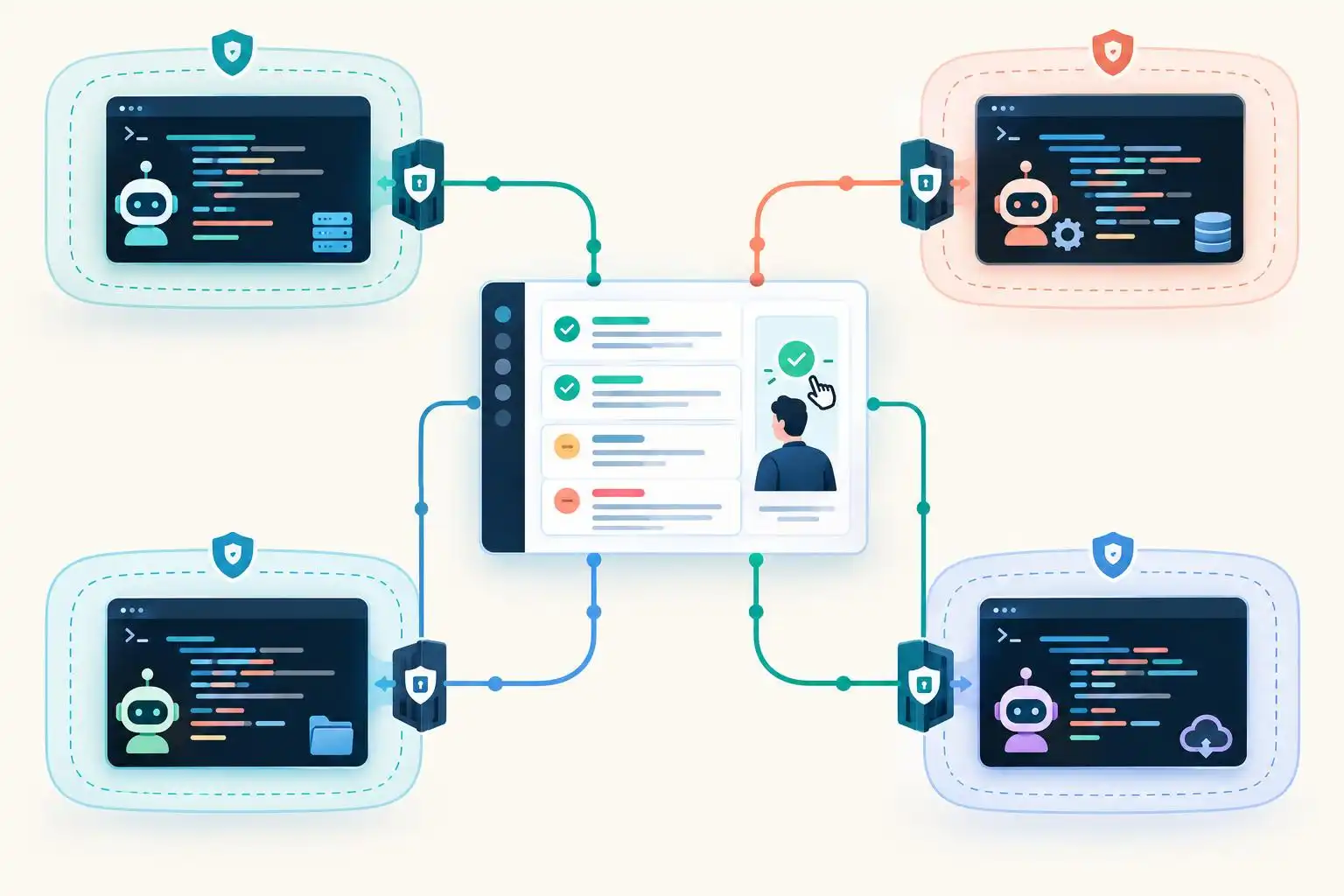

A supervisor that lets you watch Claude Code, Codex, and other agents work in parallel sounds like a welcome cure for terminal-tab overload. But a shared dashboard creates a new question: when it says an action needs approval, which component actually prevents that action from running?
That distinction matters more as orchestration tools add approval inboxes, background jobs, and parallel worktrees. The curated awesome-cli-coding-agents directory, for example, describes Calyx as offering a shared permission inbox and Vicoa as coordinating agents across desktop, web, and mobile surfaces.[1] Those are useful interfaces. They are not, by themselves, proof of a shared security boundary.
The dashboard and the agent may make different decisions
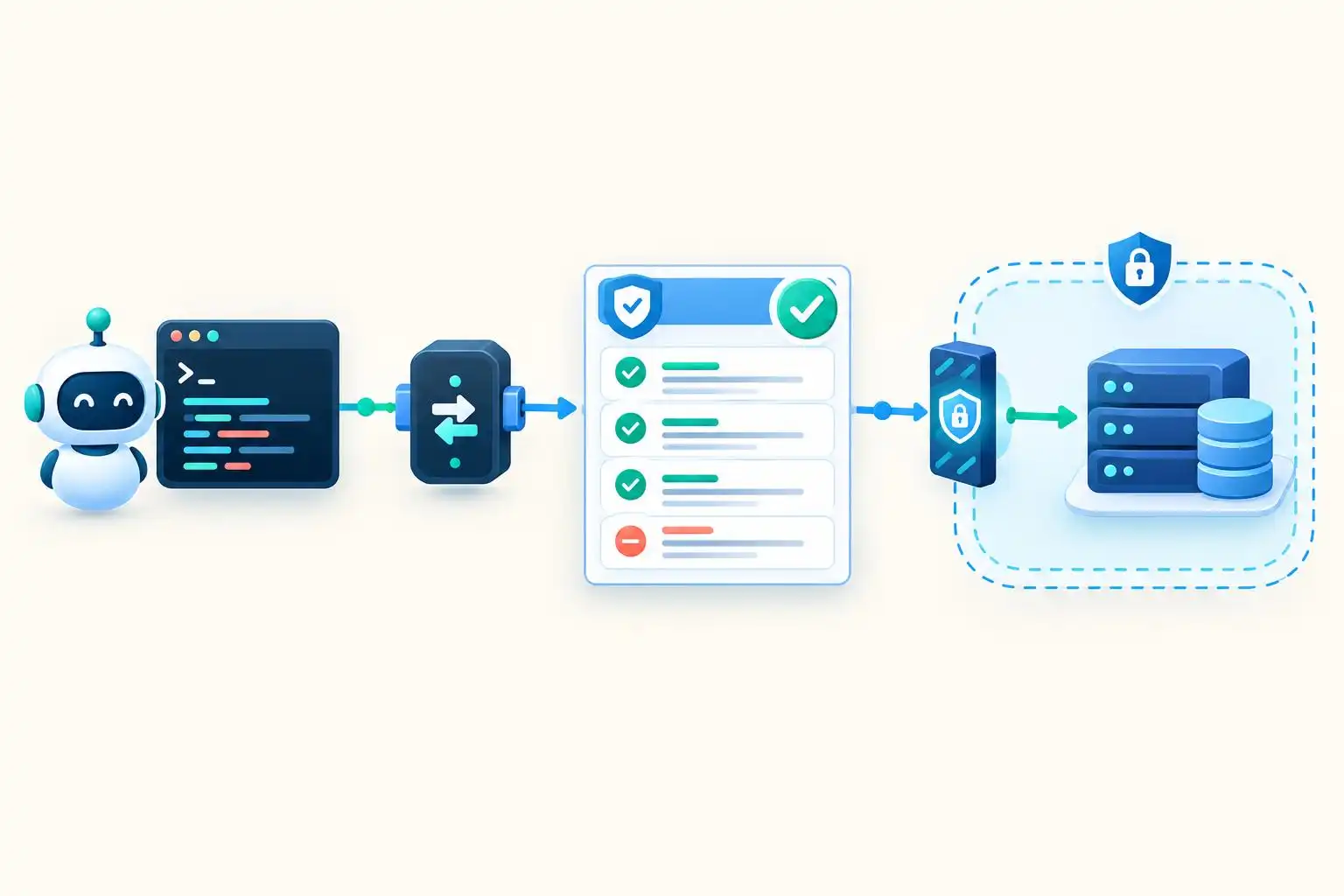
An orchestration layer can show you a proposed tool call, while the underlying agent still owns the mechanism that executes—or blocks—it. Some products can intervene through hooks or proxies; others may primarily relay prompts from the agent. Before treating an approval inbox as policy enforcement, trace the path from the agent’s proposed action to the operating-system operation or remote service it reaches.
The distinction gets harder to see when work outlives a terminal session. JetBrains’ overview notes that coding agents increasingly span IDEs, CLIs, cloud environments, and infrastructure controlled by the customer.[4] A rule applied to one local session may say nothing about a cloud task, a different agent’s tool call, or a background worker launched later.
I would ask a prospective supervisor to demonstrate three things, not merely show its approval UI:
- Coverage: Which actions and execution surfaces can it intercept?
- Authority: Does a denial stop execution, or only display a warning?
- Failure behavior: What happens when the supervisor, hook, or network connection disappears?
Treat hooks as adapters, not a universal policy language
A 2026 enterprise-security survey identifies pre-tool hooks as an important control point across coding-agent products, but also stresses differences in agent coverage, supported actions, and timeout behavior.[2] The survey is a vendor-authored comparison, so its coverage claims are a starting point for evaluation, not a substitute for testing your exact versions and configuration.
That suggests a practical architecture: write down the policy decision you want, then build a small adapter for each agent or execution surface. The adapter should translate a verified event into a common request and translate the decision back into that product’s supported response. Do not assume two products’ similarly named “deny” options have identical scope.
Here is an illustrative decision function for a deliberately narrow case. It permits network egress only to one internal hostname from one repository; everything else is denied. This is policy logic, not a drop-in hook for Claude Code, Codex, or Cursor:
# gate.py — example policy core, not an agent-hook implementation
import json
import sys

ALLOWED_REPO = "payments-api"
ALLOWED_HOST = "api.internal.example"

def decide(event):
    if (
        event.get("action") == "network.egress"
        and event.get("repo") == ALLOWED_REPO
        and event.get("destination_host") == ALLOWED_HOST
    ):
        return {"decision": "allow"}
    return {"decision": "deny", "reason": "not explicitly permitted"}

try:
    event = json.load(sys.stdin)
    result = decide(event)
except (ValueError, TypeError):
    result = {"decision": "deny", "reason": "invalid event"}

print(json.dumps(result))
The hard part is outside that function. An adapter must derive the repository and destination from trusted context, not accept labels supplied by an agent. It must also know whether its hook sees every relevant network operation. If an agent can reach the network through an unobserved subprocess, this policy does not prevent exfiltration. Use sandbox or network controls for boundaries a hook cannot reliably cover.
Run failure drills before enabling unattended work
A happy-path approval click tests the UI. A failure drill tests the boundary. In a disposable repository and sandbox, attempt a harmless action that your policy should reject, then verify the action did not occur—not just that a log says “denied.” Repeat the test through each agent, each supervisor launch path, and any background or cloud mode you intend to allow.
Include these cases in the drill:
- The request lacks a required field or uses an unknown action name.
- The policy process exits, times out, or returns malformed output.
- The hook is disabled or its configuration is changed.
- A task restarts in a different session or worktree.
- The agent reaches the same resource through another available tool.
Record the expected result for every case. If losing the hook silently permits execution, the hook is an advisory layer for that path. Fix the integration or move enforcement to a lower layer before granting the agent unattended access to secrets, production systems, or unrestricted network egress.
Keep the convenience; locate the real boundary
Parallel-agent tools solve a genuine coordination problem. A unified inbox can make blocked work visible, and separate worktrees can reduce edit collisions.[1] Neither feature guarantees that a supervisor governs every command its agents can run.
My operating rule is simple: use the dashboard to supervise work, use product-specific hooks where they demonstrably stop actions, and use filesystem, credential, container, and network restrictions for permissions that must survive a missing dashboard. The most valuable security test is not whether an agent asks nicely. It is whether the forbidden action still fails when the interface that normally asks is gone.
Key takeaways
- A shared approval inbox is not automatically a shared enforcement point.
- Map policy coverage separately for every agent and execution surface.
- Test denials by observing the attempted action, not just the approval log.
- For critical boundaries, assume hooks can fail and enforce restrictions below them.
References
- GitHub — bradAGI/awesome-cli-coding-agents — https://github.com/bradagi/awesome-cli-coding-agents
- Best AI Coding Agent Security Tools for the Enterprise (2026) — https://www.pillar.security/blog/best-ai-coding-agent-security-tools-for-the-enterprise-2026
- Junie — Best AI Coding Agents — https://junie.jetbrains.com/blog/best-ai-coding-agents


Leave a Reply