
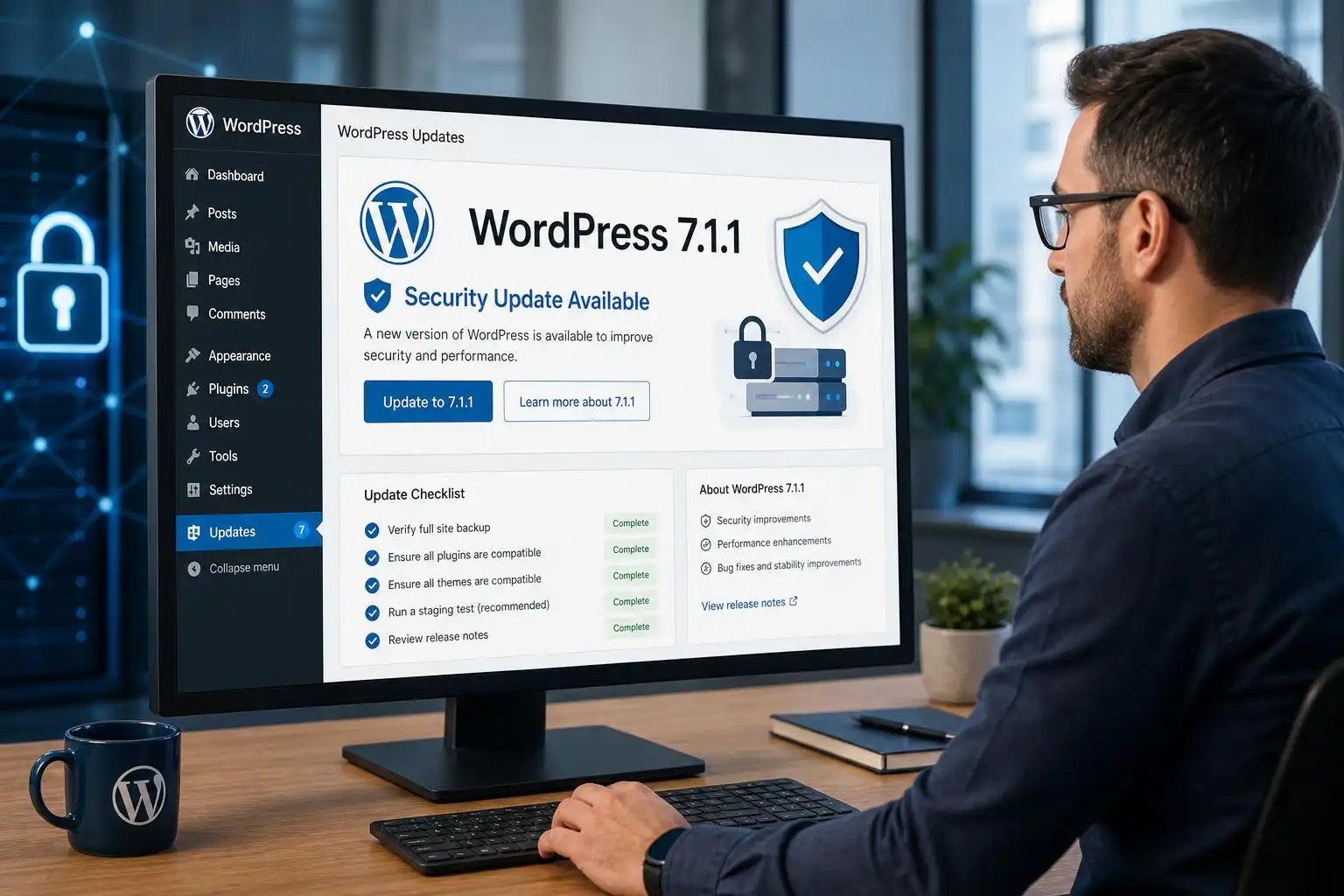

WordPress 7.1.1 arrived on September 17, 2026, with 11 security fixes alongside Core and Block Editor maintenance fixes. WordPress recommends updating sites immediately. If you manage several installations, this is a release to schedule now—not one to leave until the next round of feature work.[1]
Update first, then verify
You can install 7.1.1 through Dashboard → Updates, or let an enabled automatic background update run. Either way, check the reported WordPress version afterward. An update configured to run automatically is not the same thing as an update confirmed on every site.[2]

My routine for a security release is to take or confirm a recent backup, apply the update, and then test the paths people actually use: publishing a post, editing a page, uploading media, and submitting a key form. On a store or membership site, I would also check checkout or login. These are practical regression checks, not a reason to postpone a security fix indefinitely.
Pay attention to editor-dependent sites
This is more than a security-only patch. The release also contains Block Editor fixes, so sites with custom blocks, editor extensions, or heavily customized templates deserve an editor smoke test after updating. Open a representative page, change a block setting, save, and confirm that the front end still matches what the editor shows.[2]
There is a small discrepancy in the published counts: the release announcement lists 19 Block Editor bug fixes, while the version documentation lists 21. Both agree on 17 Core bug fixes and 11 security fixes. That difference does not change the update recommendation; it does mean the aggregate editor-fix count is a poor substitute for testing the workflows your site relies on.[2][1]
Do not mistake backports for long-term support
WordPress says the security fixes are also available in older affected branches as a courtesy, but notes that only the most recent version is actively supported. If a compatibility problem has kept a site on an older branch, a backported fix may help in the short term. It is not a sound plan for staying there: identify the blocking plugin, theme, or custom code and work toward a supported version.[1]
For agencies, the useful deliverable is a simple site-by-site record: the version before and after updating, whether the update succeeded, and the result of the relevant smoke tests. That makes an overlooked installation or a failed background update much easier to spot.
Keep 7.2 planning separate
WordPress calls 7.1.1 a short-cycle release and currently plans 7.2 for December. The September 7.2 roadmap discusses possible Site Editor extensibility and responsive-styling work, but explicitly cautions that proposed items may not make the final release.[2][7]
That distinction matters when you maintain plugins or themes. Install and verify 7.1.1 as today’s security task. Explore 7.2’s proposed changes in a development environment, where you can adapt your code without treating a roadmap as a shipped API.
References
- Version 7.1.1 – Documentation – WordPress.org — https://wordpress.org/documentation/wordpress-version/version-7-1-1
- WordPress 7.1.1 Maintenance and Security Release — https://wordpress.org/news/2026/09/wordpress-7-1-1-maintenance-and-security-release
- Roadmap to 7.2 – Make WordPress Core — https://make.wordpress.org/core/2026/09/18/roadmap-to-7-2


Leave a Reply